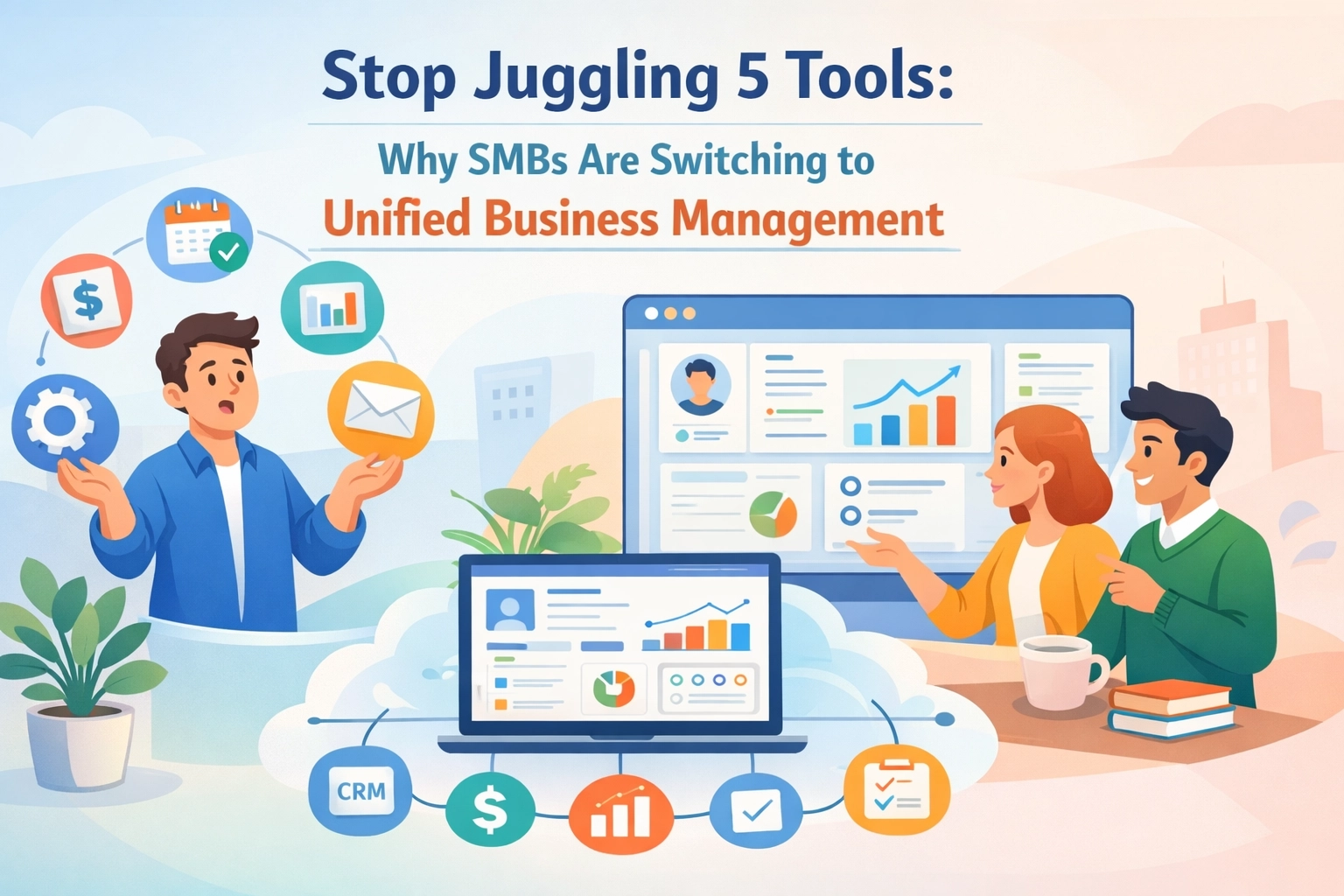
You know the drill. It's Tuesday morning and you need to check project progress, follow up with a lead, and approve a time-off request. That's three different logins. Three different interfaces. Three browser tabs fighting for your attention.
Your team's drowning in the same chaos. They're toggling between HR software for leave tracking, a CRM for customer data, project management for tasks, Slack for messages, and email for… well, everything else that doesn't fit.
Sound familiar? You're not alone. The average SMB uses 5-7 different tools to run daily operations. And every single one costs you money, time, and sanity.
Here's the truth: tool sprawl is killing your productivity. Let's fix it.
1. Ditch the Dashboard Dance
Your morning routine shouldn't feel like a browser tab obstacle course.
Every time you switch tools, you lose focus. Research shows it takes 23 minutes to fully regain concentration after an interruption. Now multiply that by every single tool switch throughout your day.
The fix? Bring everything into one unified workspace.

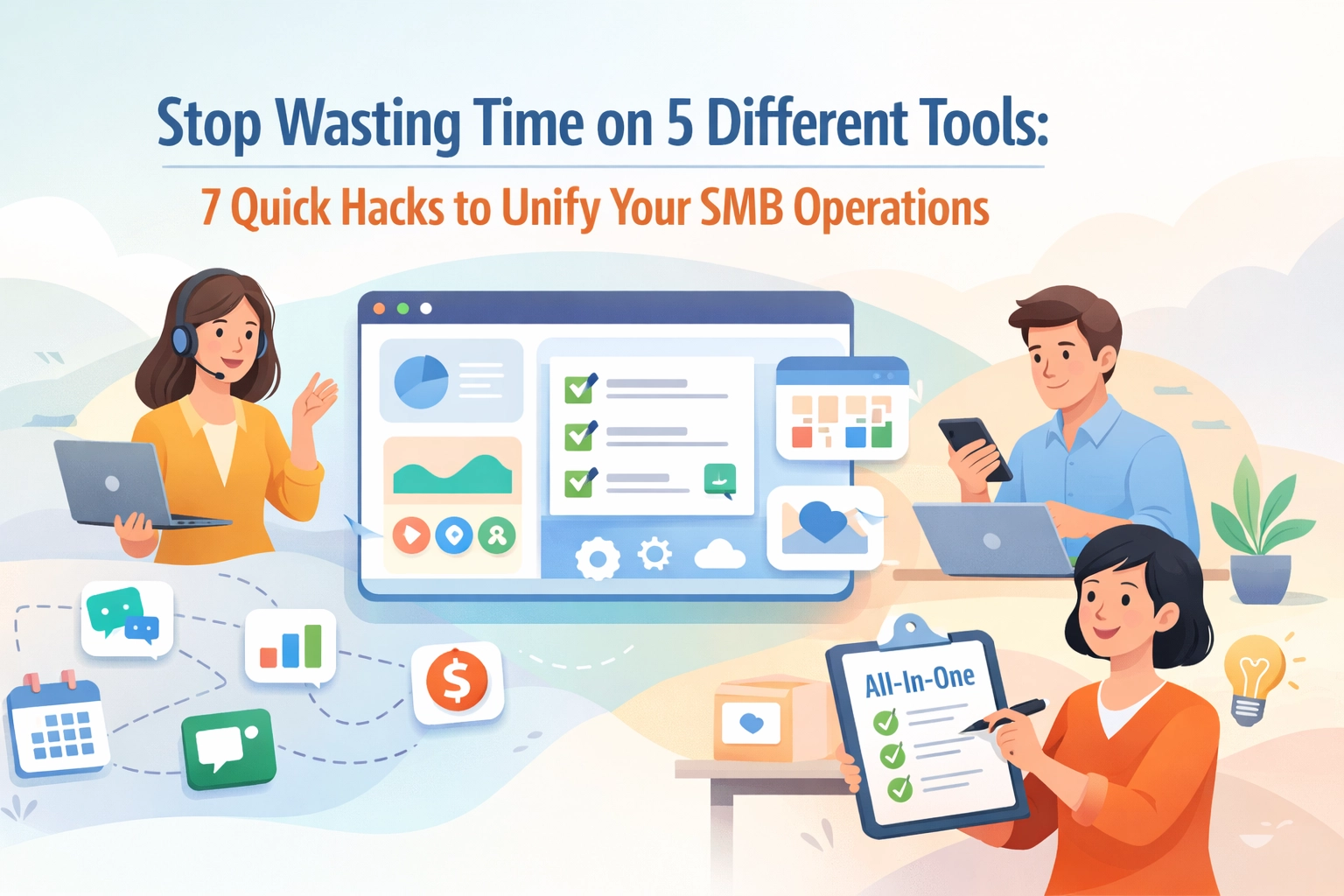
Instead of checking five different dashboards, imagine opening one platform. Your projects, customer interactions, team schedules, and HR requests all live in the same place. No more tab juggling. No more "which tool was that in?"
This is the Unified Advantage. When your operations run through a single system, your team spends less time searching and more time doing actual work. Simple as that.
2. Make Your CRM Actually Talk to Your Team
Your sales team closes a deal. Great news, right?
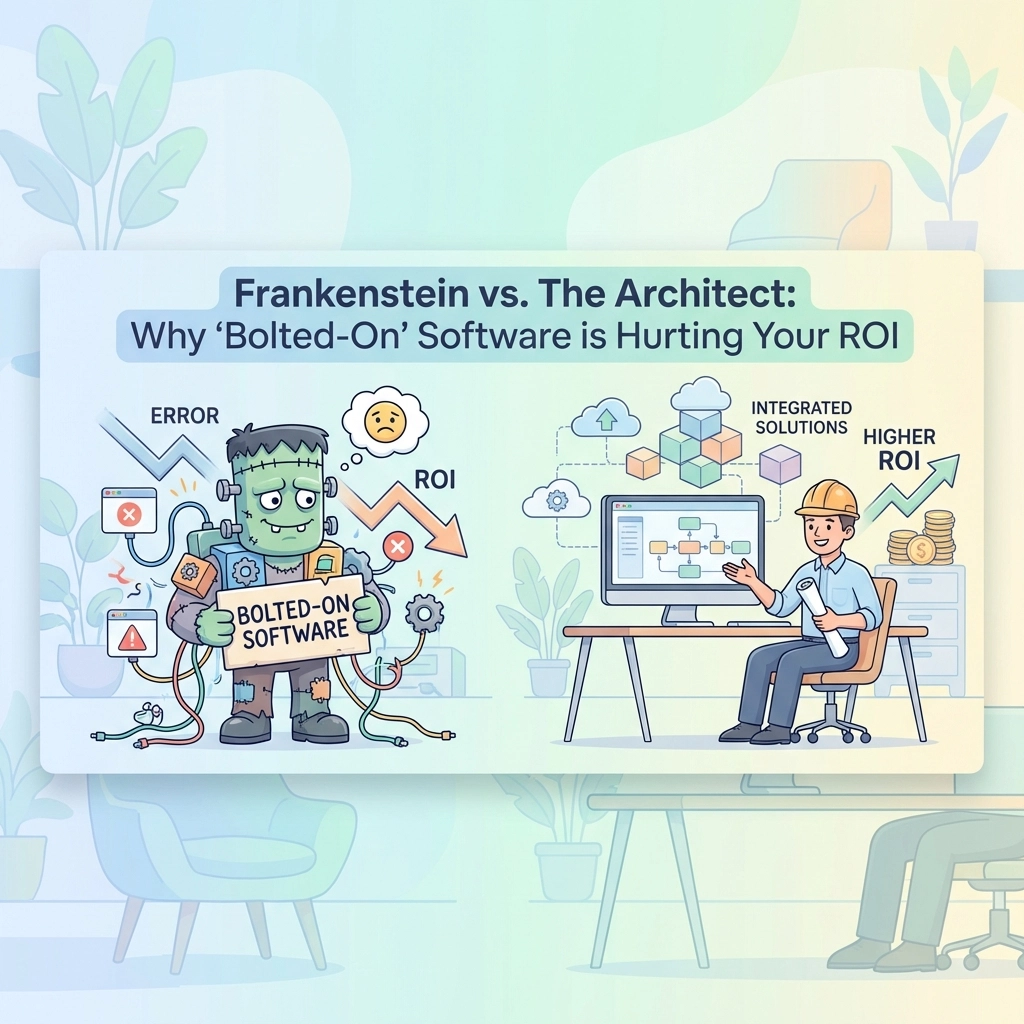
But now the project manager needs to know. And so does HR for resource planning. And accounting for invoicing. Suddenly, that one closed deal triggers a game of telephone across four different platforms.
Information gets lost. Details get fuzzy. Someone inevitably asks, "Wait, what did the client actually want?"
The solution is integration, real, automatic integration.
When your CRM connects directly to your project management and HR systems, data flows automatically. Your sales rep updates the deal status once. The project manager sees it instantly. HR knows which team members to allocate. Everyone works from the same information at the same time.
No duplicate data entry. No miscommunication. No checking in with three people to confirm one simple detail.
3. Stop Playing Project Management Telephone
You assign a task in your project tool. Then you message about it in Slack. Then you email a reminder. Then you check in during a meeting.
That's four touchpoints for one task assignment.
Your team isn't ignoring you. They're just overwhelmed by notifications scattered across multiple platforms. Important updates get buried in the noise.

Unified project management changes everything.
Assign tasks, share updates, track progress, and communicate, all in one thread within one platform. When someone needs context, they don't hunt through email chains and chat history. It's right there, attached to the task itself.
Projects move faster when everyone knows exactly what's happening without playing detective.
4. Automate the Annoying Stuff
Time-off approvals. Status update requests. Meeting scheduling. Invoice reminders.
These tasks aren't hard. They're just repetitive. And they eat up hours of your week.
Here's the hack: Automation works best in unified systems.
When your HR, CRM, and project tools live separately, automation gets complicated. You need Zapier connections, API integrations, and workflows that break every time one tool updates.
But in a unified platform? Automation becomes simple. Employee submits leave request. Manager gets notified. Approval flows through. Project schedules automatically adjust. All without you lifting a finger.
Set it up once. Let it run forever. Reclaim your time for work that actually needs your brain.
5. Give Everyone the Same Source of Truth
Nothing kills team morale faster than confusion about who's doing what.
"I thought Sarah was handling that client." "No, the project doc says it's Mike." "Wait, which project doc?"
Multiple tools create multiple versions of reality. Everyone's working hard. Nobody's aligned.

A unified system creates one source of truth.
Your customer data lives in one place. Project assignments are clear. HR records are definitive. When someone asks "who's working on this?" there's one place to check: and one correct answer.
This isn't just about efficiency. It's about trust. Your team stops second-guessing information when they know the system shows the real, current status every single time.
6. Track Time Without the Headache
You need time tracking for billing. For productivity insights. For resource planning.
But asking your team to manually log hours in yet another tool? Good luck with compliance.
The reality is people forget. Or they batch-enter at the end of the week. Or they quit tracking altogether because it's too much friction.
Time tracking works when it's built into your workflow, not added on top of it.
When time tracking lives inside your project management system, logging hours takes two clicks. People track time while they're working on tasks: not as a separate administrative chore they remember at 4:45pm on Friday.
Better data. Less nagging. Happier team. Win-win-win.
7. Get Reports That Actually Matter
You need insights to run your business. How are projects performing? Which clients are most profitable? Where's your team spending time?
But when data lives in five different tools, reporting becomes a nightmare. Export from here, import to there, cross-reference spreadsheets, and somehow merge it all into something coherent.
By the time you finish, the data's already outdated.
Unified platforms deliver unified insights.
When your HR, CRM, and project data share one database, reports pull from everything automatically. You see the full picture: not disconnected fragments you have to mentally piece together.
Want to know which types of projects your team completes fastest? One report. Which clients require the most resources? One dashboard. How time-off affects project timelines? The system already knows.
Real-time insights without the data gymnastics.
The Unified Advantage Isn't Just About Tools
Here's what nobody tells you about tool consolidation: it's not really about the tools.
It's about getting your time back. It's about your team actually collaborating instead of just coordinating. It's about growing your business without drowning in operational complexity.
Every tool you eliminate is one less subscription to manage. One less login to remember. One less training session for new hires. One less integration point that might break.
More importantly, it's one less barrier between your team and getting work done.
SMBs don't have the luxury of dedicated IT teams managing complex tool ecosystems. You need systems that just work: simply, reliably, and efficiently.
Making the Switch
You don't have to overhaul everything overnight.
Start by identifying your biggest pain point. Is it communication chaos? Data scattered across platforms? Reporting that takes days instead of minutes?
Then look for solutions that unify your core operations: HR, CRM, and project management: in one place. TeamsMaster was built specifically for SMBs facing exactly this challenge.
The goal isn't perfection. It's progress. Even consolidating from five tools to one creates immediate impact. Your team feels it on day one.
Less switching. Less searching. Less frustration. More focus on the work that actually grows your business.
That's the Unified Advantage. And it's available right now: you just need to stop accepting tool chaos as normal.
Your Tuesday morning can look different. One login. One dashboard. Everything you need to run your business.
Sounds better, doesn't it?