Let's be honest. Your project management setup is probably a mess.
Not because you're bad at your job. But because you've been sold the idea that more tools equals more productivity. Spoiler alert: it doesn't.
Most teams are drowning in apps. One for tasks. One for communication. One for time tracking. Another for reporting. And somehow, projects still fall through the cracks.
Sound familiar?
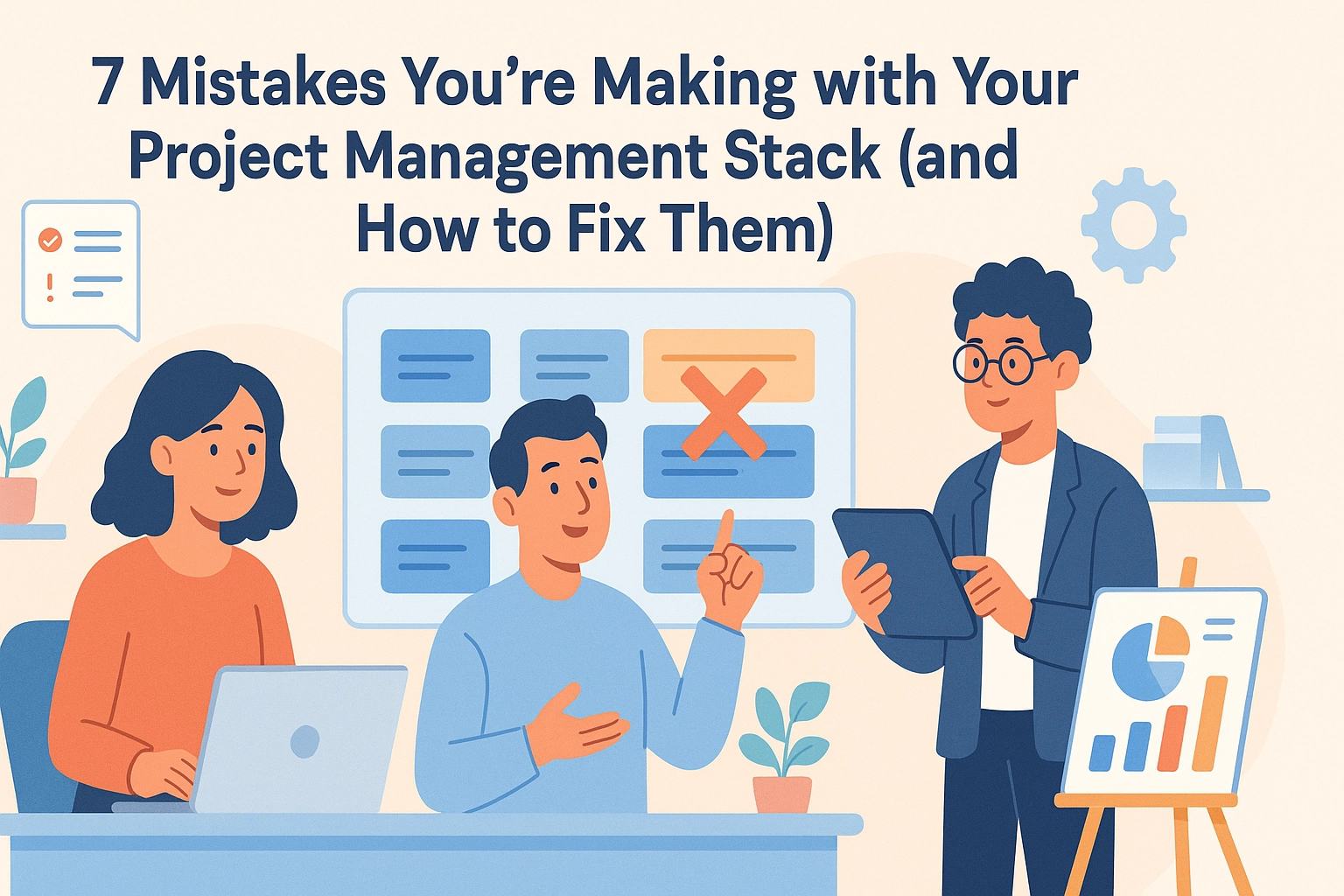
Here are seven mistakes you're likely making with your project management stack: and simple ways to fix them before they cost you more time, money, and sanity.
Mistake #1: Using Too Many Disconnected Tools
This is the big one. The silent killer.
You've got Trello for tasks. Slack for chat. Google Sheets for tracking. Asana for deadlines. Maybe throw in a little Monday.com for good measure.
Each tool does its job. But none of them talk to each other.
The result? Information lives in silos. Your team spends more time searching for updates than actually working. One lost message can put an entire project on hold.
The Fix: Consolidate. Find a platform that brings tasks, communication, and tracking into one place. Fewer tabs. Fewer headaches. More actual work getting done.

Mistake #2: No Single Source of Truth
Where's the latest version of that document?
Is it in the email thread? The shared drive? That random Slack message from two weeks ago?
When your team doesn't operate from the same set of information, things get sketchy. Fast. People make decisions based on outdated data. Deadlines get missed. Clients get frustrated.
The Fix: Create a central hub where everything lives. Project updates. Files. Conversations. All in one spot. When everyone sees the same picture, everyone moves in the same direction.
Mistake #3: Poor Visibility Across Projects
Here's a question: Do you actually know what everyone on your team is working on right now?
If you have to ping three people and check two apps to find out, that's a problem.
Lack of visibility creates bottlenecks. Tasks pile up on one person while others sit idle. Managers can't spot issues until they've already become emergencies.
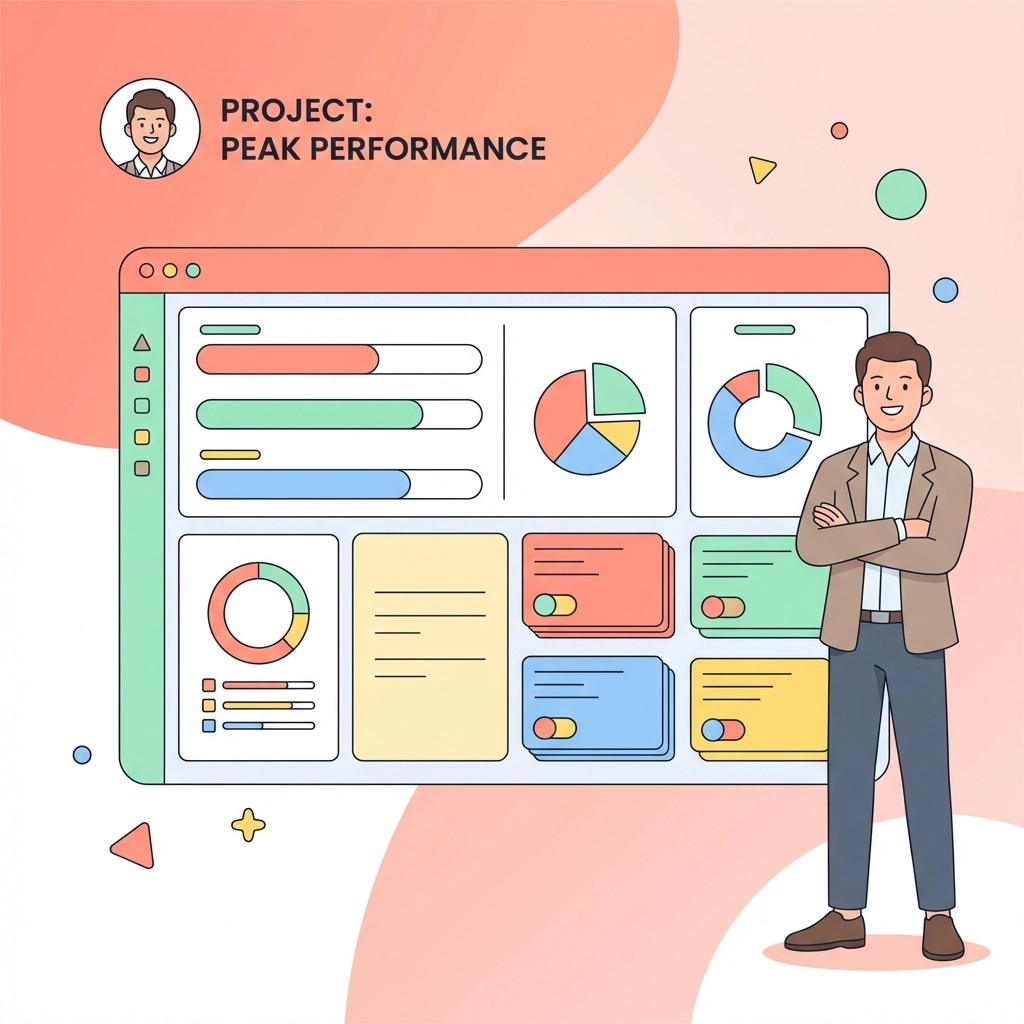
The Fix: Use a dashboard that shows project status at a glance. Who's doing what. What's overdue. What's coming up. Real-time visibility keeps small problems from becoming big ones.

Mistake #4: Ignoring Team Communication
Tools don't replace talking.
You can have the fanciest project management software in the world. But if your team isn't communicating effectively, projects will still fail.
Fragmented communication is everywhere. Updates get buried in email chains. Important decisions happen in private DMs that no one else sees. Context gets lost.
The Fix: Build communication into your workflow. Not as a separate app. As part of the process. Comments on tasks. Updates in one shared space. Everyone in the loop without the extra effort.
Mistake #5: Overcomplicating Your Setup
Sometimes the problem isn't having too few features. It's having too many.
You bought the fancy enterprise software. It does everything. Gantt charts. Resource leveling. Dependency mapping. Custom workflows with seventeen approval stages.
But your team? They just need to know what to do today.
Complex tools create friction. People avoid using them. They go back to sticky notes and memory. And your expensive software becomes expensive shelfware.
The Fix: Keep it simple. Choose tools your team will actually use. A cheaper platform that people understand beats an expensive one that collects dust.
Mistake #6: Not Defining Clear Goals and Scope
This one's sneaky. Because it doesn't look like a tool problem. But it absolutely is.
When project goals are fuzzy, your tools can't help you. You end up tracking the wrong things. Measuring the wrong metrics. Building features no one asked for.
Unclear scope leads to scope creep. Tasks multiply. Deadlines stretch. And everyone wonders why the project feels like it's going nowhere.
The Fix: Define what success looks like before you start. What are the deliverables? What's the timeline? What's out of scope? Then configure your tools to track exactly that. Nothing more.
Mistake #7: Forgetting About the People Using the Tools
Here's the truth: tools don't manage projects. People do.
You can implement the perfect system. But if you don't get buy-in from your team, it won't work. If you don't train people properly, they'll resist it. If you don't listen to their feedback, they'll find workarounds.
Technology should serve your team. Not the other way around.
The Fix: Involve your team in choosing and setting up tools. Ask what's working. Ask what's not. Make adjustments based on real feedback. A tool that fits your team's workflow is worth more than one with a hundred features they'll never use.
The Real Problem (And the Real Solution)
Let's zoom out for a second.
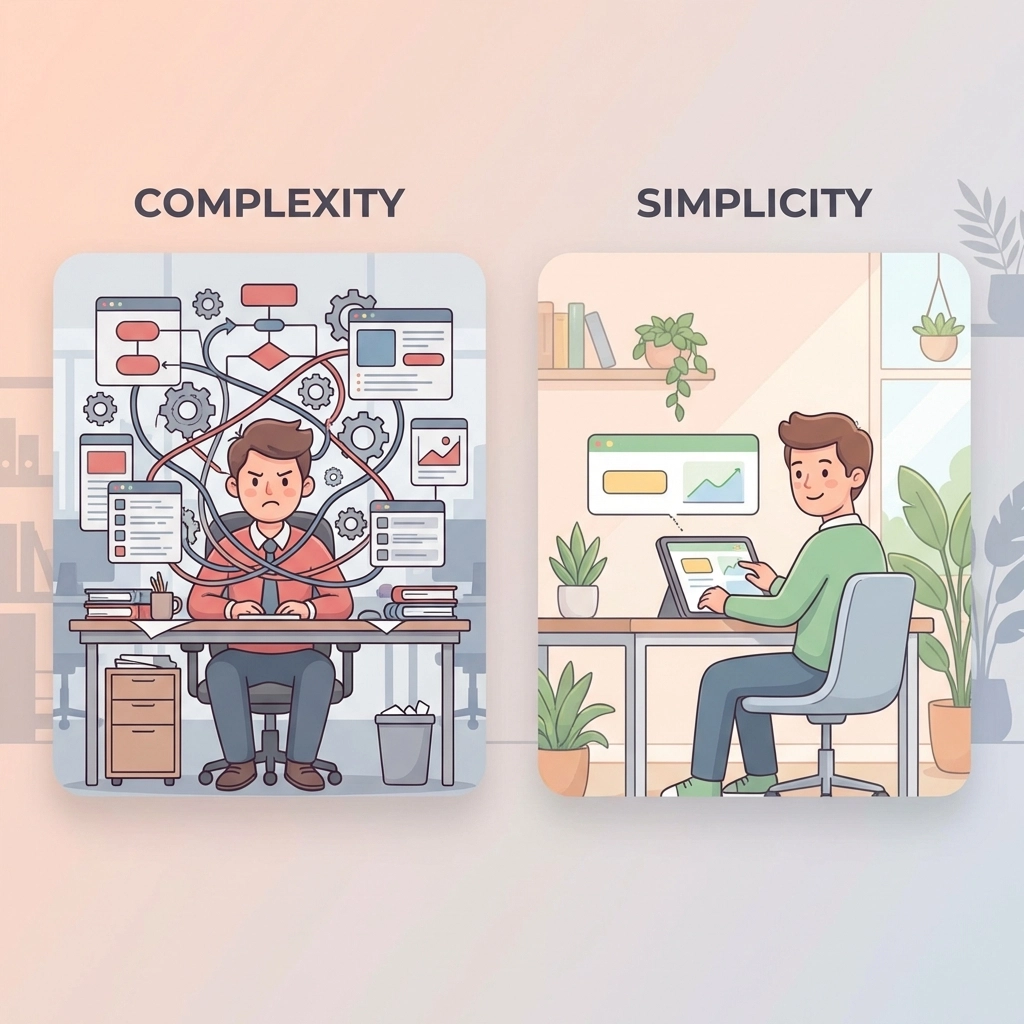
All seven of these mistakes have something in common. They're symptoms of the same disease: fragmentation.
Too many tools. Too many places to look. Too many ways for information to slip through the cracks.
The fix isn't adding another app to your stack. It's simplifying the whole thing.
That's exactly why we built TeamsMaster.
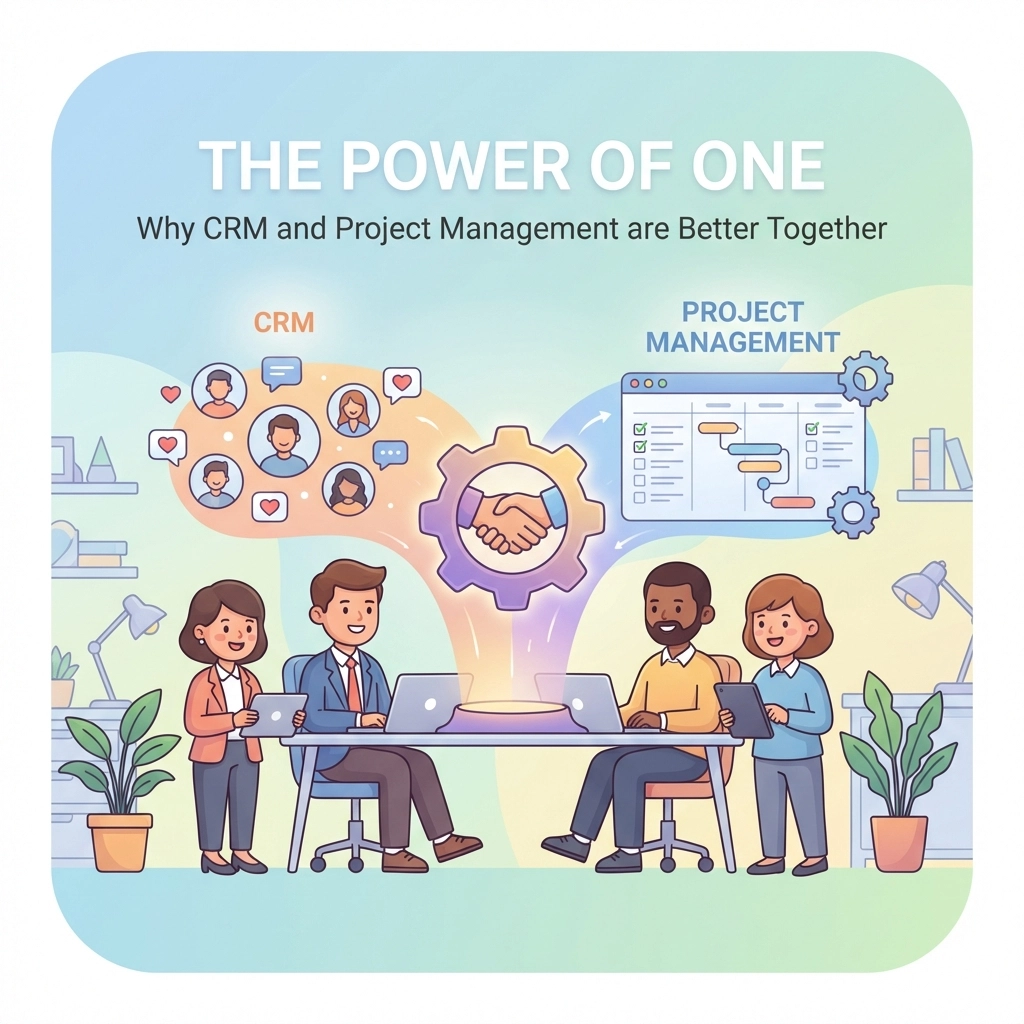
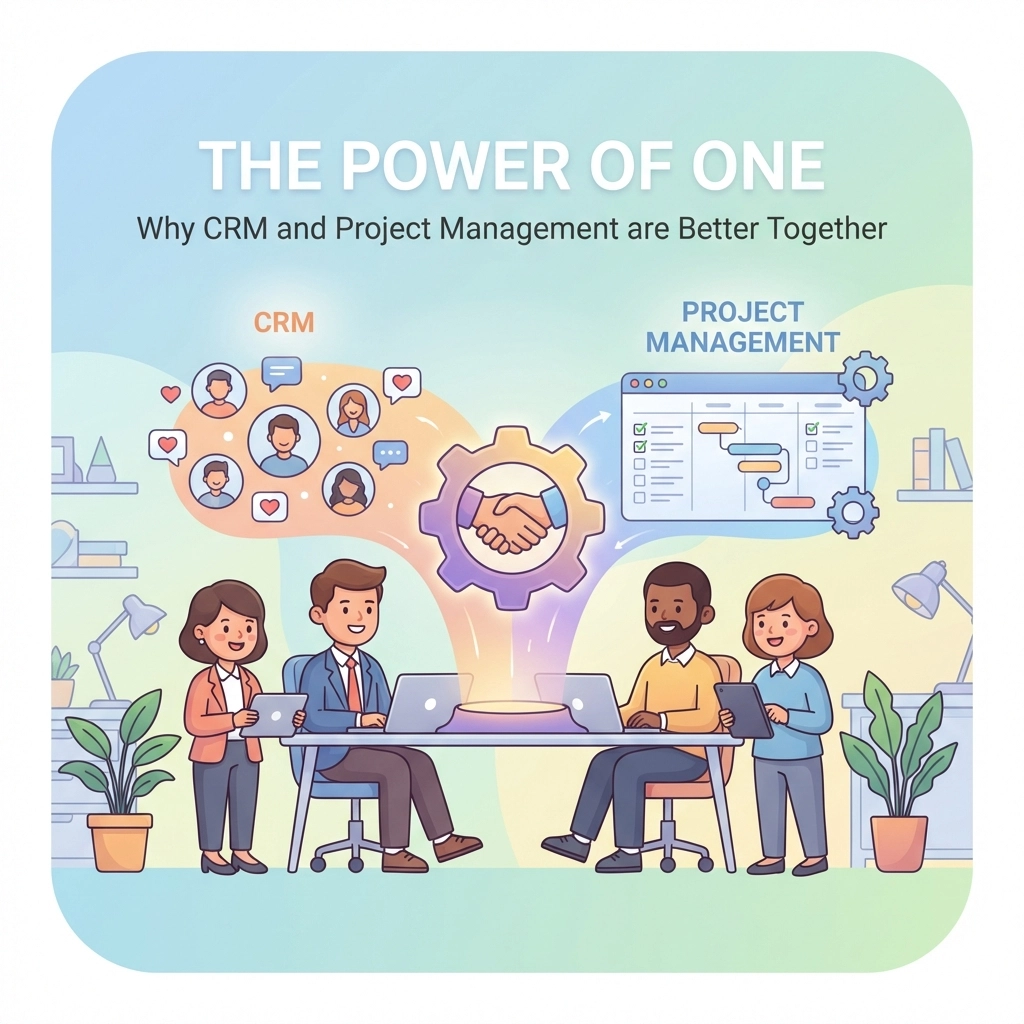
One platform. Tasks, projects, team communication, CRM, HR tools: all connected. No more jumping between apps. No more lost updates. No more wondering where the latest version lives.
Your team gets a single source of truth. You get visibility across everything. And projects actually move forward.
Quick Recap: Your 7-Point Checklist
Before you close this tab, here's a quick summary:
| Mistake | Fix |
|---|---|
| Too many disconnected tools | Consolidate into one platform |
| No single source of truth | Create a central hub for everything |
| Poor visibility | Use real-time dashboards |
| Fragmented communication | Build chat into your workflow |
| Overcomplicated setup | Keep it simple and usable |
| Unclear goals and scope | Define success before you start |
| Ignoring user feedback | Involve your team in tool decisions |
Ready to Simplify?
You don't need more tools. You need the right one.
TeamsMaster brings everything together so your team can focus on what matters: getting work done.
No more app-switching. No more data silos. No more guessing what's happening on your projects.
Just clarity. Simplicity. And projects that actually finish on time.
Give it a try. Your future self will thank you.