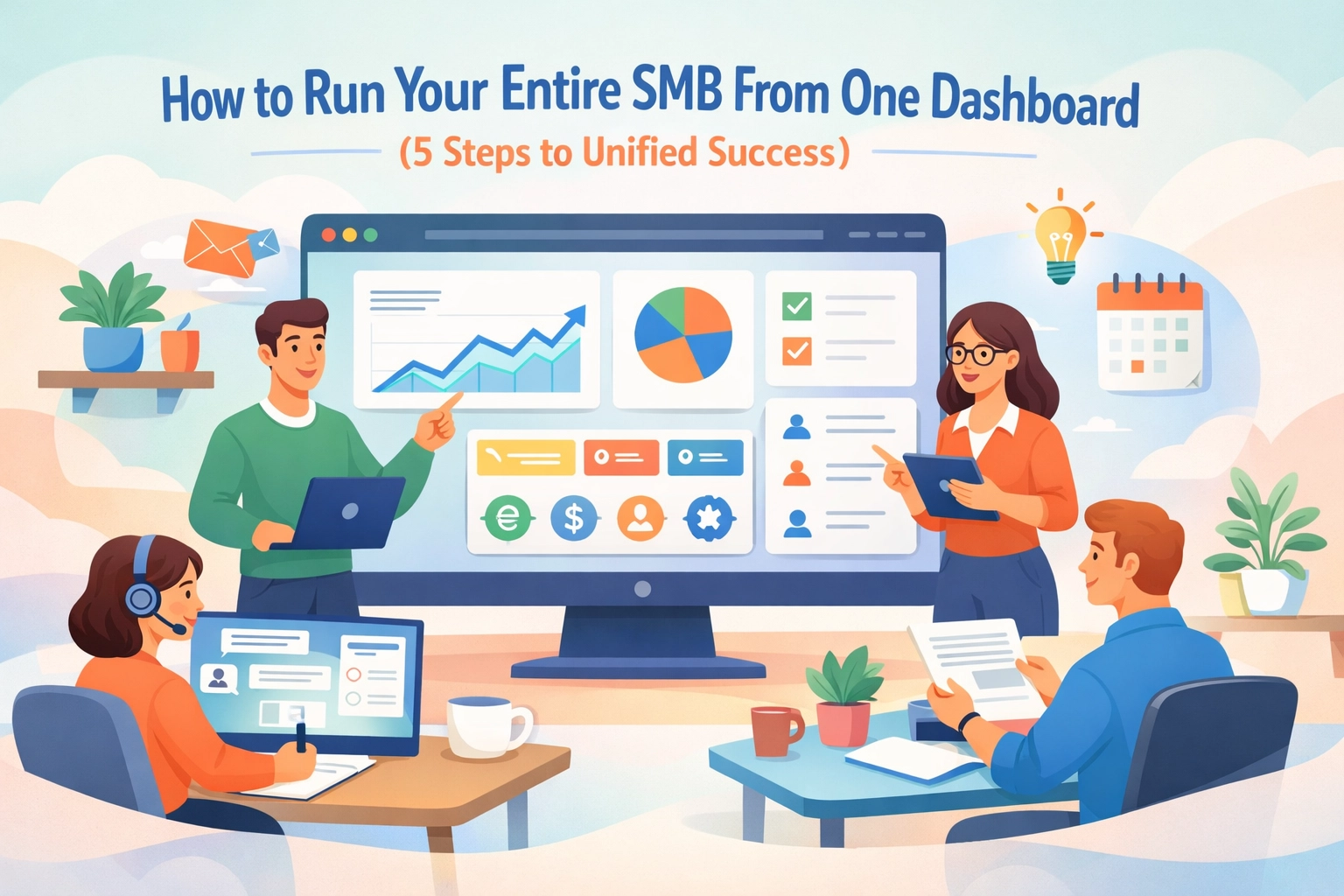
You're running an SMB. You've got tabs open for your CRM. Another for project tracking. Spreadsheets for HR. Slack for team chat. Your accounting software somewhere in the mix.
Sound familiar?
Here's the truth: jumping between five different tools isn't productivity. It's chaos disguised as organization.
The best-run SMBs in 2026 aren't using more tools. They're using smarter ones. They've figured out how to consolidate everything into one unified dashboard. And they're growing faster because of it.
Let's break down exactly how to make this happen.
Step 1: Consolidate Your Scattered Data Sources
Right now, your business data lives everywhere. Client information sits in your CRM. Project deadlines hide in your project management tool. Employee records gather dust in separate HR software.
This fragmentation kills your efficiency.
Every time you need to make a decision, you're playing detective. You're cross-referencing three different platforms. You're wasting 20 minutes just to answer a simple question about client status or team capacity.
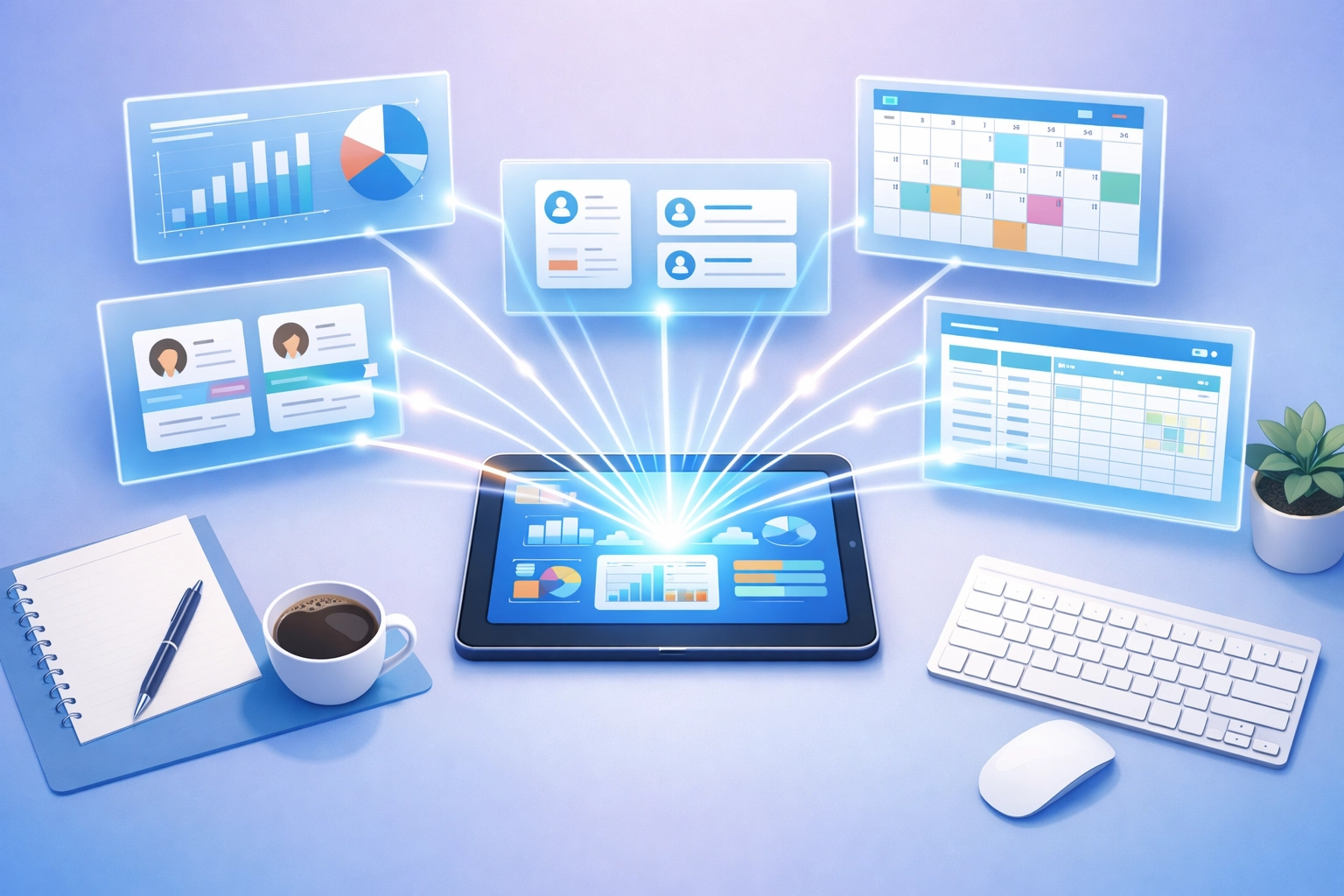
Here's what consolidation looks like:
Start by mapping out every tool you currently use. Write them down. CRM, project tracker, HR system, communication platform, invoicing software: all of it.
Now ask yourself: what if all that data lived in one place?
A unified dashboard pulls information from these scattered sources into a single source of truth. You see client relationships, project progress, and team availability on the same screen. No tab-switching. No mental gymnastics.
The goal isn't to add another tool to your stack. It's to replace five tools with one that does the job better.
Step 2: Set Up Role-Based Access for Your Team
Here's where most business owners get it wrong. They think a unified dashboard means everyone sees everything.
That's a recipe for information overload.
Your sales team doesn't need to see HR payroll details. Your project managers don't need full access to financial reports. Your HR person doesn't need to track every client conversation.
Smart role-based access keeps your dashboard clean and relevant.
Create custom views for different roles:
- Sales sees client pipelines, deal stages, and communication history
- Project managers track tasks, deadlines, and team assignments
- HR monitors employee records, leave requests, and performance reviews
- Executives view high-level metrics across all departments
Everyone gets what they need. Nothing more, nothing less.
This approach does two things. First, it protects sensitive information. Second, it keeps your team focused on what matters for their specific role.

The beauty of a unified system is that while access is customized, the data stays connected. Your sales update automatically informs project planning. Your HR changes reflect in team capacity planning. Everything flows together without anyone needing to manually update multiple systems.
Step 3: Focus on Metrics That Actually Move the Needle
You can track hundreds of metrics. But should you?
The most effective dashboards start small. They focus on the numbers that directly impact revenue, cash flow, and delivery.
Start with your critical three to five metrics. These should answer your most important business questions:
- Are we making money? (Revenue, profit margins)
- Are we delivering on time? (Project completion rates, client satisfaction)
- Is our team productive? (Capacity utilization, task completion)
- Are we growing? (New clients, recurring revenue)
Don't overcomplicate this. A dashboard cluttered with 30 different charts helps nobody.
Pick metrics you'll actually use to make decisions.
When your sales velocity drops, you need to see it immediately. When project deadlines start slipping, that should be obvious at a glance. When team utilization hits unhealthy levels, you should know before burnout happens.

Your dashboard should tell you what's working and what needs attention. Nothing else matters.
As your business grows, you can add more sophisticated metrics. But start with the fundamentals that keep your business running.
Step 4: Enable Real-Time Visibility Across Operations
Yesterday's data helps you understand the past. Real-time data helps you shape the future.
The difference is massive.
Imagine checking your dashboard on Monday morning. You see that a key project deadline is at risk because two team members called in sick. With real-time visibility, you can reassign tasks immediately. You can reach out to the client proactively. You can prevent a problem before it becomes a crisis.
That's the power of real-time insights.
Real-time visibility means:
Your sales team updates a client interaction. That information instantly appears in project planning. Your project manager reassigns a task. Team capacity updates automatically. Your HR approves time off. Workload distribution adjusts in real time.
No delays. No manual data entry. No outdated information leading to bad decisions.
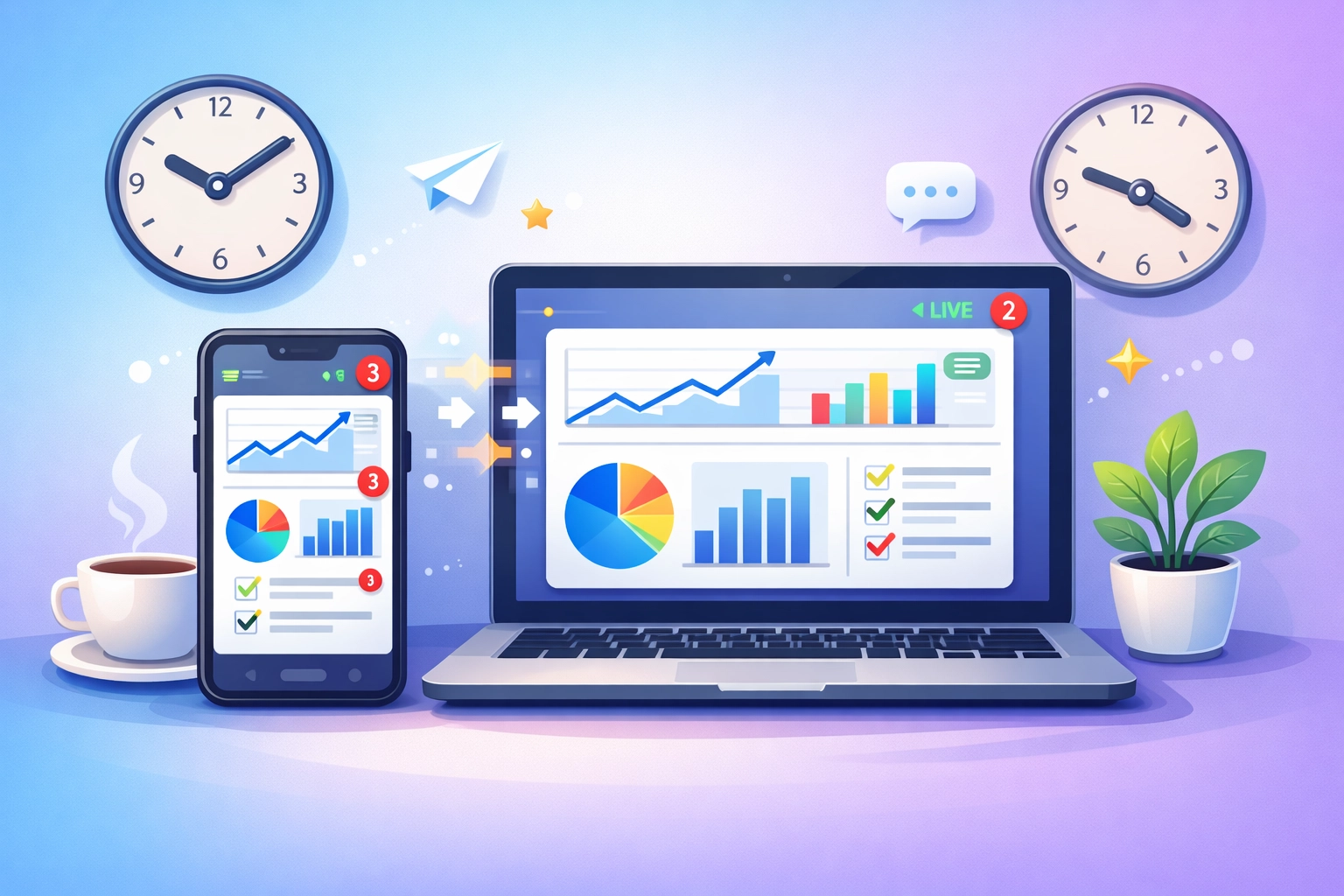
Mobile access amplifies this advantage. You're not chained to your desk. Check critical metrics from your phone. Make informed decisions from anywhere. Keep your business moving even when you're not in the office.
This isn't about micromanaging. It's about having the information you need when you need it.
Step 5: Scale Without Adding Complexity
Here's what happens as most SMBs grow. They add more tools. They hire someone to manage the tools. They create complicated workflows to connect everything. They turn growth into bureaucracy.
The right dashboard does the opposite.
It grows with you without multiplying your complexity.
When you hire your tenth employee, you don't need a new system. When you hit your hundredth client, the same dashboard scales up. When you launch a new service line, you just add it to your existing setup.
Scaling smart means:
- Adding new team members takes minutes, not days
- Expanding into new markets doesn't require new software
- Growing your client base doesn't break your systems
- Increasing project complexity doesn't overwhelm your team
Your dashboard becomes the foundation that supports growth instead of a constraint that limits it.
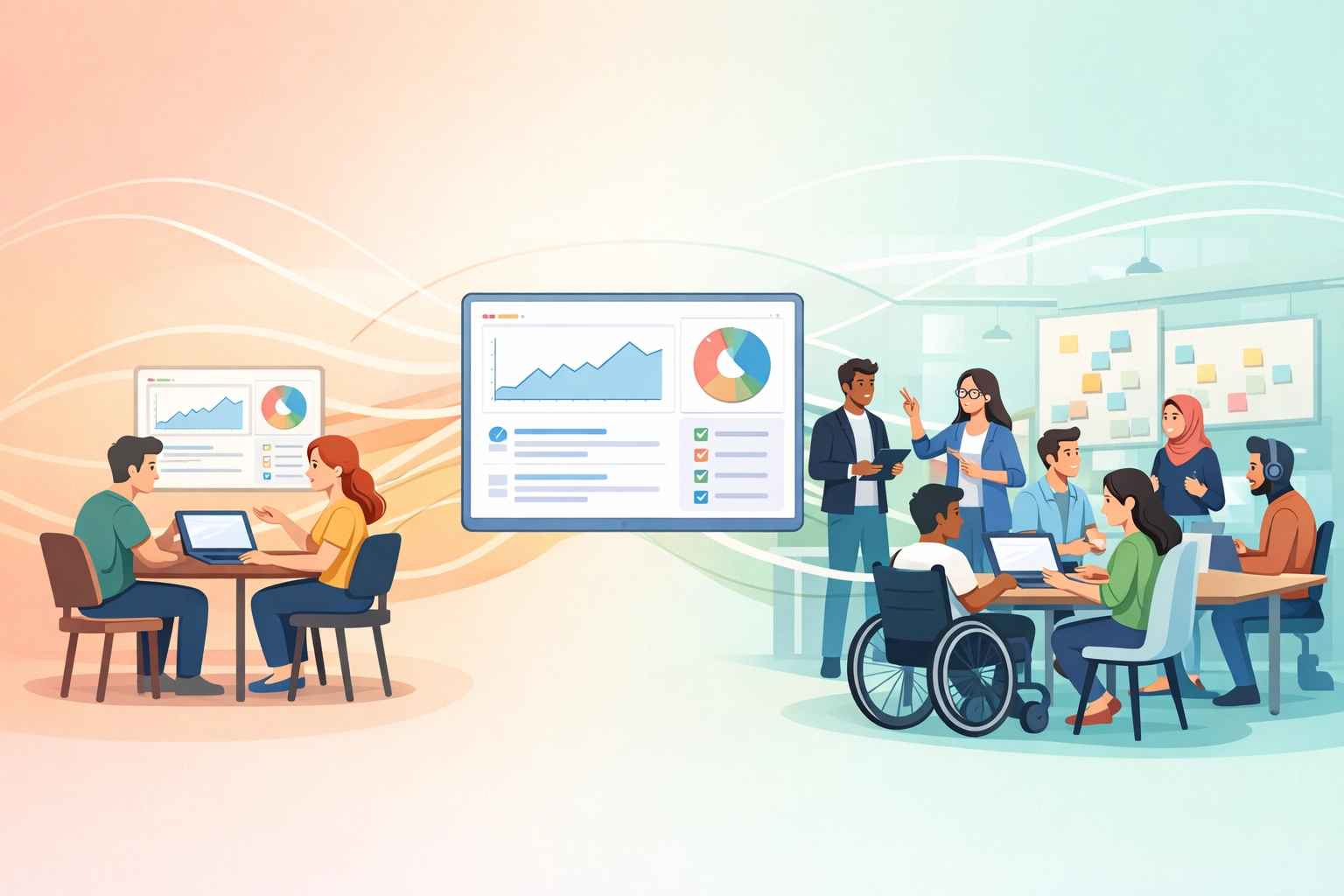
Think about it this way. You're building a system that works when you're a team of 10 and still works when you're a team of 50. That's the unified advantage.
The Reality of Running Everything From One Place
Let's be honest. No system is perfect. There will be a learning curve when you consolidate. Your team will need time to adjust. You might miss a few features from your old specialized tools.
But here's what you gain:
You save hours every week that used to go toward tool-switching. You make faster decisions because all your data is in one place. You reduce errors from manual data transfers. You spend less on subscriptions. You sleep better knowing nothing's falling through the cracks.
The businesses winning in 2026 aren't the ones with the most sophisticated tech stack. They're the ones with the simplest, most unified approach.
One dashboard. Complete visibility. Total control.
That's how modern SMBs run. That's how they scale. That's how they win.
Ready to stop juggling and start streamlining? Your unified dashboard is waiting at TeamsMaster.


