Running a small business means wearing a dozen hats. Every single day.
You're juggling employee schedules in one app. Tracking customer relationships in another. Managing projects somewhere else entirely.
Sound familiar?
Here's the thing. Those disconnected systems are silently draining your time, energy, and profits. Every time you manually copy data between platforms, you lose precious minutes. Every miscommunication costs you opportunities.
But there's a better way.
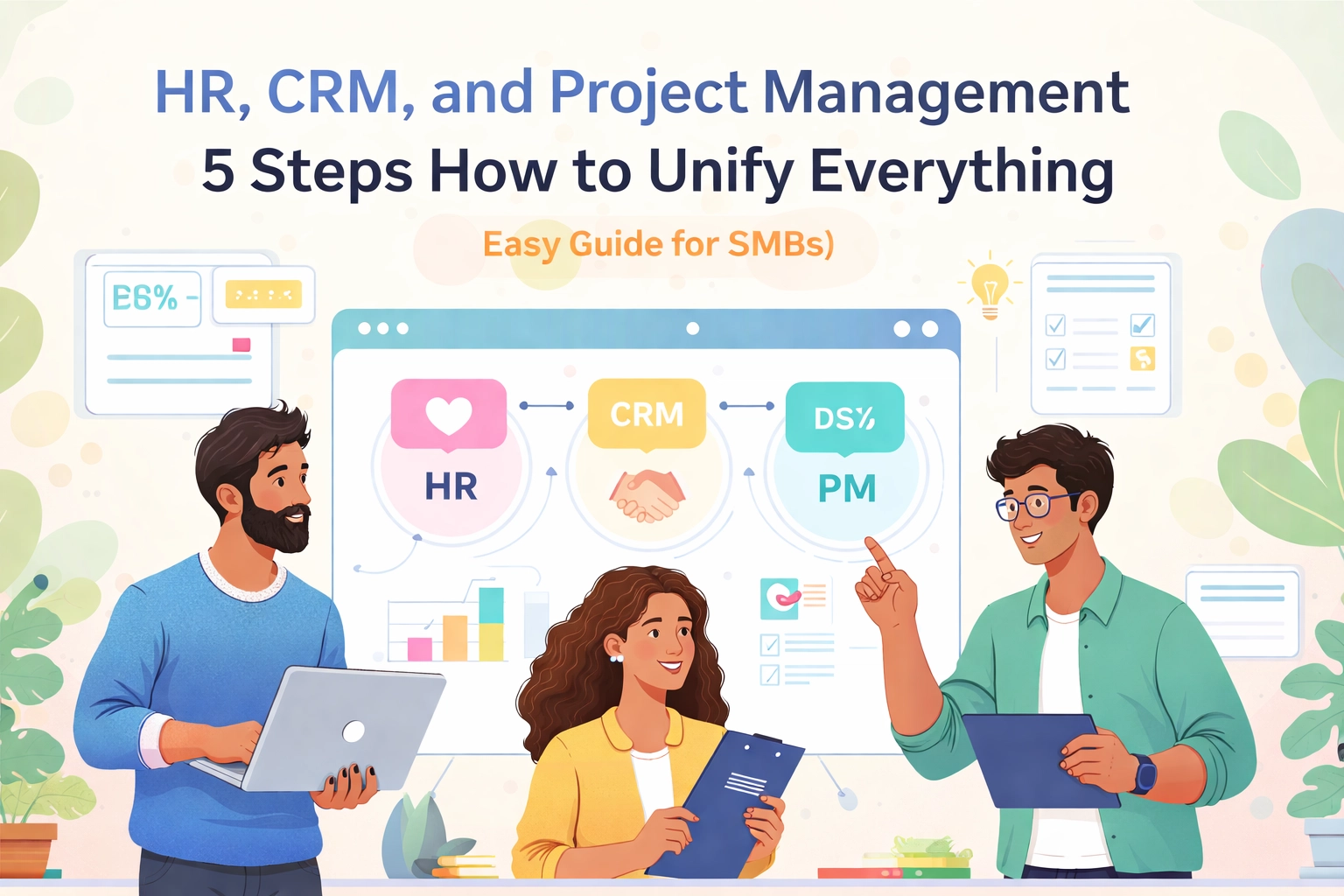
Unifying your HR, CRM, and project management tools changes everything. It's what we call the Unified Advantage. And it's simpler than you might think.
Let's break it down into five actionable steps.
Why SMBs Need Unified Systems Now
Before we dive into the how, let's talk about the why.
Small and medium businesses face unique challenges. Limited budgets. Lean teams. The constant pressure to do more with less.
When your systems don't talk to each other, problems multiply:
- Customer data gets lost between sales and delivery teams
- Project updates never reach the right people
- HR information sits isolated from actual work assignments
- Your team wastes hours on repetitive data entry
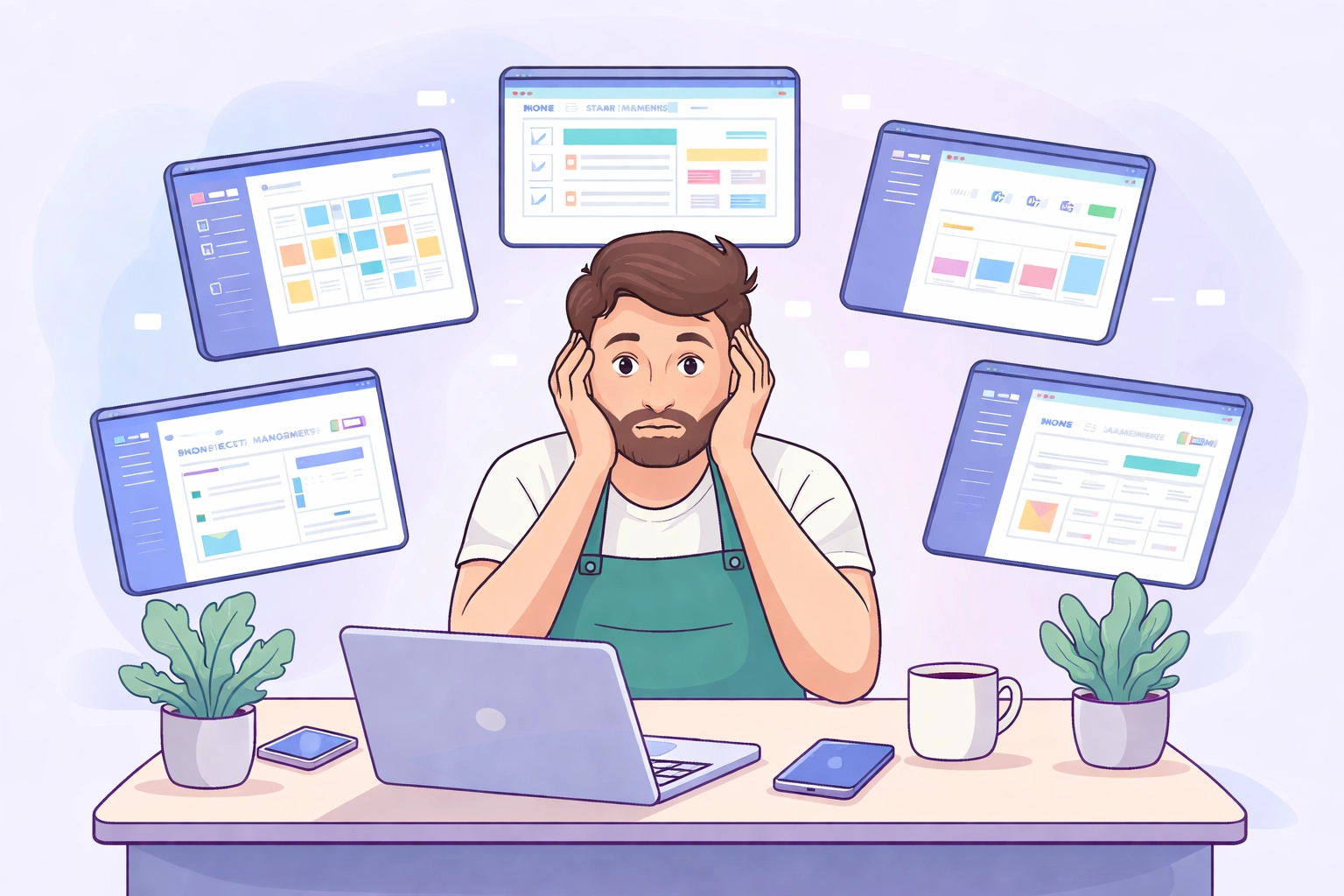
The Unified Advantage solves this. When HR, CRM, and project management work together seamlessly, your entire operation transforms.
You get real-time visibility across every department. Your team stays aligned without endless meetings. Data flows automatically where it needs to go.
Ready to make it happen? Here's your roadmap.
Step 1: Define Your Integration Goals
Start with clarity. What exactly do you want to achieve?
This sounds obvious. But most SMBs skip this step entirely. They chase shiny features instead of solving real problems.
Ask yourself these questions:
- Are you losing customers because projects fall through the cracks?
- Does your HR team struggle to track who's working on what?
- Is your sales data disconnected from your delivery process?
- Do team members waste time hunting for basic information?
Write down your top three priorities. Maybe it's faster customer response times. Perhaps it's better resource allocation. Or simply reducing manual data entry.
Your goals shape every decision that follows. They help you choose the right tools. They prevent feature bloat. They keep your implementation focused and manageable.
Here's a pro tip. Talk to your team before deciding. The people doing daily work often see bottlenecks you've missed.
Step 2: Choose Compatible, Integrated Tools
Not all software plays nice together. This is where many SMBs stumble.
You find a great CRM. An excellent project management tool. A solid HR platform. But they operate in complete isolation.
Compatibility matters more than individual features.
Look for platforms that offer:
- Built-in integrations with other business tools
- Open APIs for custom connections
- Automatic data syncing capabilities
- Unified dashboards across functions

Some questions to ask before choosing:
- Does the CRM sync customer data with project management automatically?
- Can your HR system connect team availability to project assignments?
- Will collaboration tools show real-time changes across all platforms?
All-in-one solutions often work best for SMBs. They eliminate integration headaches entirely. Everything connects out of the box.
TeamsMaster was built with this philosophy. HR, CRM, and project management unified in one simple platform. No duct-tape integrations required.
Step 3: Establish Seamless Data Flows
You've picked your tools. Now make them work together.
This step transforms separate systems into a unified powerhouse. Data should flow automatically between HR, CRM, and project management.
Set up these essential connections:
- Link customer profiles across all systems
- Connect team member data to project assignments
- Sync task statuses with customer communication records
- Update availability automatically when schedules change
Think about the information journey. A new customer signs up. That data should instantly appear in your project management tool. The assigned team member should see it in their dashboard. HR should know who's handling what.
No manual copying. No waiting for updates. No information gaps.
Automation is your secret weapon here. When a project status changes, relevant parties should know immediately. When a team member goes on leave, their assignments should flag for reallocation.
This isn't about fancy technology. It's about eliminating the friction that slows your business down.
Step 4: Define Clear Roles and Permissions
Security meets efficiency in this step.
Not everyone needs access to everything. Your sales team doesn't need HR records. Your HR manager might not need detailed project financials.
Clear permissions keep your system organized and secure.
Map out who needs what:
- Which team members manage customer relationships?
- Who oversees project assignments and deadlines?
- Who handles sensitive HR information?
- What data should be visible to everyone?

Good permission structures do two things. They protect sensitive information from unauthorized access. And they reduce clutter for individual users.
When people only see relevant data, they work faster. No scrolling through irrelevant screens. No confusion about what they should focus on.
Start restrictive and expand access as needed. It's easier to grant permissions than to revoke them after problems occur.
Document your permission structure clearly. New team members should know exactly what they can access from day one.
Step 5: Test and Optimize Your System
Don't flip the switch for everyone at once. That's a recipe for chaos.
Run a small-scale trial first. Pick a handful of users across different departments. Let them stress-test the unified system.
Here's what to look for during testing:
- Does data sync correctly between all platforms?
- Are there unexpected bottlenecks or delays?
- Can users find what they need quickly?
- Do permissions work as intended?
Gather honest feedback. Ask specific questions. What frustrates them? What works better than expected? What's confusing?
Fine-tune based on real-world use. Your initial setup won't be perfect. That's normal. The goal is improvement, not perfection.
Once your pilot group runs smoothly, roll out to the broader team. Provide training resources. Designate go-to people for questions. Expect a learning curve.
The first few weeks might feel slower. That's temporary. Once everyone adapts, the efficiency gains compound quickly.
The Unified Advantage in Action
Let's paint a picture of what unified systems actually look like.
A new lead comes in through your website. Your CRM captures their information automatically. The sales team gets notified instantly.
They close the deal. Project management creates a new project automatically. The right team members get assigned based on availability from HR data.
As the project progresses, customer communication stays linked. Everyone sees updates in real-time. Nothing falls through the cracks.
That's the Unified Advantage. Sales, delivery, and service teams working from the same information. No gaps. No delays. No frustration.
For SMBs, this integration accelerates everything. Quotes connect to project planning. Project completion triggers billing. Cash flow improves because nothing gets stuck.

Your Next Move
Unifying HR, CRM, and project management isn't a luxury anymore. It's a competitive necessity.
The good news? You don't need a massive budget or technical expertise. You need the right approach and the right tools.
Start with your goals. Choose compatible platforms. Establish data flows. Set clear permissions. Test before full deployment.
Each step brings you closer to the Unified Advantage.
Your team will thank you. Your customers will notice the difference. And your bottom line will reflect the efficiency gains.
Ready to simplify your business operations? TeamsMaster brings HR, CRM, and project management together in one intuitive platform. Built for SMBs who want growth without complexity.
The path to unified operations starts with a single step. Make it today.