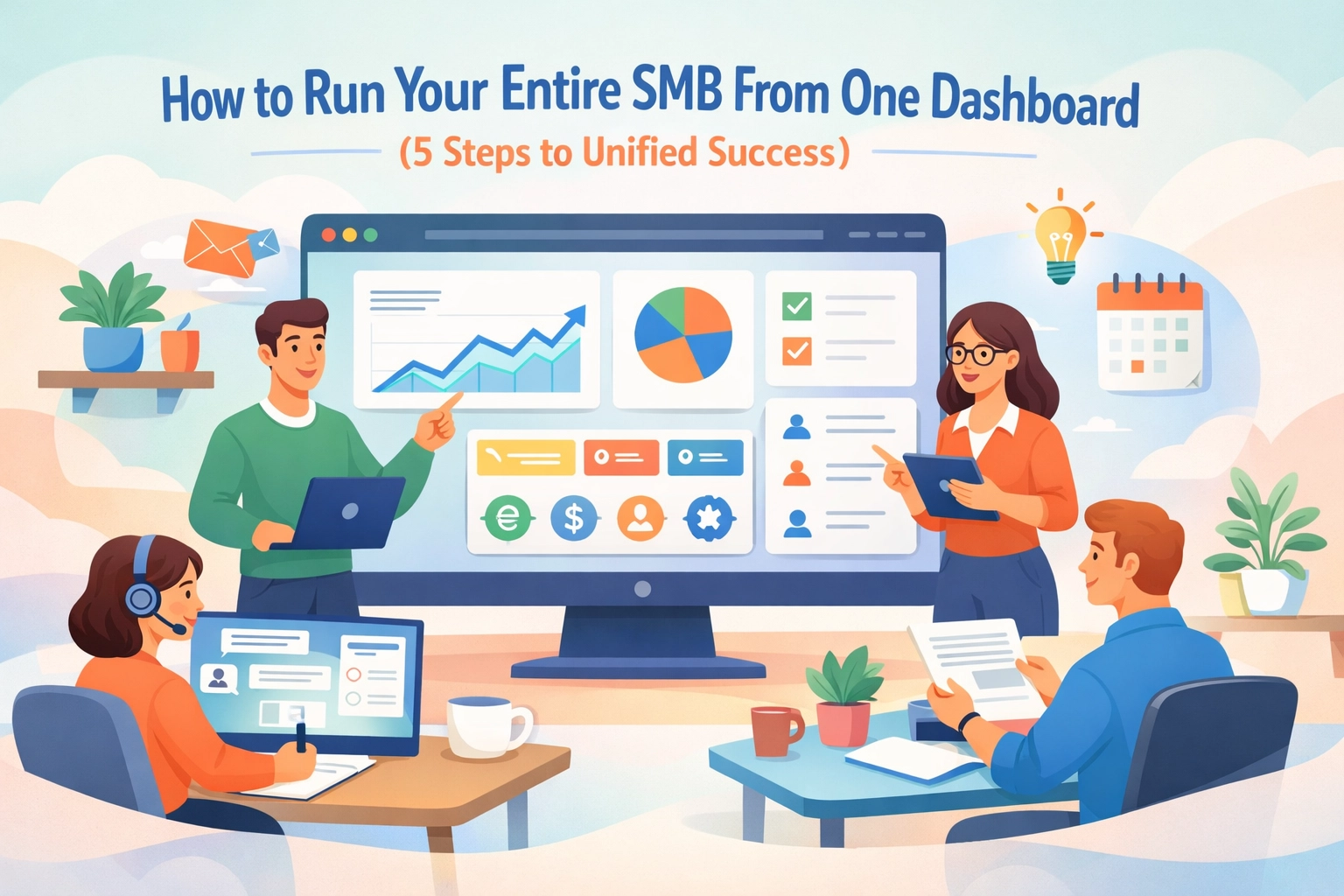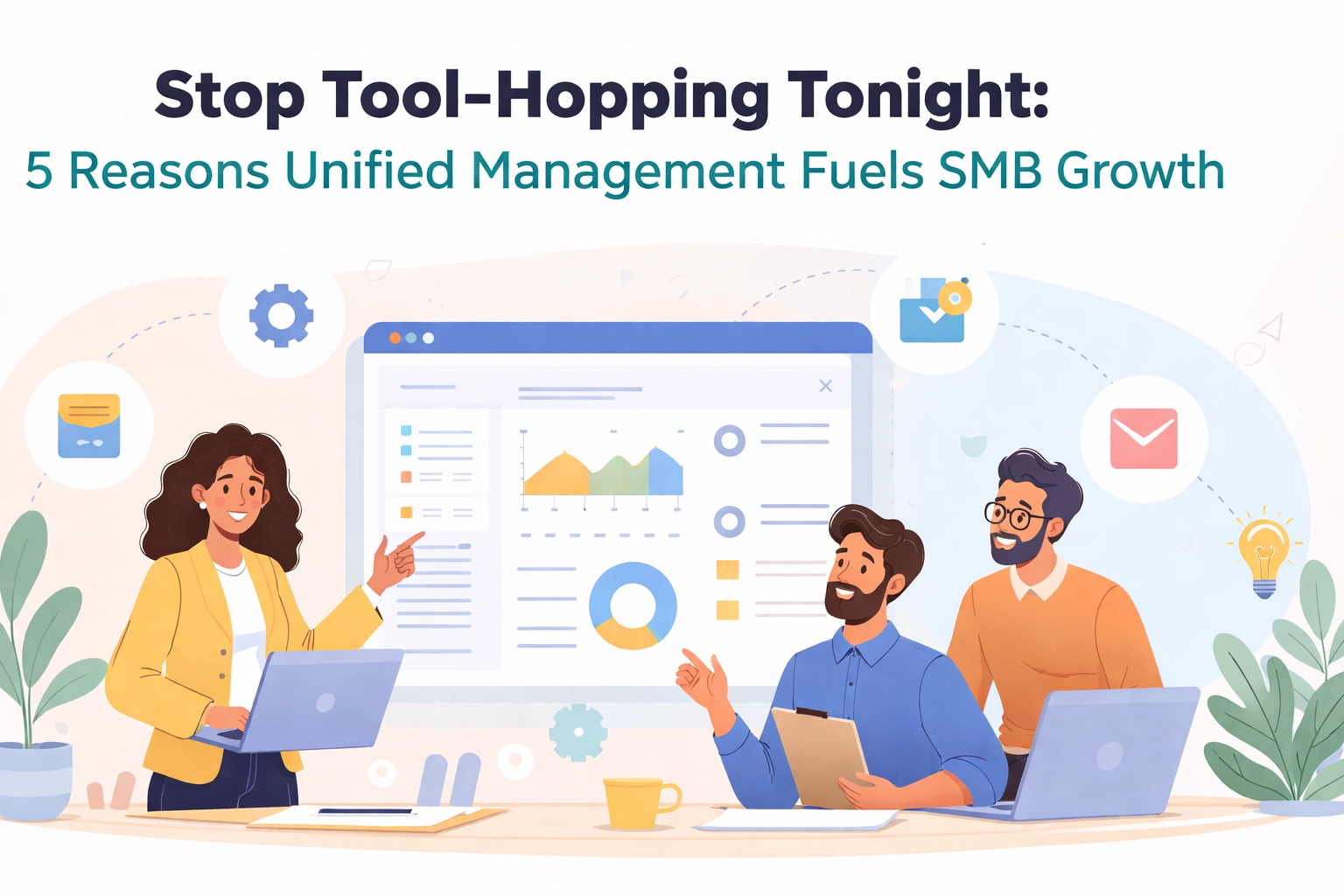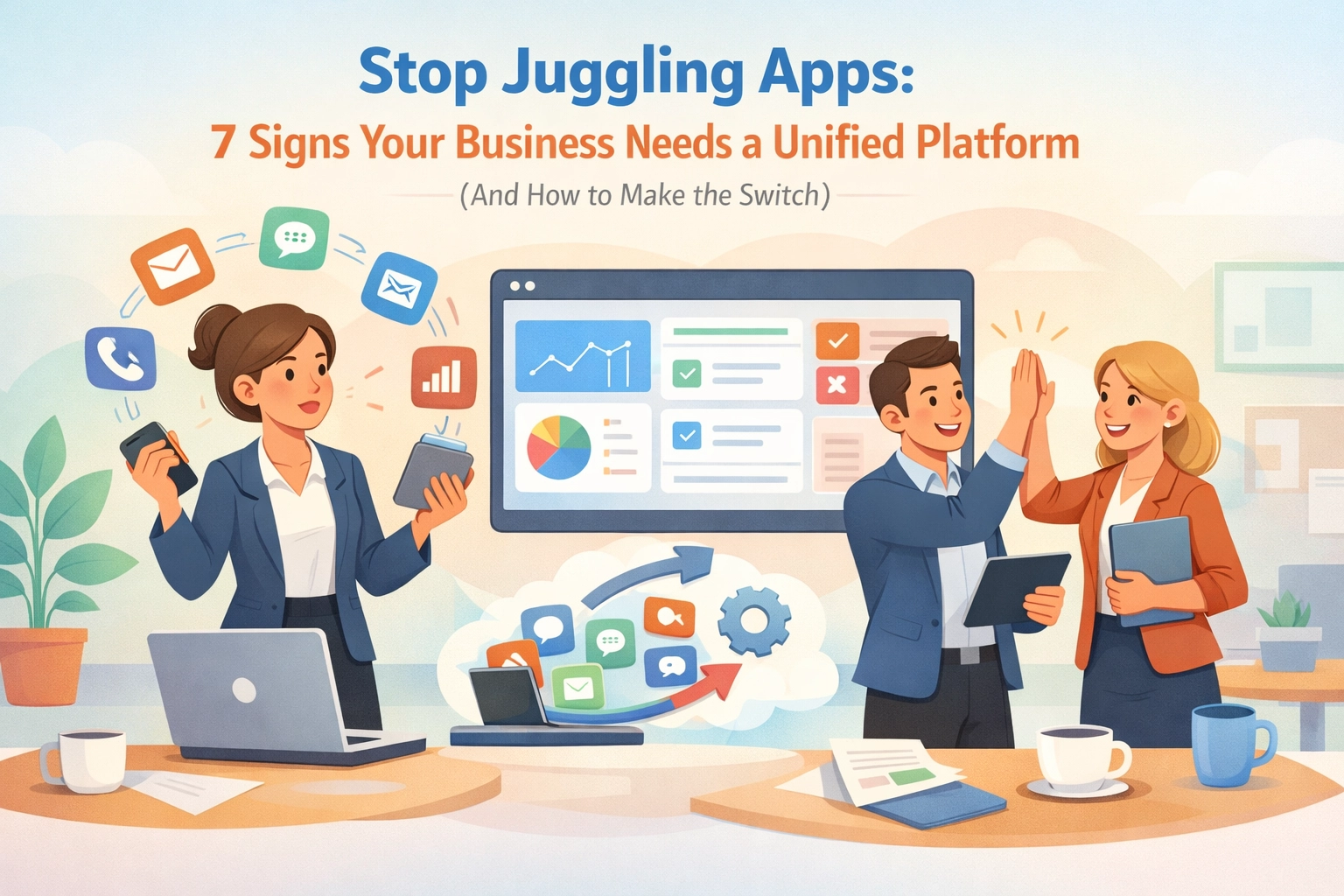
Let's be honest. You're running your business across way too many apps right now.
One tool for projects. Another for CRM. Something else for HR. A different one for time tracking. And don't even get me started on how you're managing invoices.
Sound familiar?
You're not alone. Most growing businesses add tools like they're collecting Pokemon. But here's the thing, more apps don't mean more efficiency. Usually, it means more chaos.
Let's talk about the warning signs that tell you it's time to consolidate. And more importantly, how to actually make the switch without losing your mind.
Sign #1: Your Team Asks "Which App Again?"
Your sales rep needs to check if a client paid their invoice. Where do they look? The accounting software? The CRM? That spreadsheet someone created last month?
If your team needs a roadmap just to find basic information, you've got a problem.
When data lives in five different places, nobody knows where the truth is. Your sales team has one version of customer info. Your project managers have another. And HR is working off something completely different.
This isn't just annoying. It's costing you deals.

Sign #2: You're Paying for Features You Never Use
Quick exercise. List all the software subscriptions your business pays for.
Now count how many of those tools have overlapping features. Your project management tool does time tracking. But so does your HR platform. And wait, isn't there time tracking in that invoicing app too?
You're literally paying three times for the same feature.
Businesses typically save 30 to 50 percent when they consolidate tools into a unified platform. That's real money going back into your business instead of lining software companies' pockets.
Sign #3: Onboarding New Team Members Takes Forever
Remember the last time you hired someone?
You probably spent their entire first week just setting up accounts. Create a login here. Add them to this tool. Don't forget that other platform. Oh, and here's a 47-page document explaining which tool does what.
By day three, they're overwhelmed. By day five, they're wondering if they made the right career choice.
A unified platform means one login. One system to learn. One place to find everything. Your new hire can actually start contributing instead of drowning in passwords.

Sign #4: Important Stuff Falls Through the Cracks
A client emails about a project change. Your team member reads it in their inbox but forgets to update the project management tool. Three weeks later, you deliver the wrong thing.
When information lives in disconnected silos, things get lost. Always.
Your project manager updates a deadline. But your HR person doesn't know, so they approve vacation for half the team during crunch time. Your CRM shows the client is happy, but your project notes tell a different story.
You're not running a business. You're running a game of telephone.
Sign #5: Every Meeting Starts with "Let Me Share My Screen"
Your weekly team meeting goes like this:
"Let me pull up the CRM… wait, hold on… okay now let me switch to the project tool… one second… now let me check Slack for that thing… can everyone see my screen?"
Fifteen minutes into a 30-minute meeting, you've barely started talking about actual work.
When everything lives in one place, you spend less time navigating and more time doing. Your meetings become shorter. Your decisions become faster. Your team stays focused.

Sign #6: Your IT Person Is Secretly Crying
Talk to your IT person (or whoever manages your tech stack). Ask them how much time they spend maintaining integrations between all your different tools.
The answer will probably shock you.
Every tool needs updates. Every integration breaks occasionally. Every new feature requires testing across your entire ecosystem. Your technical person isn't working on growing your business, they're babysitting a Frankenstein's monster of software.
A unified platform reduces IT headaches by 70 percent or more. Your technical resources can finally focus on strategic work instead of putting out fires.
Sign #7: You Can't Get a Clear Picture of Your Business
Quick question: How profitable was your last project?
To answer that, you need to pull data from your project tool, your time tracking app, your expense tracker, and your accounting software. Then you need to manually compile everything into a spreadsheet.
By the time you have an answer, the project is already over.
Real-time visibility into your business shouldn't require a data science degree. When HR, CRM, and project management live together, you see the full picture instantly. You make better decisions. You catch problems early. You actually know how your business is performing.
Making the Switch: Your 4-Step Gameplan
Convinced you need a unified platform? Great. Now let's talk about how to actually make it happen without disrupting your entire business.
Step 1: Map Your Must-Haves
Don't start shopping for platforms yet. Start by understanding what you actually need.
List your current pain points. What wastes the most time? What causes the most frustration? What features do you genuinely use every day versus what seemed cool in the sales demo?
Focus on three core areas: How you manage projects. How you handle customers. How you support your team. Everything else is secondary.
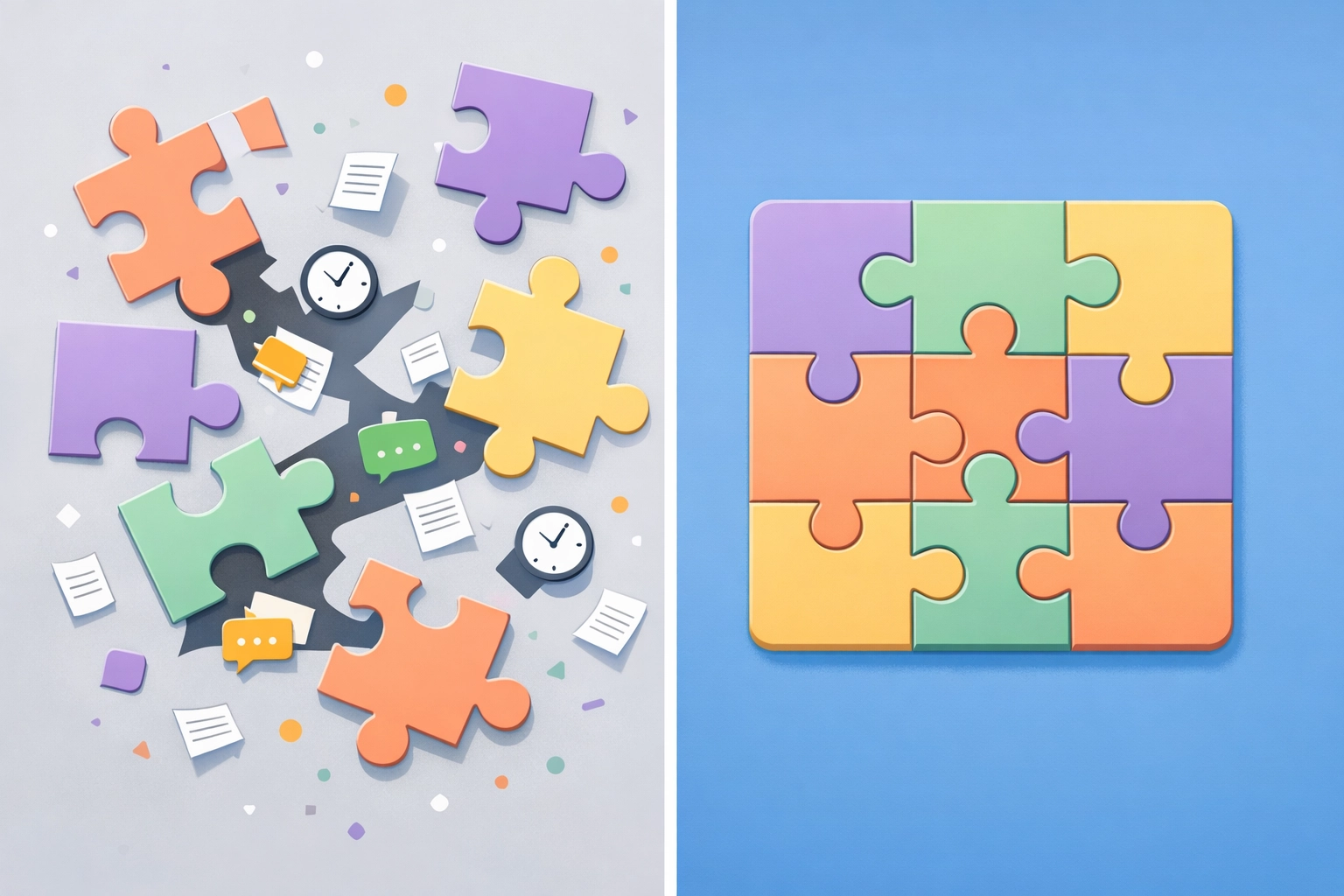
Step 2: Choose Your Platform Wisely
Look for platforms built specifically for growing businesses. You don't need enterprise complexity. You need something that works out of the box.
Key things to check:
- Does it actually unify HR, CRM, and project management?
- Can your team learn it quickly?
- Does it scale as you grow?
- Is the pricing straightforward?
And here's the controversial truth: The cheapest option usually isn't the best option. Calculate the cost of staying fragmented: lost productivity, duplicate subscriptions, missed opportunities. That's your real baseline.
Step 3: Plan Your Migration Like a Project
Don't try to switch everything overnight. That's how chaos happens.
Start with one department or one workflow. Get it working smoothly. Learn the platform. Build confidence. Then expand.
Create a realistic timeline. Assign clear ownership. Set up training sessions. And communicate constantly with your team about what's changing and why.
Step 4: Get Your Team On Board
The best platform in the world fails if your team won't use it.
Involve team members early. Ask for their input. Address their concerns. Show them how this makes their lives easier, not harder.
And here's a pro tip: Identify champions in each department who can help others during the transition. Peer-to-peer support beats IT helpdesk support every time.

The Bottom Line
You started adding tools to solve problems. But now the tools themselves have become the problem.
A unified platform isn't just about convenience. It's about getting back to what actually matters: growing your business and serving your customers.
When your HR, CRM, and project management work together seamlessly, everything else gets easier. Your team collaborates better. Your decisions improve. Your business runs smoother.
The question isn't whether you need a unified platform. The question is how much longer you can afford to wait.
Ready to stop juggling? Check out how TeamsMaster brings everything together in one simple platform built for growing businesses like yours.
Your future self will thank you.