You've got your HR tool. Your CRM. Your project management app. Maybe a few spreadsheets thrown in for good measure.
Sound familiar?
If you're running a small or mid-sized business, you probably know this dance well. Jump into one platform to check employee time-off requests. Switch to another for your sales pipeline. Open a third to see where that client project stands.
It's exhausting. And honestly? It's holding your business back.
Here's the good news. There's a better way. It's called unification. And it might just be the competitive edge your SMB needs to scale without the chaos.
The Hidden Cost of Tool Sprawl
Let's talk about what's really happening when your systems don't talk to each other.
Your sales team closes a deal. Great! But then someone has to manually enter that client info into your project management tool. Meanwhile, HR has no visibility into whether you have the capacity to take on this new work.
Data gets duplicated. Or worse, lost entirely.

Every time your team switches between apps, they lose focus. Studies show it takes about 23 minutes to fully refocus after a context switch. Multiply that by dozens of switches per day, across your entire team.
That's not just inefficiency. That's money walking out the door.
And here's the kicker: unreliable data leads to bad decisions. When your HR system doesn't sync with your project tracker, you can't accurately plan capacity. When your CRM lives in isolation, your delivery team flies blind.
The Unified Advantage: Why Integration Changes Everything
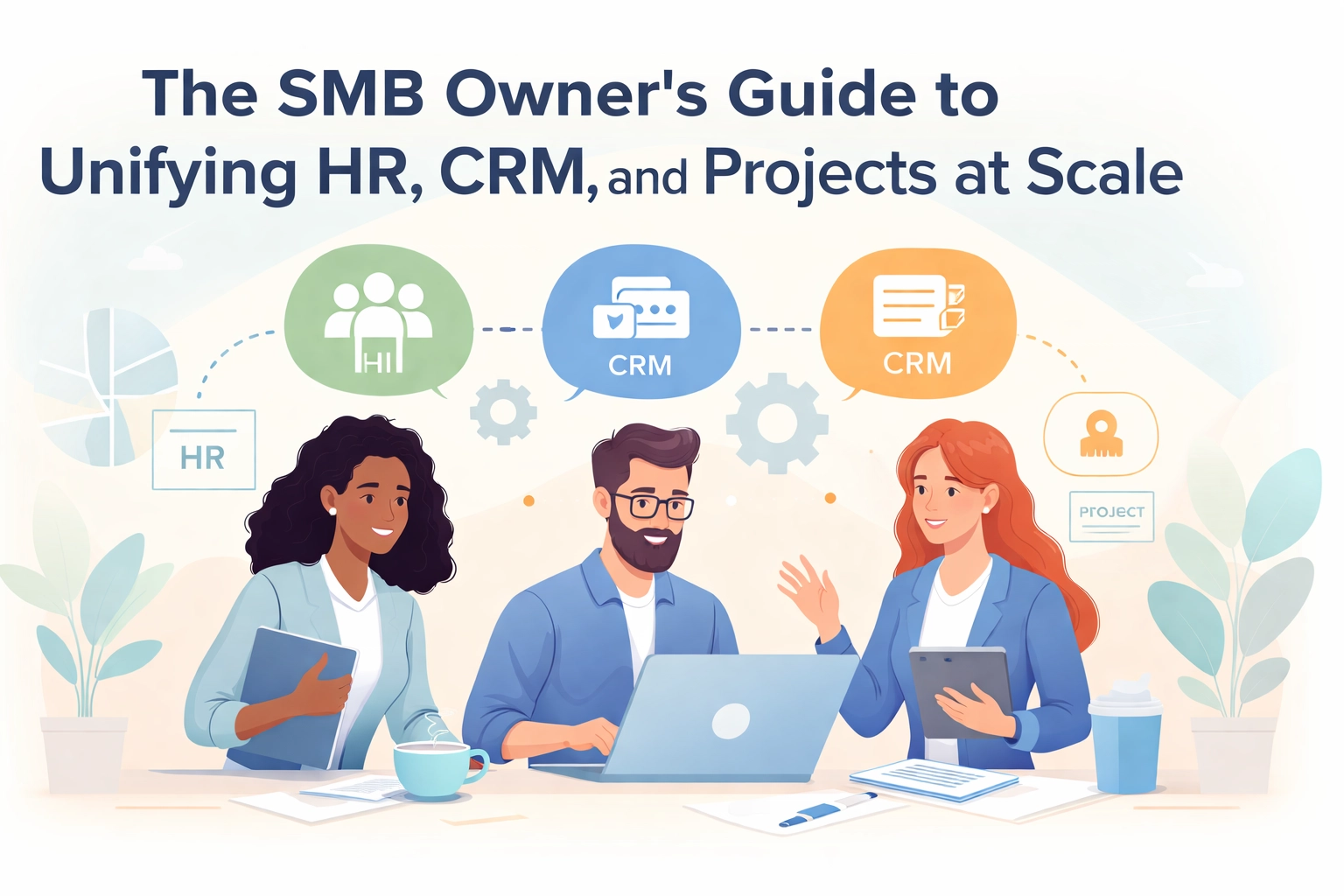
So what happens when you bring HR, CRM, and project management under one roof?
Magic. Well, not actual magic. But pretty close.
Your operations get streamlined. When all your key functions live in one platform, you eliminate manual data transfers. No more copy-pasting customer info between systems. No more outdated spreadsheets floating around.
Collaboration actually happens. Your sales team can see project timelines. Your project managers can access customer history. HR can view resource allocation in real-time. Everyone's on the same page, literally.
Your data becomes trustworthy. One source of truth means standardized metrics. Better reporting. Smarter decisions.
You save money. Fewer subscriptions. Less training time. Reduced admin overhead. It adds up fast.
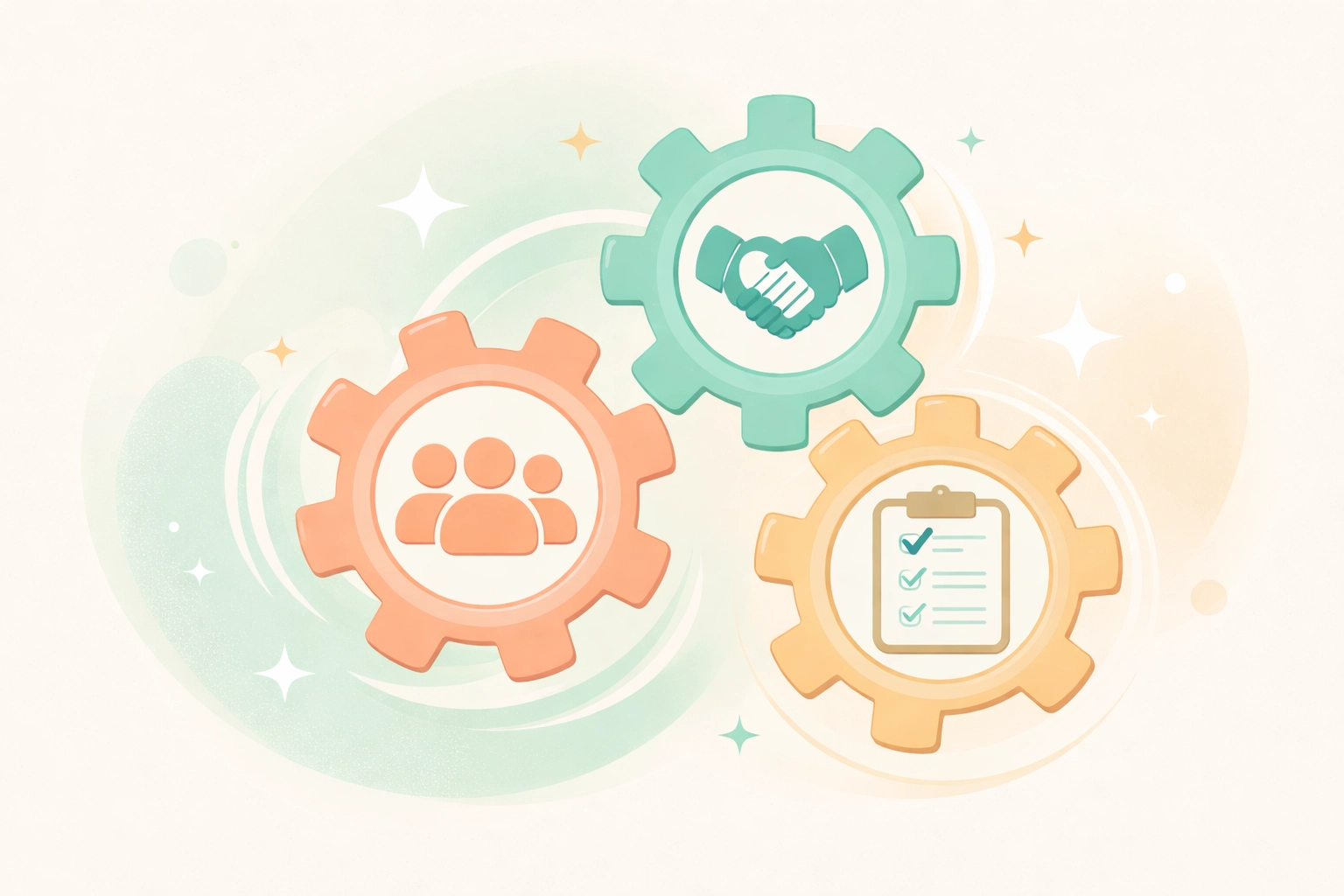
For growing SMBs, this unified approach isn't a luxury. It's a necessity.
Think about it. When you're scaling, complexity increases exponentially. More clients. More employees. More projects. Without integration, that complexity becomes chaos.
With integration? It becomes manageable. Even enjoyable.
What to Look For in a Unified Platform
Not all "all-in-one" solutions are created equal. Here's what actually matters when you're evaluating your options.
Centralized Document Management
Store contracts, proposals, HR documents, and client correspondence in one place. Link them to customer and employee profiles. No more hunting through email chains or shared drives.
Smart Workflow Automation
Create workflows that connect the dots. When a deal closes, automatically trigger project setup. When an employee joins, kick off onboarding tasks. Let the system do the heavy lifting.
Native Integrations
Your unified platform should play nice with tools you already use. Think email, calendars, accounting software like QuickBooks or Xero. The goal is connection, not isolation.
Real-Time Visibility
Dashboards that show you what matters. Resource capacity. Project profitability. Sales pipeline. Customer health. All in one view.
Mobile Access
Your team isn't always at their desk. Make sure they can access what they need from anywhere.

Making the Switch: A Practical Implementation Plan
Alright. You're sold on the concept. But how do you actually make this happen without derailing your business?
Here's a roadmap that works.
Start With Your Core Processes
Don't try to migrate everything at once. Begin with the connections that matter most. For most SMBs, that's syncing calendars, email, and project tracking. Get those right first.
Train Your Team (Really Train Them)
This is where many implementations fail. People default to old habits when new tools feel confusing.
Invest in proper onboarding. Use built-in tutorials and templates to accelerate adoption. Make it easy for your team to succeed.
Designate a Champion
Someone in your organization should own this transition. They're the go-to person for questions. The cheerleader for adoption. The troubleshooter when things get weird.
Phase Your Rollout
Week one: Core team gets access. Week two: Expand to broader team. Week three: Connect integrations. Week four: Optimize workflows.
This phased approach reduces overwhelm and catches issues early.
Review and Evolve
Your business changes. Your workflows should too. Set quarterly reviews to assess what's working. Adjust as needed.
Common Pitfalls to Avoid
Fair warning. There are some landmines on this journey.
Underestimating data migration. Moving data from multiple systems is messier than it looks. Plan for cleanup time. Budget for it.
Ignoring change management. Your team has habits. Those habits won't change overnight. Be patient. Be persistent.
Going too fast. Enthusiasm is great. But rushing leads to errors, gaps, and frustrated employees. Slow and steady wins here.
Choosing complexity over simplicity. Some platforms offer every feature under the sun. That's not always better. Look for tools that match your actual needs: not your imagined future needs.

The Growth Unlock You've Been Looking For
Here's what unified operations really give you: time.
Time you used to spend on admin. Time you used to waste searching for information. Time you used to lose in meetings that existed just to sync up teams.
That time becomes strategic time. Planning time. Growth time.
When your HR, CRM, and project management work together seamlessly, you can:
- Scale confidently. Take on more clients without drowning in complexity.
- Make faster decisions. Real-time data means real-time insights.
- Deliver better results. Happy employees and happy customers. What more could you want?
- Build a more valuable business. Organized operations command higher valuations.
Your Next Move
If you're still juggling disconnected tools, you're working harder than you need to.
The path to unified operations isn't complicated. It just requires intention. A clear plan. The right platform.
Start by auditing your current stack. Where are the gaps? Where's the friction? Where are you losing time?
Then explore solutions that bring everything together. Look for simplicity. Look for flexibility. Look for a platform that grows with you.
TeamsMaster was built exactly for this. One platform for HR, CRM, and project management. Designed for SMBs who want to scale without the chaos.
Because running a business is hard enough. Your tools shouldn't make it harder.
Ready to unify? Your future self will thank you.