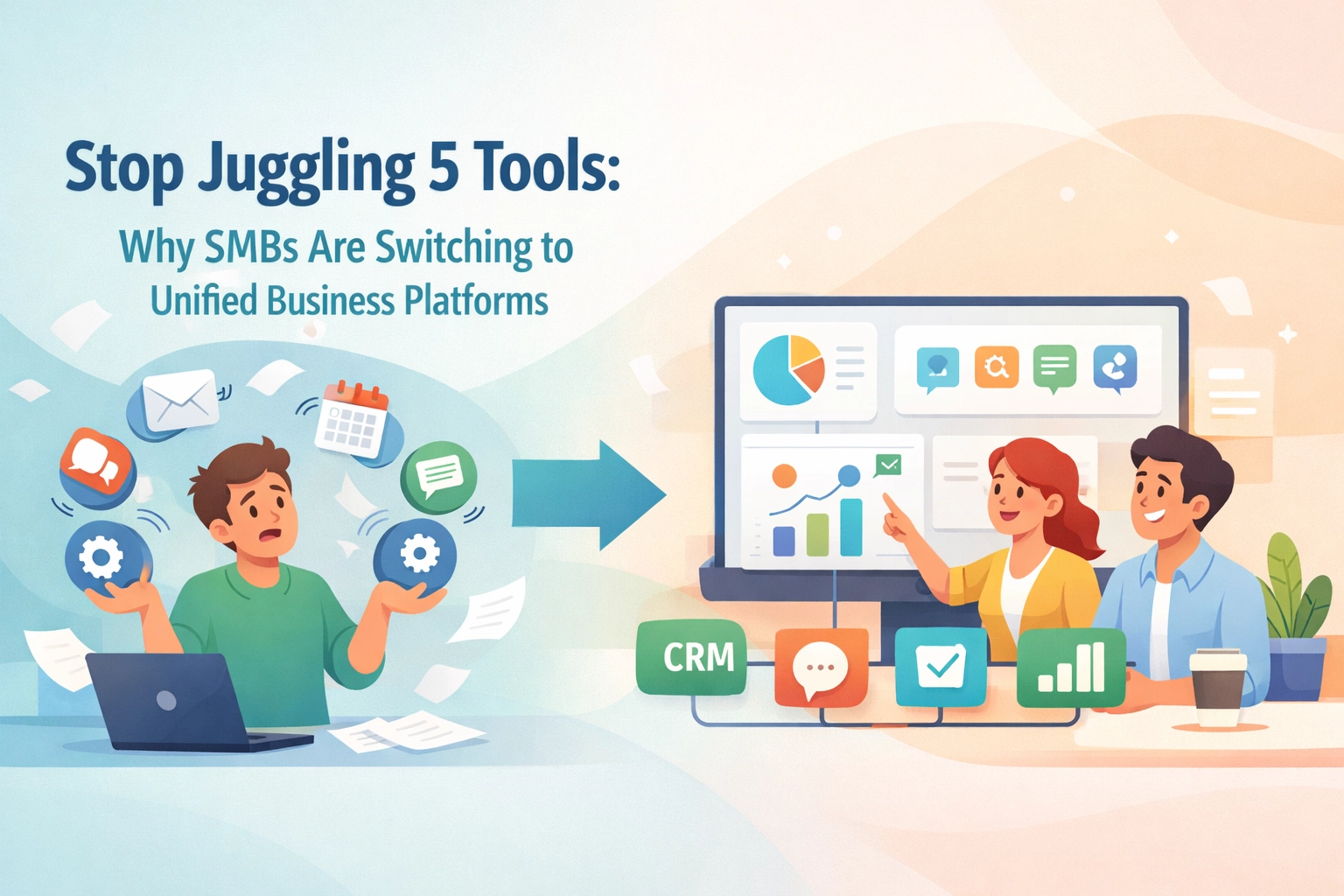
Running a small business means wearing many hats. You're managing employees, tracking clients, and juggling projects. All at once.
And chances are, you're using different tools for each. One app for HR. Another for customer relationships. Yet another for project tracking.
Sound exhausting? That's because it is.
The good news? You don't have to live this way. Combining HR, CRM, and project management into one unified system is totally doable. And it can transform how your business operates.
Let's break down exactly how to make it happen. In five simple steps.
Why the "Unified Advantage" Matters for SMBs
Before we dive in, let's talk about why this matters.
When your systems don't talk to each other, things fall through the cracks. Client info gets lost. Employee data lives in spreadsheets. Project updates happen in five different places.
The result? Wasted time. Frustrated teams. Missed opportunities.
But when everything lives in one place? Magic happens.
- Your sales team sees project progress instantly.
- HR knows who's working on what.
- Project managers access client history without asking.
This is the Unified Advantage. One system. Complete visibility. Smoother operations.
For SMBs especially, this approach means doing more with less. No extra software costs. No jumping between tabs. Just streamlined efficiency.

Step 1: Define Your Objectives and Get Everyone Involved
First things first. You need to know what you're trying to achieve.
Are you trying to reduce manual data entry? Improve client communication? Get better visibility into resource allocation?
Write it down. Be specific.
Then, bring in your stakeholders. We're talking sales, HR, operations, and project managers. Everyone who touches these systems needs a seat at the table.
Why? Because they know where the pain points are. They'll spot potential challenges you might miss. And their buy-in makes implementation way smoother.
Here's what to do:
- List your top 3-5 integration goals.
- Schedule a kickoff meeting with key team members.
- Create a realistic timeline with clear milestones.
- Identify which tasks need to happen in sequence.
Don't rush this step. A solid foundation makes everything else easier.
Step 2: Choose Tools That Actually Work Together
Now comes the fun part. Picking your software.
Here's the thing. Not all tools play nice with each other. Some require complex workarounds. Others need expensive third-party connectors.
You want platforms designed for integration from the ground up.
Look for these features:
- Built-in compatibility across HR, CRM, and project management.
- Real-time syncing capabilities.
- Simple setup without coding required.
- Mobile access for on-the-go updates.
For SMBs, all-in-one solutions often make the most sense. They reduce implementation complexity. And they eliminate the headache of managing multiple vendors.

Platforms like TeamsMaster are built specifically for this purpose. Everything lives under one roof. Your team data. Your client relationships. Your project workflows.
No more app-switching. No more data silos.
Step 3: Establish Smooth Data Flow Between Systems
You've got your objectives. You've chosen your platform. Now it's time to connect the dots.
Data flow is everything. When information moves seamlessly between functions, your team stays aligned. When it doesn't? Chaos.
Here's how to set it up right:
- Map out what data needs to go where.
- Ensure customer details sync automatically with project records.
- Set up real-time updates across all departments.
- Standardize data entry practices to maintain quality.
Think about the customer journey. A deal closes in your CRM. Boom. A project gets created automatically. Client details, deadlines, and assigned resources all populate instantly.
No manual copying. No missed information. Just smooth handoffs.
Pro tip: Schedule regular data audits. Clean data means accurate reporting. And accurate reporting means better decisions.

Step 4: Set Up Automation and Define Clear Roles
Here's where things get exciting. Automation.
All those repetitive tasks eating up your team's time? Let the system handle them.
Examples of automation wins:
- Auto-create tasks when a new client comes onboard.
- Send reminders for upcoming project milestones.
- Trigger notifications when employee reviews are due.
- Update project status based on task completion.
Your team gets to focus on strategic work. The stuff that actually moves the needle.
But automation is only half the equation. You also need clear roles and permissions.
Not everyone needs access to everything. Your sales team doesn't need HR records. Your project managers don't need payroll data.
Set up permissions thoughtfully:
- Define who can view, edit, and delete information.
- Create role-based access levels.
- Review permissions quarterly as roles change.
This keeps your data secure. And it keeps your team focused on what matters to them.
Step 5: Test, Launch, and Keep Optimizing
Almost there. But don't skip this crucial step.
Before you roll out to the entire company, run a pilot test. Pick a small group of users. Maybe one team or one department.
Let them use the system for a few weeks. Gather feedback. Document what works and what doesn't.
Questions to ask during testing:
- Is data syncing correctly across all functions?
- Are automations triggering as expected?
- Can users find what they need quickly?
- What's confusing or frustrating?
Use this feedback to make adjustments. Fix bugs. Simplify workflows. Add missing features.
Then, when you're confident everything runs smoothly, roll out company-wide.
But here's the key: Optimization never stops.
Your business will evolve. New processes will emerge. Team structures will change.
Schedule regular check-ins to review system performance. Look for bottlenecks. Identify new automation opportunities. Keep making it better.

Common Mistakes to Avoid
Let's be real. Integration projects can go sideways. Here are pitfalls to watch out for.
Trying to do everything at once. Start with your most critical workflows. Expand from there.
Ignoring user feedback. Your team uses this system daily. Their insights are gold.
Skipping training. Even the best software fails without proper onboarding.
Forgetting about mobile. Your team works from everywhere. Make sure they can access what they need.
Neglecting data cleanup. Garbage in, garbage out. Clean your data before migrating.
The Payoff: What Unified Systems Deliver
So what happens when you bring HR, CRM, and project management together?
For your team:
- Less time hunting for information.
- Fewer manual tasks and data entry.
- Better collaboration across departments.
For your clients:
- Faster response times.
- More personalized service.
- Smoother project delivery.
For your business:
- Lower software costs.
- Clearer visibility into operations.
- Faster, smarter decision-making.
This is the Unified Advantage in action. One system that supports every part of your business.
Ready to Simplify Your Operations?
Combining HR, CRM, and project management isn't just a nice-to-have. For growing SMBs, it's becoming essential.
The businesses that figure this out gain a real edge. They move faster. They serve clients better. They empower their teams to do their best work.
And the process doesn't have to be complicated. Define your goals. Choose the right platform. Connect your data. Automate the tedious stuff. Test and improve.
Five steps. That's it.
Your unified system is waiting. Time to make it happen.