Let's be honest. Your software stack is probably a mess.
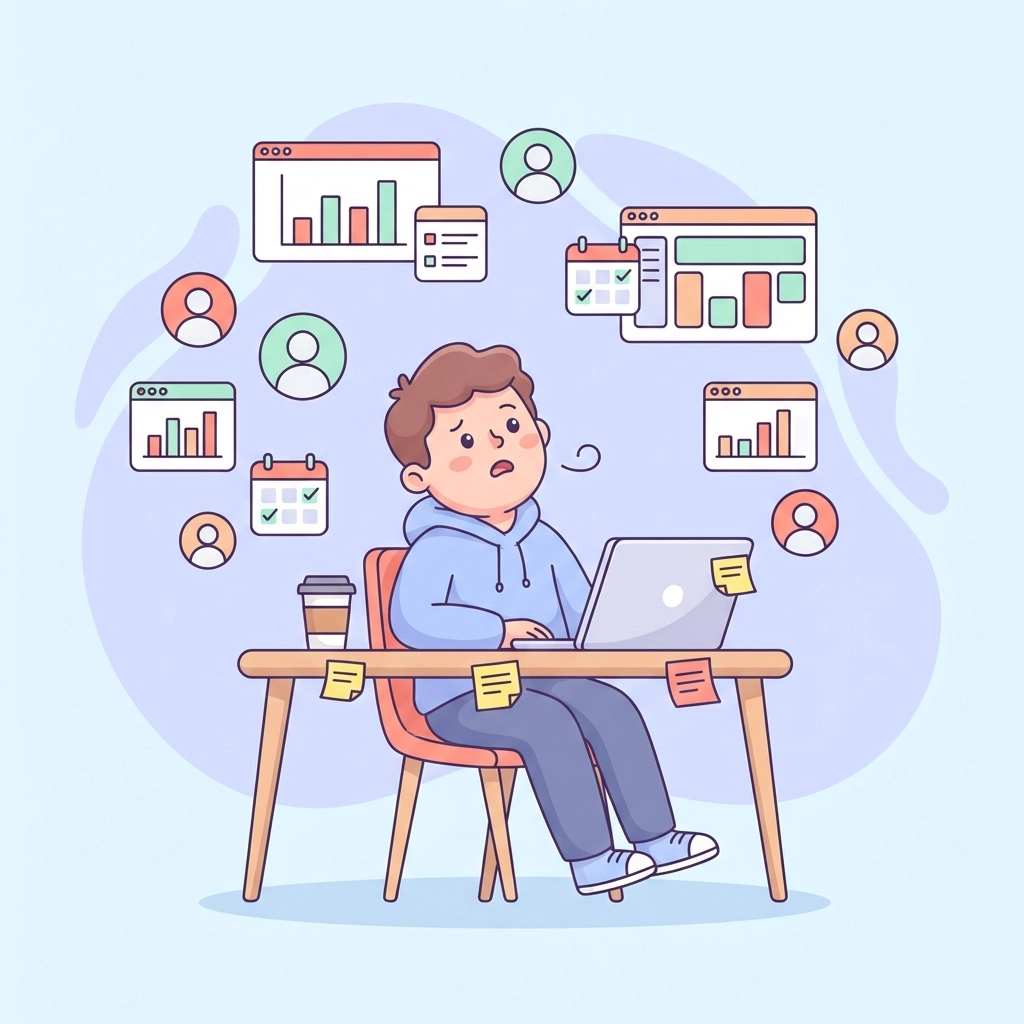
You've got one tool for managing projects. Another for tracking leads. A third for HR stuff. Maybe a fourth for time tracking. And somehow, none of them talk to each other.
Sound familiar?
You're not alone. Most growing businesses end up in this exact situation. It happens gradually. You needed a CRM, so you grabbed one. Then projects got complicated, so you added a PM tool. HR became a headache, so you signed up for another app.
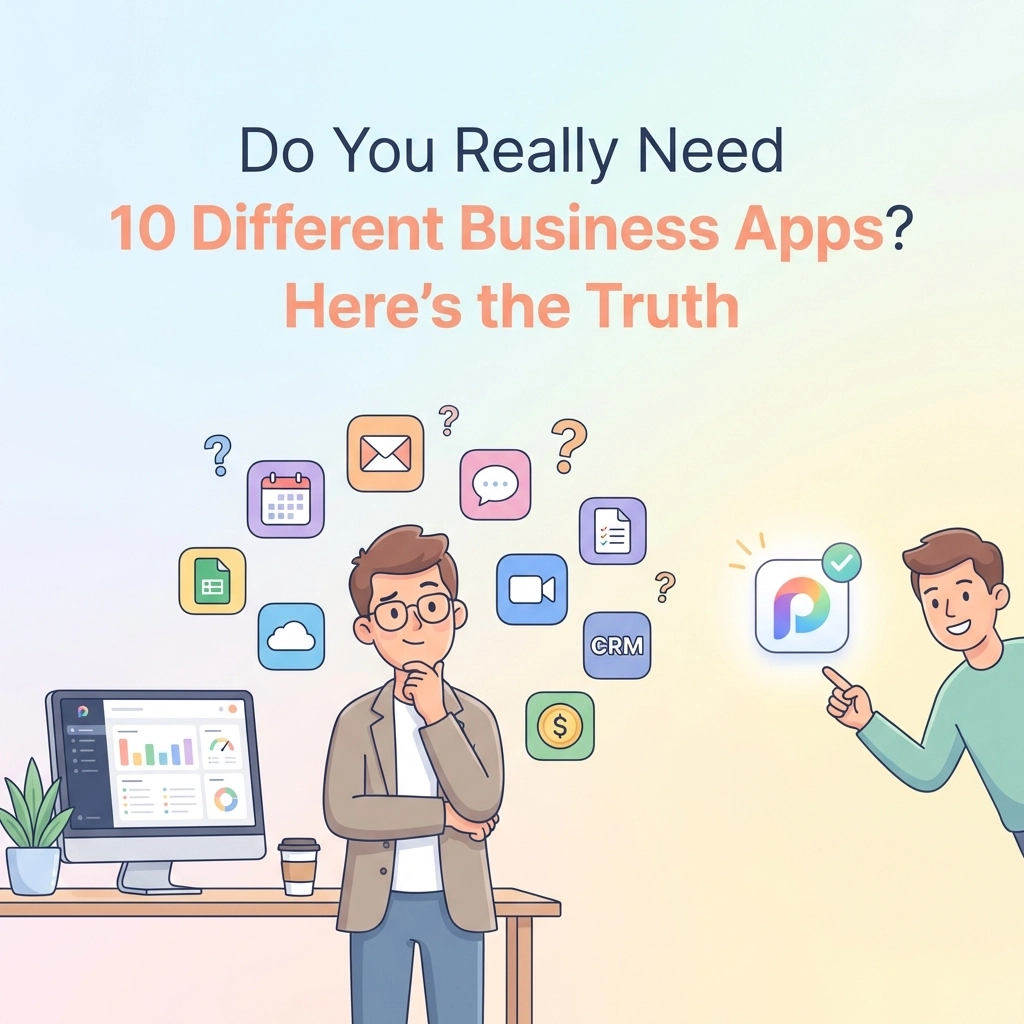
Before you knew it, you were juggling five different logins. Five different bills. Five different learning curves.
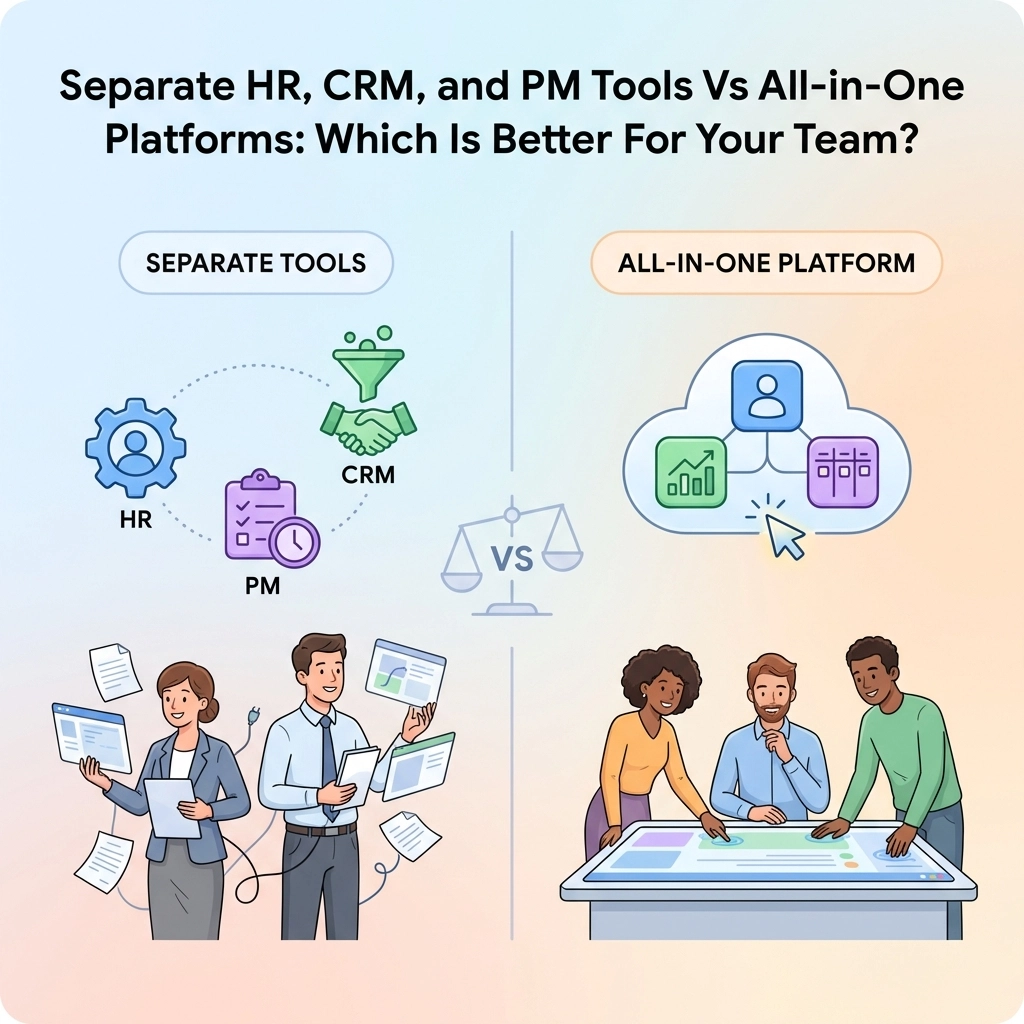
So here's the million-dollar question: Should you keep your separate tools? Or should you switch to an all-in-one platform?
Let's break it down.
The Appeal of Separate Tools
First, let's give credit where it's due. Separate tools exist for a reason.
Specialization is their superpower.
When a company focuses on one thing, they usually do it really well. A dedicated CRM like Pipedrive? It's built specifically for sales teams. A standalone PM tool like Monday? It's loaded with project management features.
These tools go deep. They have advanced features that generalist platforms might not offer.
Here's what separate tools do well:
- Best-in-class features for specific functions
- Highly customizable for niche workflows
- Often preferred by specialists who need advanced capabilities
- Flexibility to swap out individual tools without changing everything
If you have very specific, complex needs in one area, a specialized tool might make sense. Enterprise sales teams with complicated pipelines, for example, might need a CRM with deep customization.
But here's the catch.
The Hidden Cost of "Best-in-Class"
Separate tools look great on paper. In reality? They create problems.
Problem #1: Data Silos
Your sales data lives in your CRM. Your project data lives in your PM tool. Your employee data lives in your HR system.
None of it connects.
Want to see how a client project is affecting your team's workload? Good luck. You'll need to open three different apps and manually piece things together.
This isn't just annoying. It's a visibility killer. Teams can't stay aligned when information is scattered across different platforms.
Problem #2: Integration Headaches
"But wait," you say. "I'll just integrate them!"
Sure. You can try.
Here's what actually happens. You spend hours setting up Zapier connections. You pay for middleware tools. You troubleshoot glitches when bulk actions break. You hire someone to maintain the whole Frankenstein system.
Many businesses report constant issues when connecting multiple apps. What seems like a simple integration becomes a part-time job.

Problem #3: The Real Cost
Let's talk money.
That "affordable" $29/month CRM? Add your $15/month PM tool. Throw in the $20/month HR platform. Don't forget the $10/month integration tool to connect them.
Now multiply by the number of users on your team.
Suddenly, you're spending hundreds per month on software that doesn't even work together seamlessly.
And we haven't even counted the hidden costs:
- Time wasted switching between apps
- Training employees on multiple systems
- Lost productivity from context-switching
- Mistakes from manual data entry across platforms
The All-in-One Advantage
Now let's look at the other side.
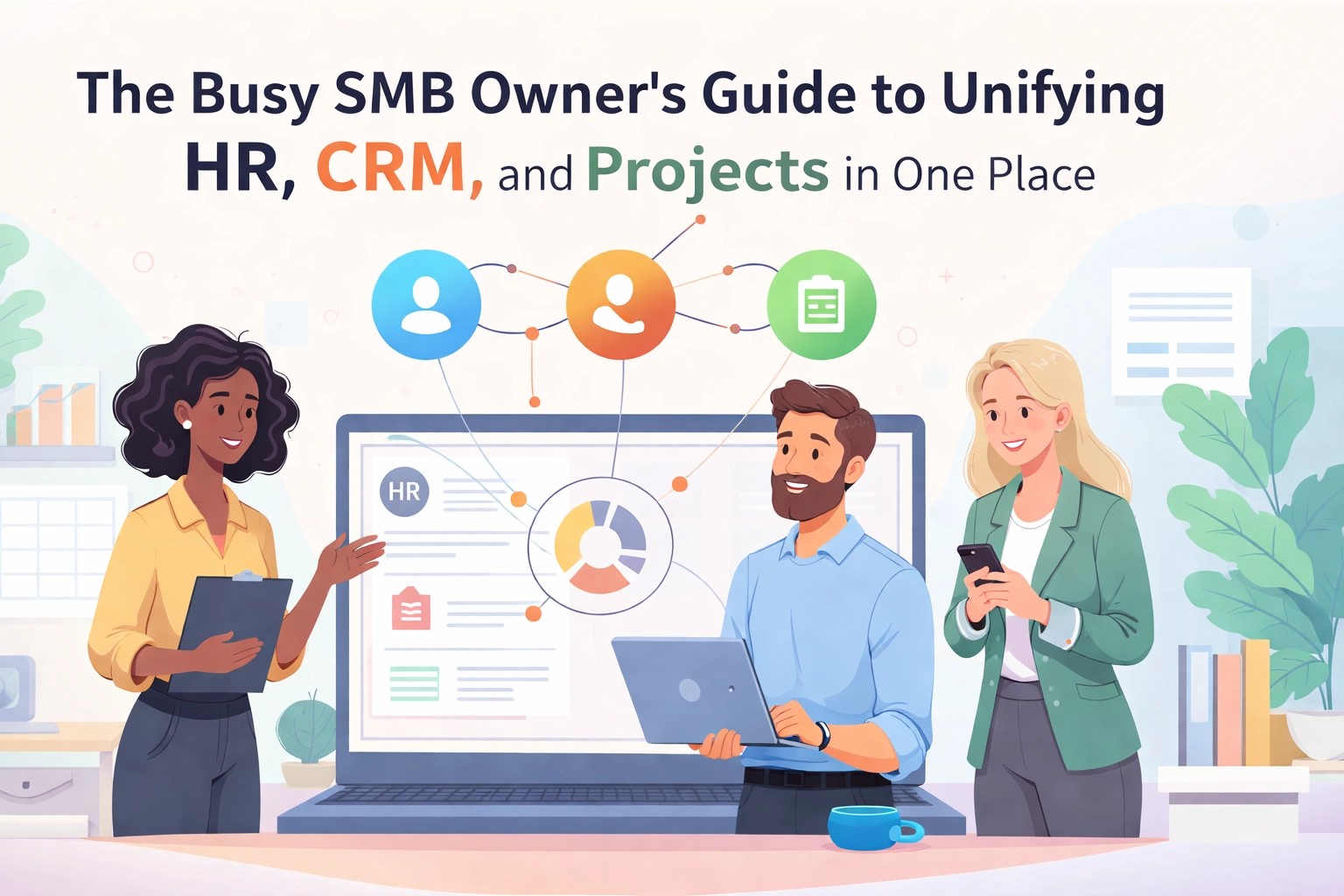
All-in-one platforms bundle multiple functions into a single system. CRM, project management, HR, time tracking: all under one roof.
Here's why that matters:
Centralized Data
Everything lives in one place. Client information connects to project timelines. Project timelines connect to team workloads. Team workloads connect to HR data.
You get a complete picture. No jumping between apps. No manual data reconciliation.
Streamlined Workflows
When your tools are built to work together, things just flow. A new client signs up? Their project workspace is automatically created. A task is completed? The client record updates. An employee logs hours? It's linked to the right project.
No integrations needed. No middleware. No glitches.
Better ROI
One subscription instead of five. One login instead of five. One learning curve instead of five.
The math is simple. You save money on software. You save time on training. You save sanity on maintenance.

Improved Team Alignment
When everyone uses the same platform, everyone sees the same information. Sales knows what projects are in progress. Project managers know what deals are closing. HR knows who's overloaded.
This transparency improves communication. It reduces miscommunication. It keeps teams aligned without endless status meetings.
The Honest Truth About All-in-One Platforms
Now, let's be real. All-in-one platforms aren't perfect.
No single platform covers every possible business need. You might still need specialized tools for things like:
- Advanced employee training systems
- Complex accounting software
- Industry-specific compliance tools
The key is choosing an all-in-one platform that handles your core operations well. Then supplement with specialized tools only where absolutely necessary.
This hybrid approach gives you the best of both worlds. Unified operations at the center. Specialized tools at the edges.
So, Which Should You Choose?
Here's a simple framework.
Choose separate tools if:
- You have highly specialized needs in one specific area
- Your team consists of specialists who need advanced features
- You have dedicated IT resources to manage integrations
- You're a large enterprise with complex, siloed departments
Choose an all-in-one platform if:
- You value streamlined workflows over specialized features
- You want unified visibility across your business
- You're cost-conscious and want to reduce SaaS overhead
- You're a small-to-medium business without dedicated IT staff
- You're tired of juggling multiple apps
For most growing businesses? The all-in-one approach wins.

The Bottom Line
Here's what it comes down to.
Separate tools feel like freedom. You get to pick the "best" option for each function. But that freedom comes with a price. Data silos. Integration headaches. Higher costs. Wasted time.
All-in-one platforms feel like simplicity. Everything connects. Everything flows. One bill. One login. One source of truth.
The question isn't which approach is "better" in some abstract sense. The question is which approach is better for your team, right now.
If your current stack feels like a tangled mess of disconnected apps? If you're spending more time managing tools than using them? If your team is frustrated by information that lives in too many places?
It might be time to simplify.
TeamsMaster brings your CRM, project management, HR, and more into one unified platform. No integration headaches. No data silos. Just everything you need, working together.
Because your tools should work for you. Not the other way around.