You're running a growing business. You've got HR spreadsheets in one tab. Customer data in another app. Project timelines scattered across three different tools.
Sound familiar?
Every day, you and your team jump between platforms. Copy-pasting information. Losing context. Wasting precious hours on admin work that doesn't move the needle.
Here's the thing: it doesn't have to be this way.
The Real Cost of a Fragmented Tech Stack
Let's talk about what's actually happening when your business runs on disconnected tools.
Your sales team closes a deal. They update the CRM. But does your project manager know? Maybe. If someone remembers to send that Slack message. Or forward that email.
Your HR team onboards a new hire. But are they added to the right project channels? Do they have access to client information they need? That depends on who remembered to loop them in.
Every gap between your systems is a leak. Time leaks out. Information leaks out. And eventually, money leaks out too.
The average SMB employee wastes 4+ hours per week just switching between applications and hunting for information. Multiply that across your team. That's not a small problem.

What "Unified" Actually Means (And Why It Matters)
Unification isn't about cramming everything into one bloated tool. It's about creating a single source of truth.
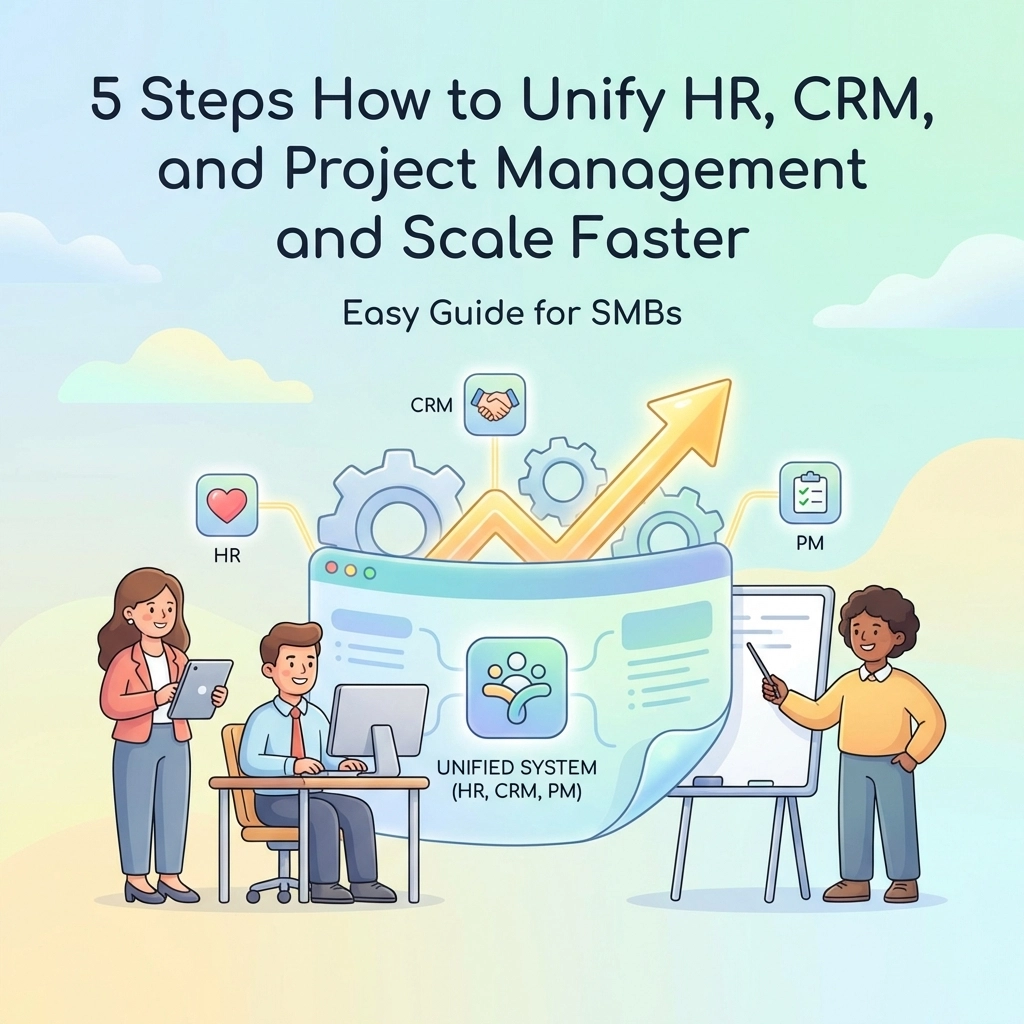
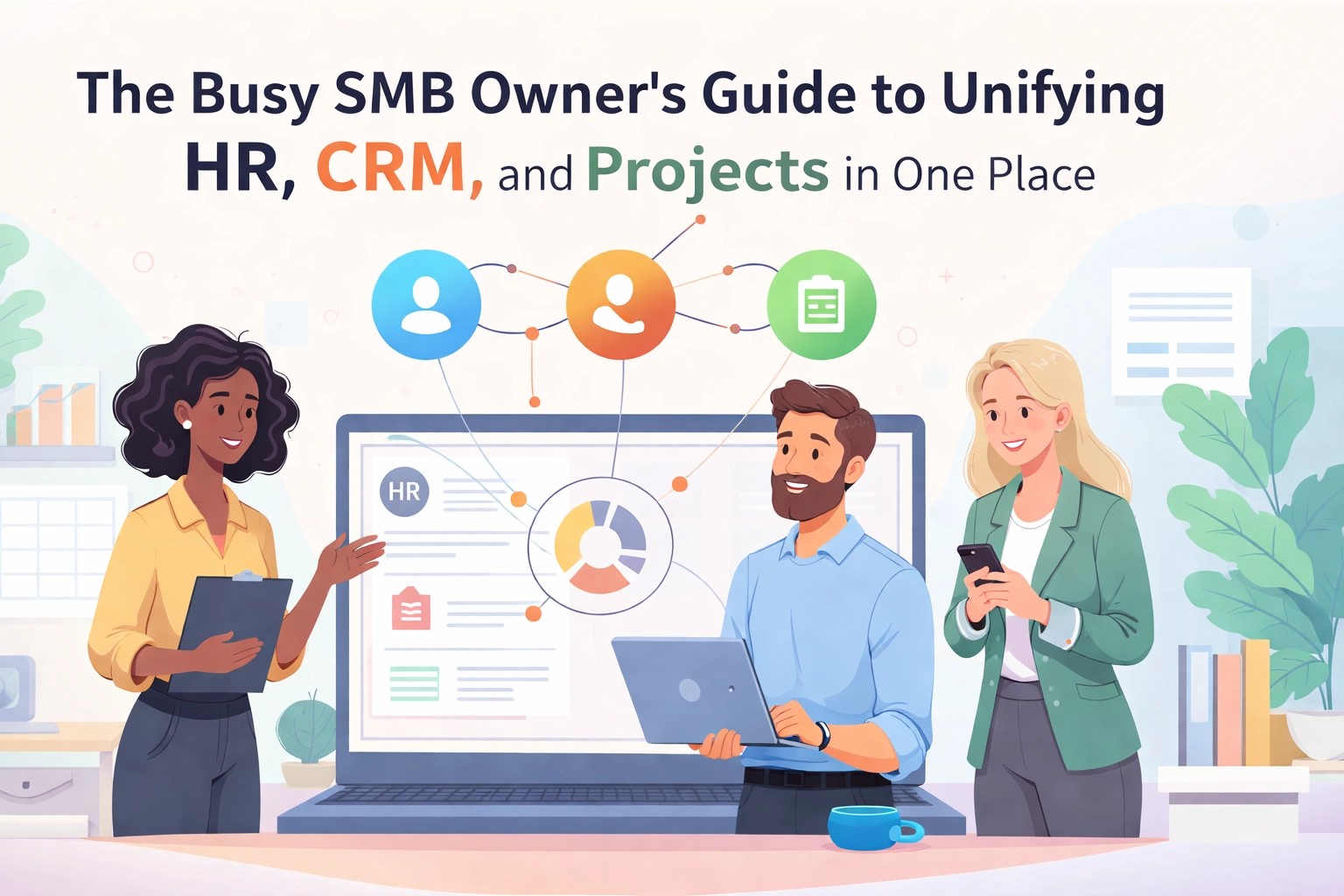
When your HR, CRM, and project management live in one place, something powerful happens:
- Your customer data connects to your projects. Close a deal and immediately spin up the project. No manual handoffs.
- Your team's capacity is visible. Know who's available before you promise a deadline to a client.
- Your processes talk to each other. Onboard a new employee and automatically assign them to relevant projects.
This is the Unified Advantage. And for SMBs, it's a game-changer.
You're not a Fortune 500 company with a dedicated IT department and unlimited software budgets. You need tools that work harder so you can work smarter.
The Three Pillars: HR, CRM, and Projects
Let's break down why these three functions specifically need to be connected.
HR: Your People Engine
Your team is your most valuable asset. HR isn't just about payroll and time-off requests. It's about:
- Knowing who's on your team and what they're capable of
- Tracking availability and workload
- Managing onboarding so new hires hit the ground running
- Keeping everyone aligned with company goals
When HR lives in isolation, you lose visibility into your own organization. You make staffing decisions based on gut feeling instead of data.
CRM: Your Revenue Lifeline
Your customers pay the bills. A CRM should help you:
- Track every interaction with prospects and clients
- Manage your sales pipeline from lead to close
- Store contracts, proposals, and communication history
- Identify opportunities for upsells and renewals
But a CRM that doesn't connect to your operations is just a fancy contact list. You need to see how customer relationships translate into actual work.
Projects: Your Execution Hub
This is where the rubber meets the road. Project management covers:
- Task assignments and deadlines
- Progress tracking and milestones
- Resource allocation
- Deliverable management
Projects don't exist in a vacuum. They're tied to customers. They're completed by your team. When you can see all three together, you can actually run your business.

Signs You Need to Unify (Like, Yesterday)
Not sure if this applies to you? Here are some telltale signs:
You're constantly asking "where is that?" Customer contract? Project status? Employee availability? If the answer requires checking multiple places, you've got a problem.
Your team dreads status meetings. When people spend half the meeting just syncing information instead of making decisions, something's broken.
Deadlines slip and no one knows why. Without visibility into team capacity and project dependencies, surprises are inevitable.
Onboarding takes forever. New hires spend weeks figuring out where things live and how to get information.
You're paying for tools no one uses. That project management app you bought last year? Half the team went back to spreadsheets.
If you're nodding along, keep reading.
What to Look for in a Unified Platform
Not all integrated platforms are created equal. Here's what actually matters:
Centralized Data
Everything in one place. Customer profiles linked to their projects. Team members connected to their tasks. No duplicate entry. No syncing required.
Automation That Actually Helps
The best platforms handle the boring stuff for you. Automatically create a project when a deal closes. Send reminders when tasks are due. Update statuses based on triggers.
This isn't about replacing your team. It's about freeing them up for work that matters.
Real-Time Visibility
Dashboards that show you what's happening right now. Not what happened last week. Not what someone updated three days ago.
You should be able to answer "how's that project going?" in five seconds flat.
Flexibility Without Complexity
Your business is unique. You need a platform that adapts to your workflows, not the other way around. But it shouldn't require a PhD to configure.
Simple. Powerful. That's the sweet spot.

The TeamsMaster Approach
Here's where TeamsMaster comes in.
We built TeamsMaster specifically for SMB owners who are tired of juggling tools. It brings HR, CRM, and project management together in one clean, intuitive platform.
No more context-switching. Your customer data, team information, and project details live in one place. Click from a client profile directly to their active projects. See which team members are assigned. Check deadlines without opening another app.
No more duplicate data entry. Update something once and it reflects everywhere. Your CRM knows what your project manager knows. Your HR data informs your resource planning.
No more flying blind. Get real-time dashboards that show project status, team capacity, and pipeline health at a glance. Make decisions based on data, not guesswork.
The Unified Advantage isn't just a tagline. It's how SMBs grow without drowning in operational chaos.
Getting Started: A Practical Roadmap
Ready to unify? Here's how to approach it without overwhelming yourself or your team.
Step 1: Identify Your Biggest Pain Points
Where do you lose the most time? Where do things fall through the cracks? Start there. Maybe it's the handoff between sales and project kickoff. Maybe it's tracking team availability. Pick one or two friction points to solve first.
Step 2: Map Your Current Workflow
Before you change anything, understand what you're working with. Document how information flows (or doesn't) between your current tools. This helps you spot redundancies and gaps.
Step 3: Start Small, Then Expand
You don't have to migrate everything overnight. Begin with one function: maybe CRM: and get comfortable. Then add project management. Then HR. Gradual adoption beats chaotic overhaul.
Step 4: Get Your Team Involved
Change is easier when people understand why it's happening. Share the vision. Show them how this makes their lives easier. Listen to feedback and adjust.
Step 5: Measure and Iterate
Track the metrics that matter. Time saved per week. Fewer missed deadlines. Faster onboarding. Let the data guide your next steps.

The Bottom Line
Running an SMB is hard enough without fighting your own tools.
When HR, CRM, and projects live in separate silos, you're making everything harder than it needs to be. You're spending time on admin that should go toward growth. You're making decisions without full information.
Unifying these functions isn't just about efficiency. It's about giving yourself the visibility and control to actually run your business.
The Unified Advantage is real. And it's waiting for you.
Ready to see what unified looks like? Check out TeamsMaster and give your team one place to work from.