You know that feeling. You're halfway through updating a client record in your CRM. Then you remember you need to check the project deadline. So you switch tabs. Then someone pings you about a leave request. Another tab. Before you know it, you've got twelve apps open and zero momentum.
Sound familiar?
The average SMB uses over a dozen different tools to manage their business. That's a lot of context-switching. A lot of wasted energy. And a lot of opportunity slipping through the cracks.
Here's the thing: your team doesn't need more apps. They need fewer places to look.
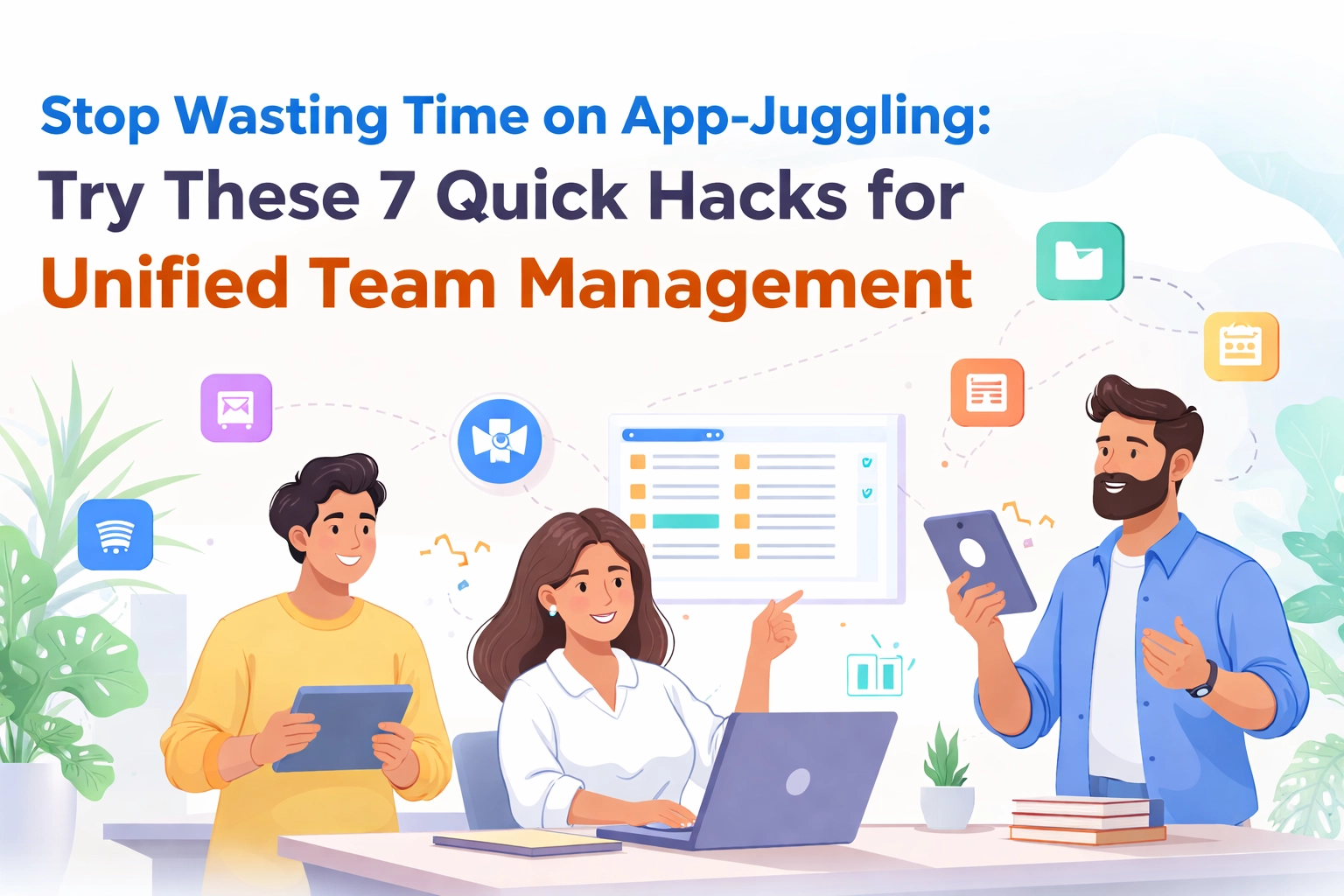
Let's talk about seven quick hacks to stop the app-juggling madness and get your team management unified once and for all.
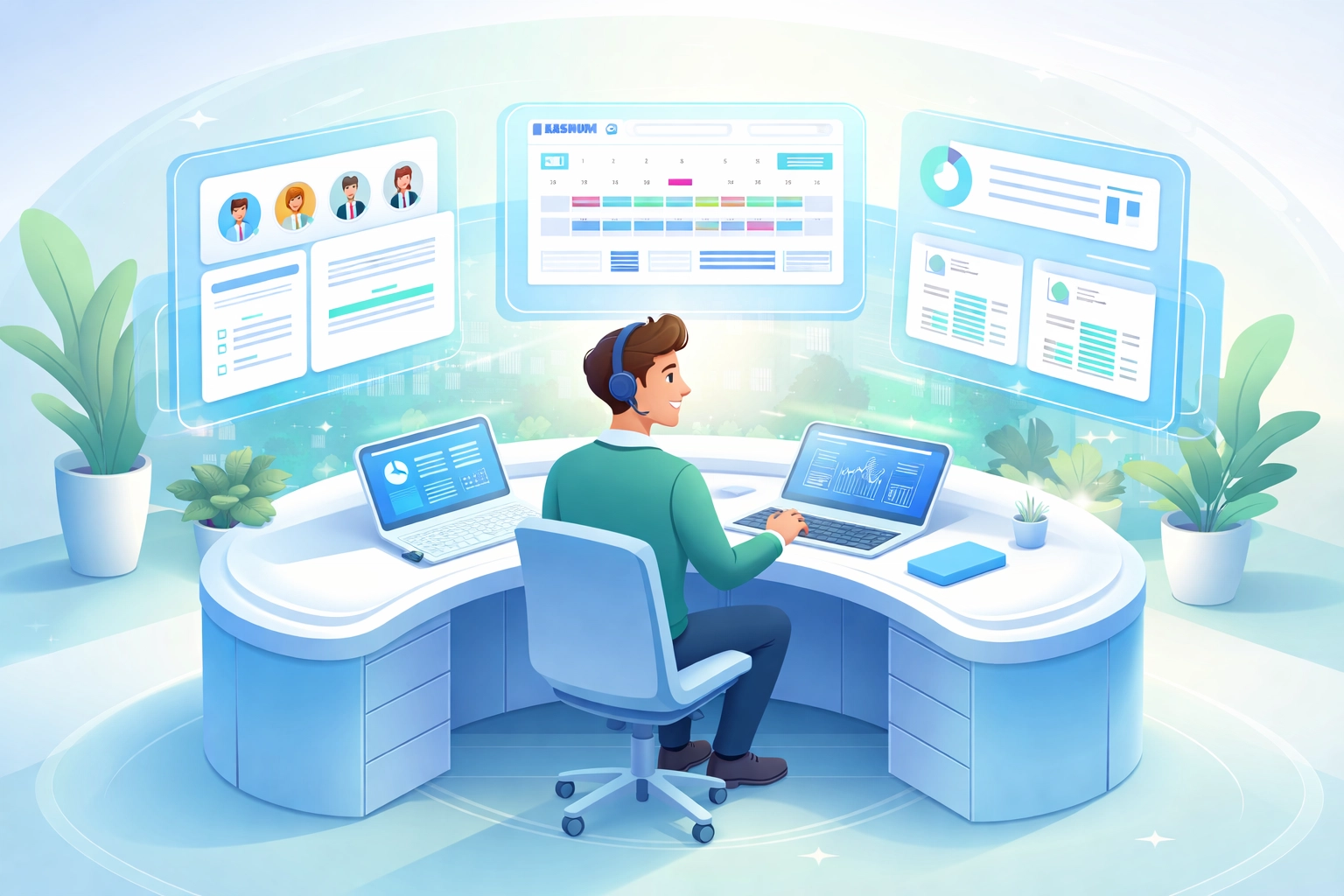
1. Create Your "Control Tower" View
Every airplane has a control tower. Every business needs one too.
Your control tower is a single place where you can see:
- What's happening right now
- Who's working on what
- What's coming up next
No more hunting through Slack threads, email chains, and spreadsheets. One dashboard. Full visibility.
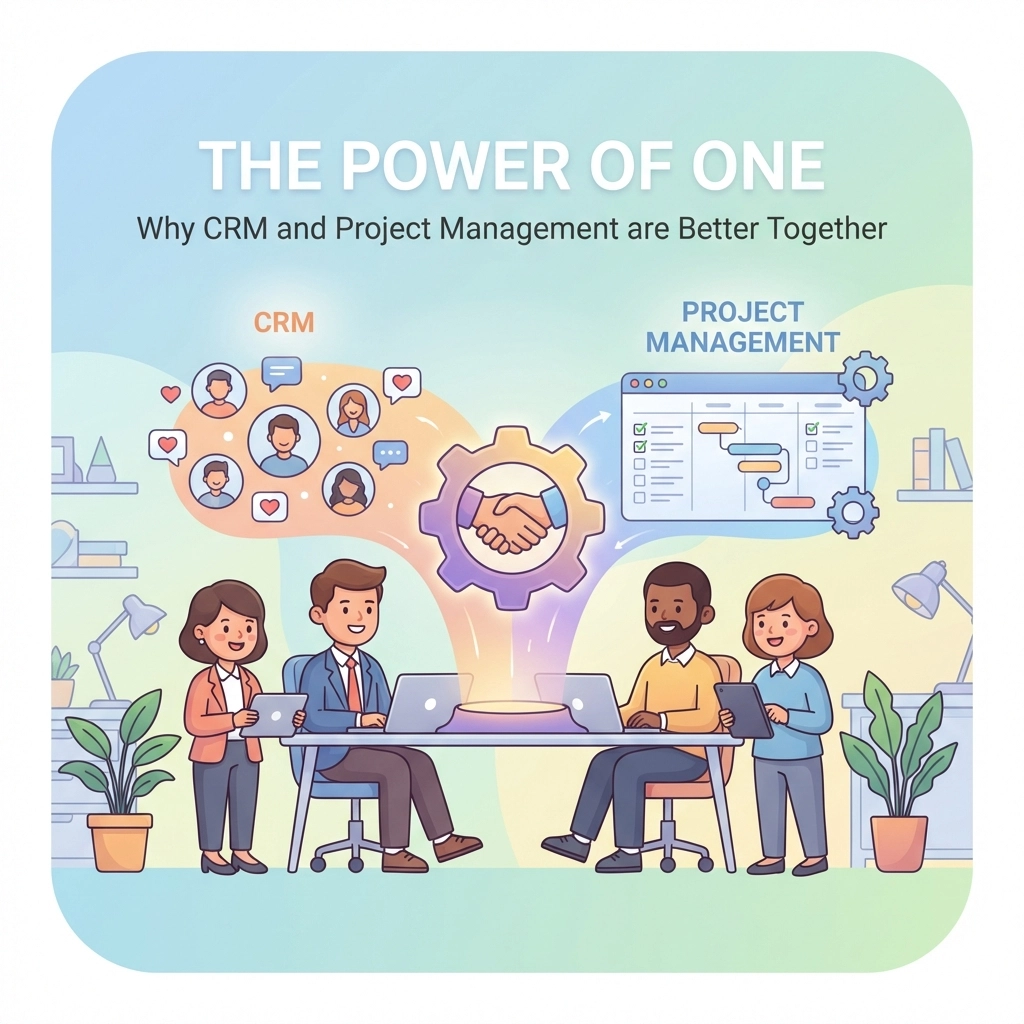
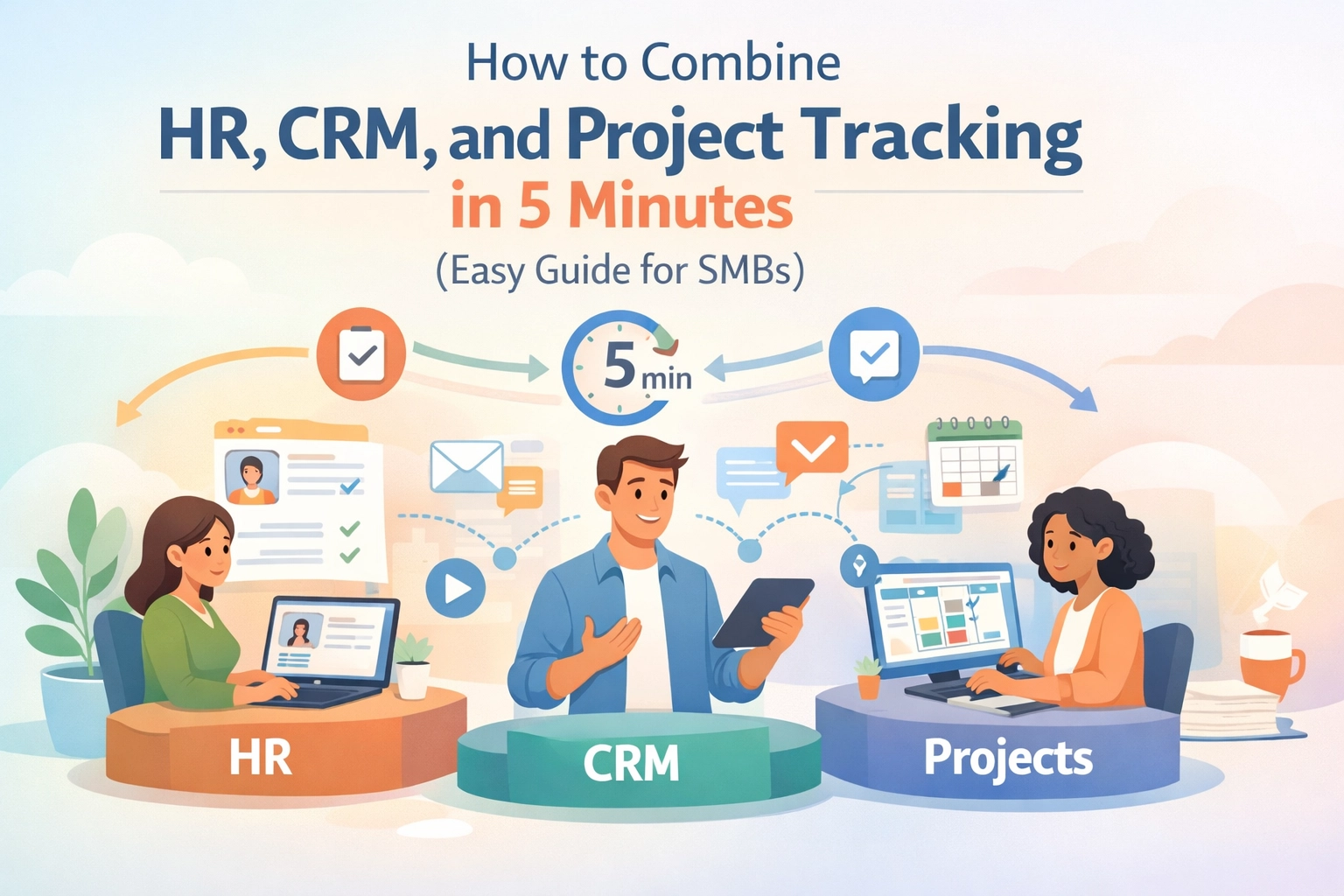
The trick? Choose a platform that brings HR, CRM, and project management together. When your employee data, customer interactions, and project timelines live in the same space, magic happens.
You spot patterns faster. You make decisions quicker. Your team stops asking "where do I find that again?"
2. Connect Your People Data to Your Projects
Here's where most businesses get it wrong. They keep employee information in one system and project assignments in another.
The result? Managers don't know who's available. Team members get overloaded. Resources get misallocated.
The hack is simple: link your HR data directly to your project workflows.
When you can see at a glance that Sarah's on vacation next week or that Dev just finished his certification, you make smarter assignments. No guesswork. No awkward "wait, I thought you were on that project" moments.
This is what we call the Unified Advantage. Your people data and your work data finally speaking the same language.
3. Build Automations That Actually Save Time
Every business has repetitive tasks. New employee onboarding emails. Client follow-up reminders. Weekly status update requests.
Stop doing them manually.
Set up simple automations:
- When a new employee is added, trigger an onboarding checklist
- When a deal closes, create a kickoff project automatically
- When a task is overdue, notify the right person
These small automations compound. What takes you 15 minutes daily becomes zero minutes. That's over 60 hours saved per year. Per automation.
Start with your most repetitive task. Build one automation this week. Watch the time savings stack up.
4. Centralize Your Client Conversations
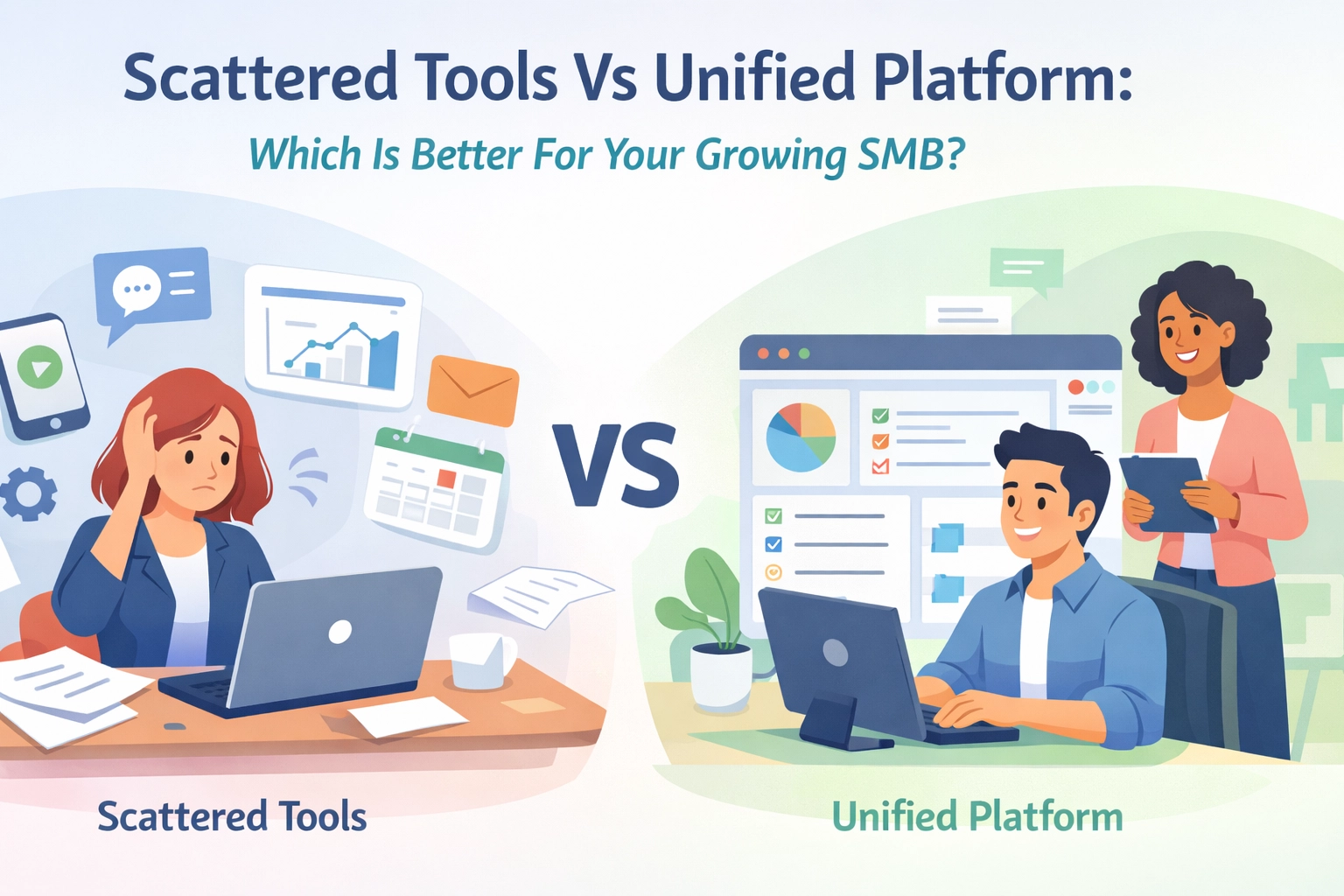
Your sales team uses one tool. Your support team uses another. Your project managers use a third.
Meanwhile, your client has told three different people the same thing. And nobody connected the dots.
This is the hidden cost of fragmented tools. Lost context. Frustrated clients. Missed opportunities.
The fix: bring all client-facing conversations into one unified record.
When your CRM syncs with your project management, everyone sees the full picture. Sales knows what support discussed. Project managers see the original requirements. Nobody starts from scratch.
Your clients feel heard. Your team feels informed. Everybody wins.
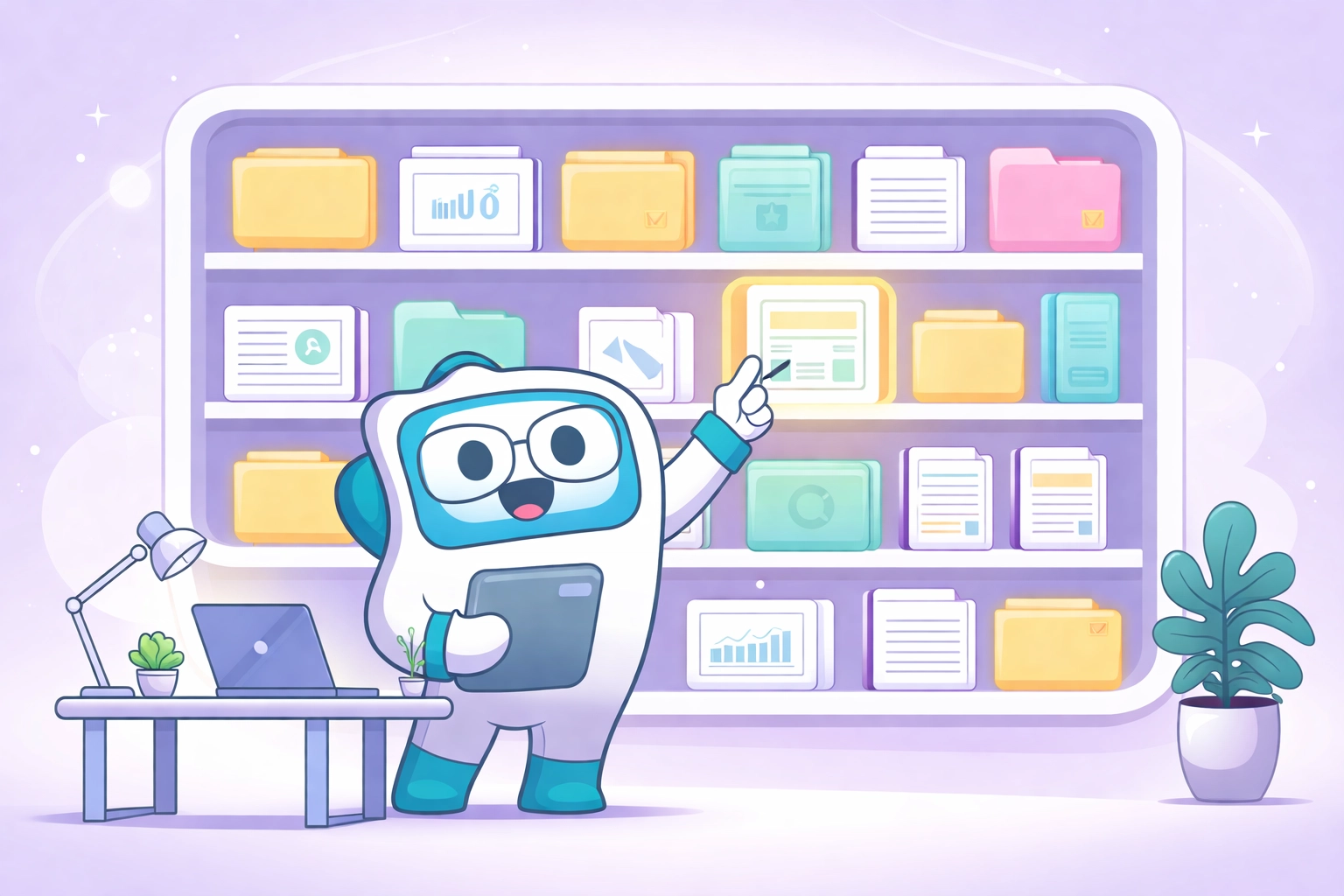
5. Create a Single Source of Truth for Documentation
Where does your team go to find:
- The company leave policy
- The client onboarding process
- The project naming convention
If the answer is "it depends" or "probably Google Drive somewhere," you've got a documentation problem.
Scattered docs mean scattered teams. People waste time searching. Or worse, they make up their own rules because they couldn't find the official ones.
The hack: build a centralized knowledge base inside your main platform.
Keep your SOPs, templates, and guidelines in the same place where work happens. When someone needs to reference the process, it's one click away. Not twelve tabs and a prayer.

6. Embrace Async-First Communication
Real-time communication feels productive. But it's often just busy.
Every ping pulls someone out of deep work. Every "quick call" turns into 45 minutes. Every urgent message creates artificial pressure.
The smarter approach: design your workflows for asynchronous communication first.
This means:
- Clear task descriptions that don't require follow-up questions
- Status updates visible in one place (not scattered across chat)
- Decisions documented where future team members can find them
Your team in different time zones stays aligned. Your focused workers stay focused. Your documentation builds itself naturally.
Real-time chat still has its place. But it shouldn't be the default for everything.
7. Set Clear Criteria Before Adding Any New Tool
This is the most important hack. And the most overlooked.
Before you add another app to your stack, ask yourself:
- Does this integrate with our existing systems?
- Will this reduce complexity or add to it?
- Does our team actually need this, or does it just seem cool?
Every tool has a cost. Subscription fees. Learning curves. Integration headaches. Data silos.
Sometimes the answer isn't a new app. Sometimes it's using your current platform more effectively.
The best tool stack isn't the one with the most features. It's the one that works together seamlessly.
The Unified Advantage in Action
Let's paint a picture of what happens when you implement these hacks.
Monday morning. You open one dashboard. You see your team's availability, your active projects, and your sales pipeline. All in one view.
A new lead comes in. You assign it to your available sales rep instantly because you can see their current workload. No back-and-forth needed.
The deal closes. A project kicks off automatically. The client's entire history is right there for the project manager to reference.
Meanwhile, your HR system flags that two team members have upcoming anniversaries. You schedule a quick recognition without leaving your workspace.
This isn't some far-off dream. This is what unified team management looks like.
Making the Shift
You don't have to overhaul everything overnight.
Start with one hack this week. Maybe it's building that control tower view. Maybe it's setting up your first automation. Maybe it's just auditing how many apps you actually use daily.
Small changes compound into massive time savings.
The goal isn't perfection. It's progress toward a simpler, more unified way of working.
Your team deserves tools that work together. Your clients deserve consistent experiences. And you deserve to stop juggling twelve apps just to get through your morning.
Ready to see what unified HR, CRM, and project management looks like in practice? TeamsMaster brings it all together in one simple platform built for growing SMBs.
Stop the app-juggling. Start the momentum.