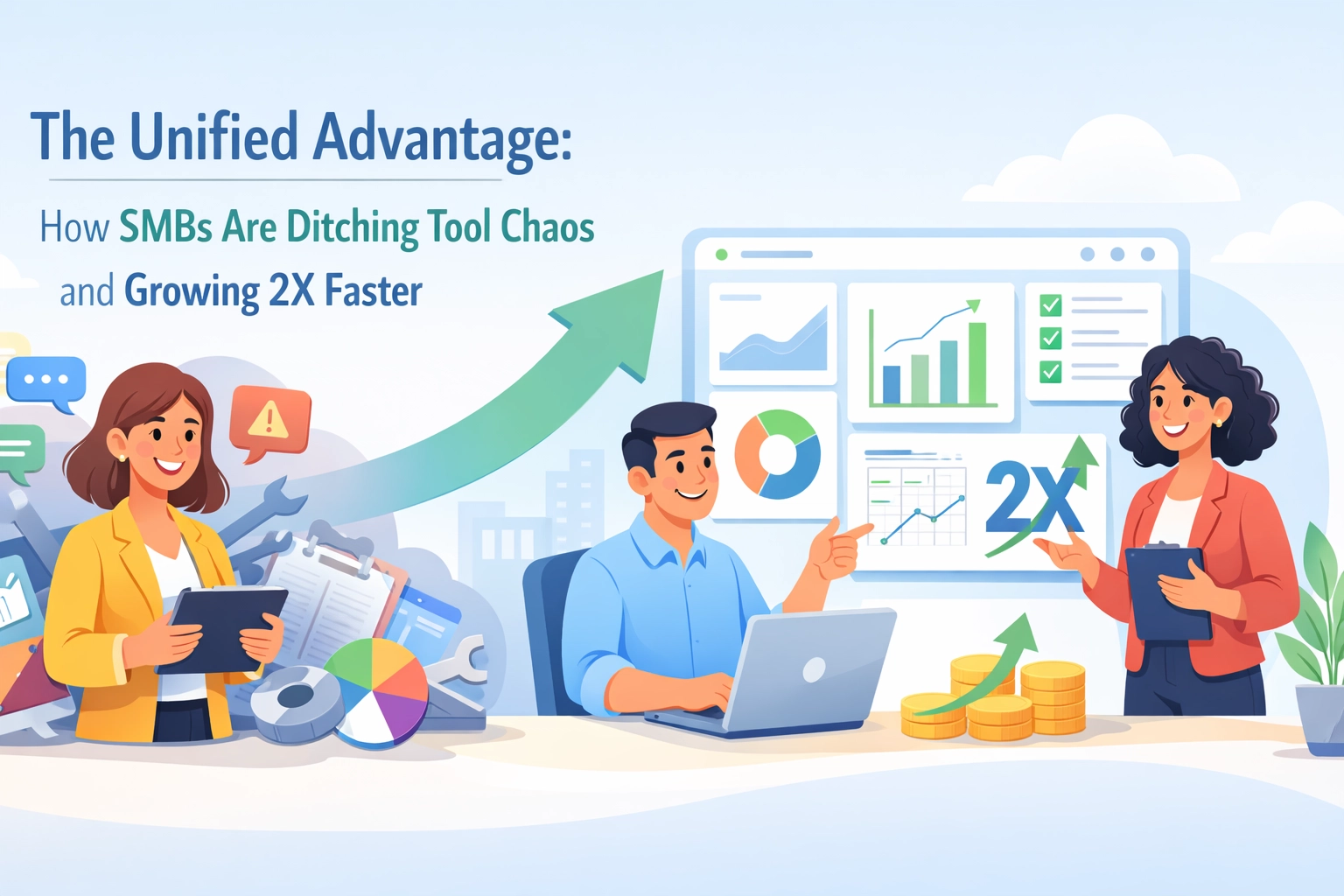
You're juggling five different apps before your morning coffee gets cold.
One tab for tracking employee time off. Another for customer details. A third for project deadlines. And somewhere in between, a spreadsheet that nobody remembers updating.
Sound familiar?
If you're running a small or medium-sized business, you've probably felt the chaos of scattered tools. Your team wastes hours switching between platforms. Important details slip through the cracks. And growth? It feels harder than it should be.
Here's the good news: it doesn't have to be this way.
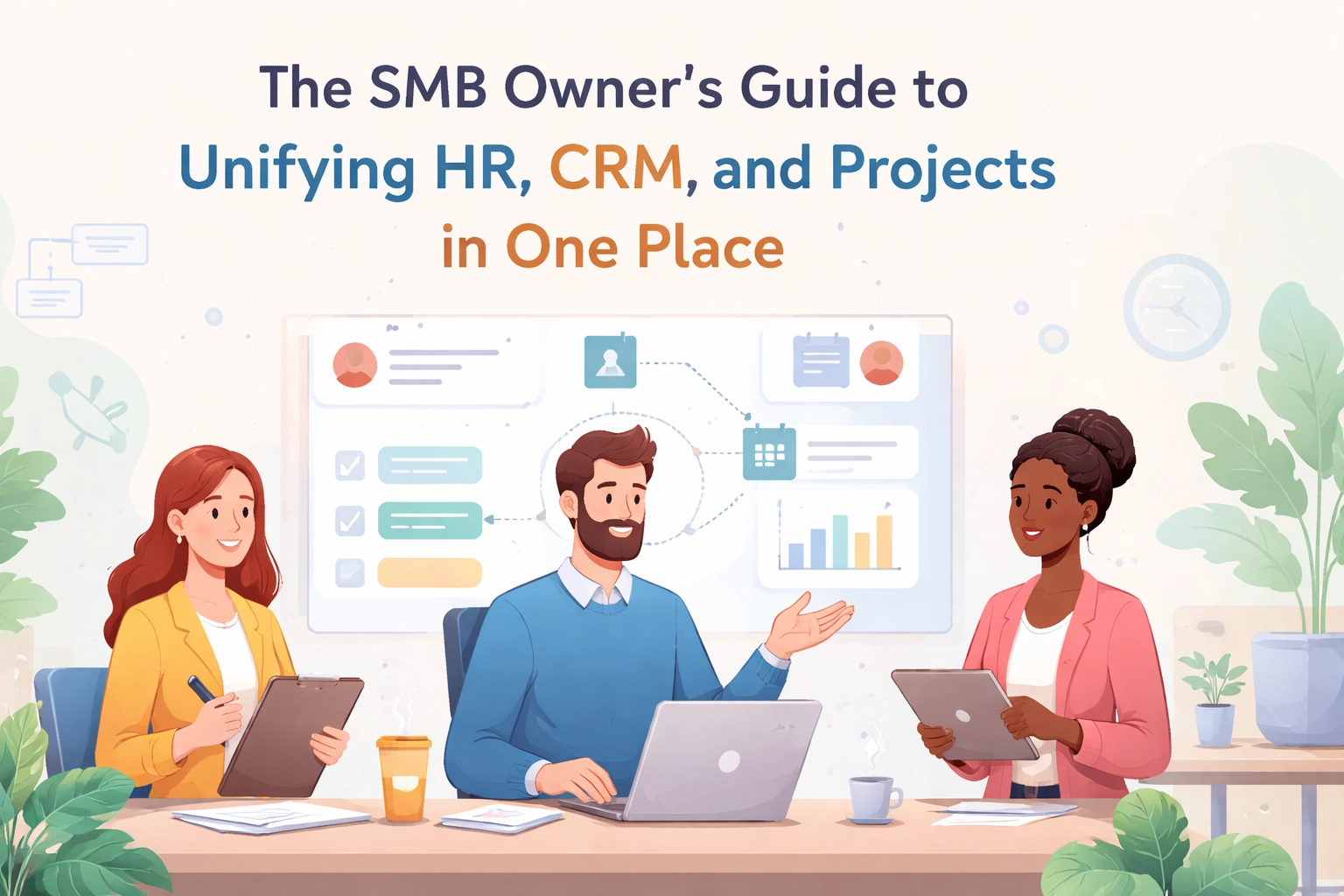
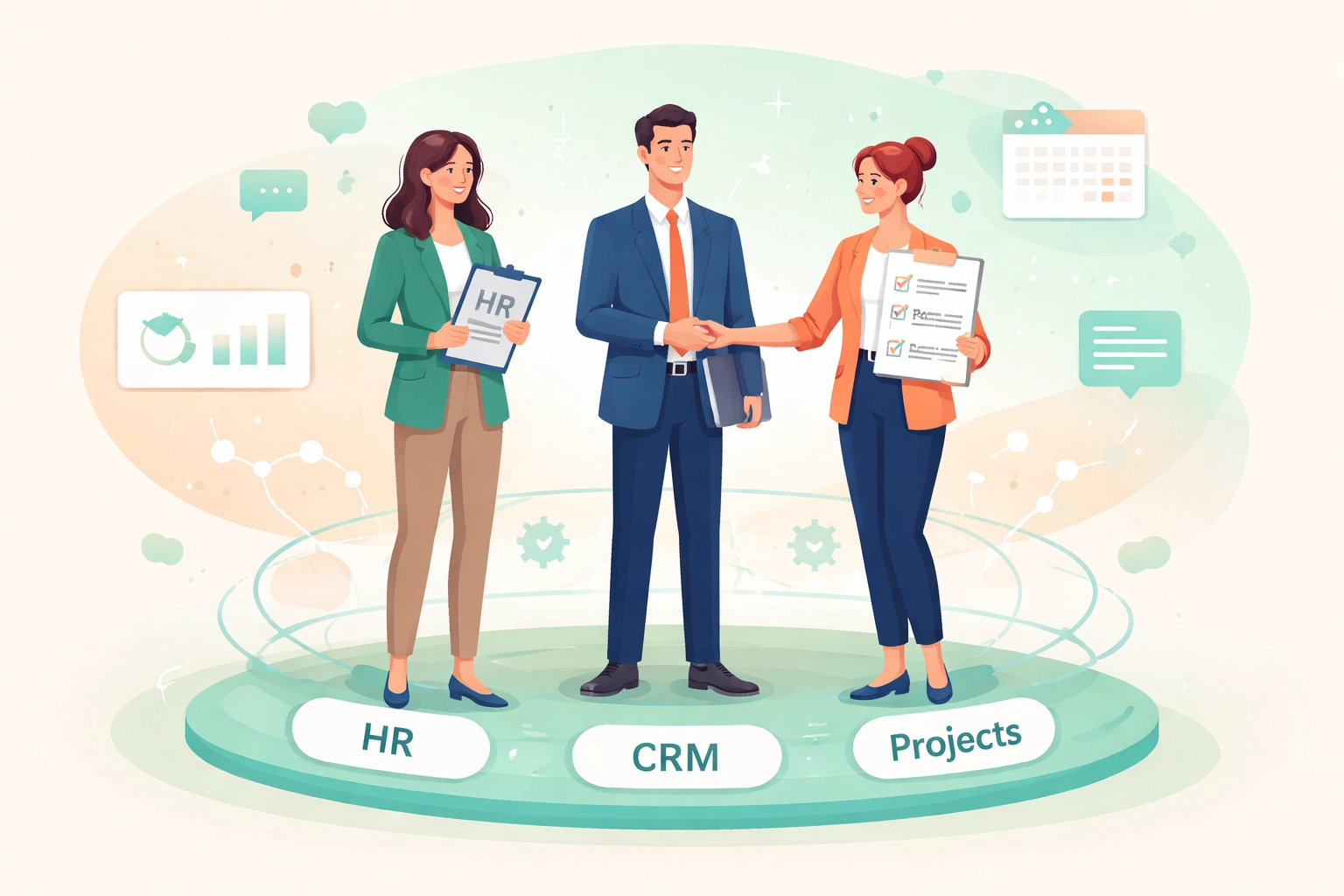
Unifying your HR, CRM, and project management into one place isn't just a nice idea. It's a game-changer for SMBs ready to scale without the headaches.
Let's break down exactly how to make it happen.
The Hidden Cost of Tool Overload
Every separate tool you add creates friction.
Your sales team logs customer info in the CRM. Your project manager tracks deliverables somewhere else. HR handles onboarding in yet another system. Nobody sees the full picture.
This fragmentation leads to:
- Wasted time hunting for information across platforms
- Miscommunication between departments
- Duplicate data entry that eats up your team's energy
- Higher costs from multiple subscriptions adding up
Research shows that 87% of businesses see better project outcomes after adopting unified, CRM-driven workflows. That's not a small bump. That's a transformation.
The real cost isn't just the subscription fees. It's the invisible tax on your team's productivity and morale.

The Unified Advantage: Why Consolidation Works
Here's where things get exciting.
When you bring HR, CRM, and projects under one roof, something clicks. Suddenly, everyone's working from the same playbook. Information flows freely. Decisions happen faster.
Let's look at what the "Unified Advantage" actually delivers:
Centralized Data at Your Fingertips
No more digging through emails or asking Karen in HR for that document. Client details, employee records, project timelines, contracts: all linked in one place.
You open one dashboard. You see everything that matters.
Cross-Department Alignment
Sales knows what projects are in the pipeline. Project managers see which clients need attention. HR understands team workloads before assigning new hires.
Real-time updates keep everyone synchronized. No more "I didn't know about that" moments.
Reduced Operational Costs
One platform means one subscription. One learning curve. One support team to contact.
You stop paying for overlap. You stop wasting time transferring data between systems.
Faster, Smarter Decisions
When all your data lives together, patterns emerge. You can adjust timelines, allocate resources, and shift priorities on the fly.
No waiting for weekly reports. No guessing games.
Better Collaboration Everywhere
Remote team member in Bangalore? Office manager in Chicago? Doesn't matter.
A shared workspace lets everyone update task statuses, share files, and stay aligned: wherever they are.
Core Features Your Unified Platform Needs
Not all platforms are created equal. When you're evaluating options, look for these essentials:
Workflow Automations
Manual tasks eat up hours every week. The right platform automates repetitive work like sending reminders, updating statuses, and routing approvals.
Customizable Dashboards
Your business isn't cookie-cutter. Your dashboard shouldn't be either. Look for real-time visibility that you can tailor to your priorities.
Task Assignment and Tracking
Assign work across departments. Track progress without chasing people down. Know who's doing what at any moment.
File Storage and Document Sharing
Centralized storage means no more "which version is the latest?" drama. Everything lives in one accessible spot.
Integration Capabilities
Your email, accounting software, and existing tools need to play nice together. Platforms with 400+ pre-made integrations give you flexibility without custom development headaches.
Group Communication Tools
Built-in chat, comments, and email management keep conversations tied to the work they're about.
Time Tracking and Reporting
Understand where hours actually go. Make resource decisions based on real data, not gut feelings.
Making the Switch: Your Implementation Playbook
Switching platforms can feel daunting. But with the right approach, it's smoother than you'd expect.
Step 1: Assess Your Actual Needs
Before you shop around, get clear on what matters most. Is it task automation? Custom workflows? Seamless integrations?
Make a list. Rank your priorities. This prevents shiny-feature syndrome later.
Step 2: Prioritize Easy Onboarding
The best platform means nothing if your team won't use it. Look for built-in tutorials, pre-designed templates, and mobile accessibility.
A smooth start builds momentum. A rocky one kills adoption.

Step 3: Plan Your Integrations
Think about what you're already using. Email. Accounting software. Calendar apps.
Choose a platform that natively connects with your existing stack. This keeps data flowing without manual imports and exports.
Step 4: Train Your Team Thoroughly
Don't skip this step. Even intuitive tools need proper onboarding.
Designate an internal champion: someone who knows the system inside out. They become the go-to for questions and troubleshooting.
Step 5: Start Small, Then Scale
You don't have to migrate everything on day one. Begin with one department or one project. Work out the kinks. Then expand.
Many platforms offer scalable pricing, so you only pay for what you actually use.
Why TeamsMaster Fits the Bill
Here's where we come in.
TeamsMaster was built for SMBs who are tired of the tool shuffle. It brings HR, CRM, and project management together in one clean, simple platform.
No overwhelming complexity. No enterprise-level pricing that makes your eyes water.
Here's what makes it work for growing businesses:
- One login, one dashboard. See your team, your customers, and your projects in a single view.
- Straightforward automations. Set up workflows that save hours every week: without needing a tech degree.
- Built for collaboration. Your team stays aligned whether they're in the same room or across time zones.
- Scalable as you grow. Start with what you need today. Add features as your business expands.
The goal isn't to give you more features than you can use. It's to simplify your operations so you can focus on what actually grows your business.
The Bottom Line
Running an SMB is hard enough without wrestling with disconnected tools every day.
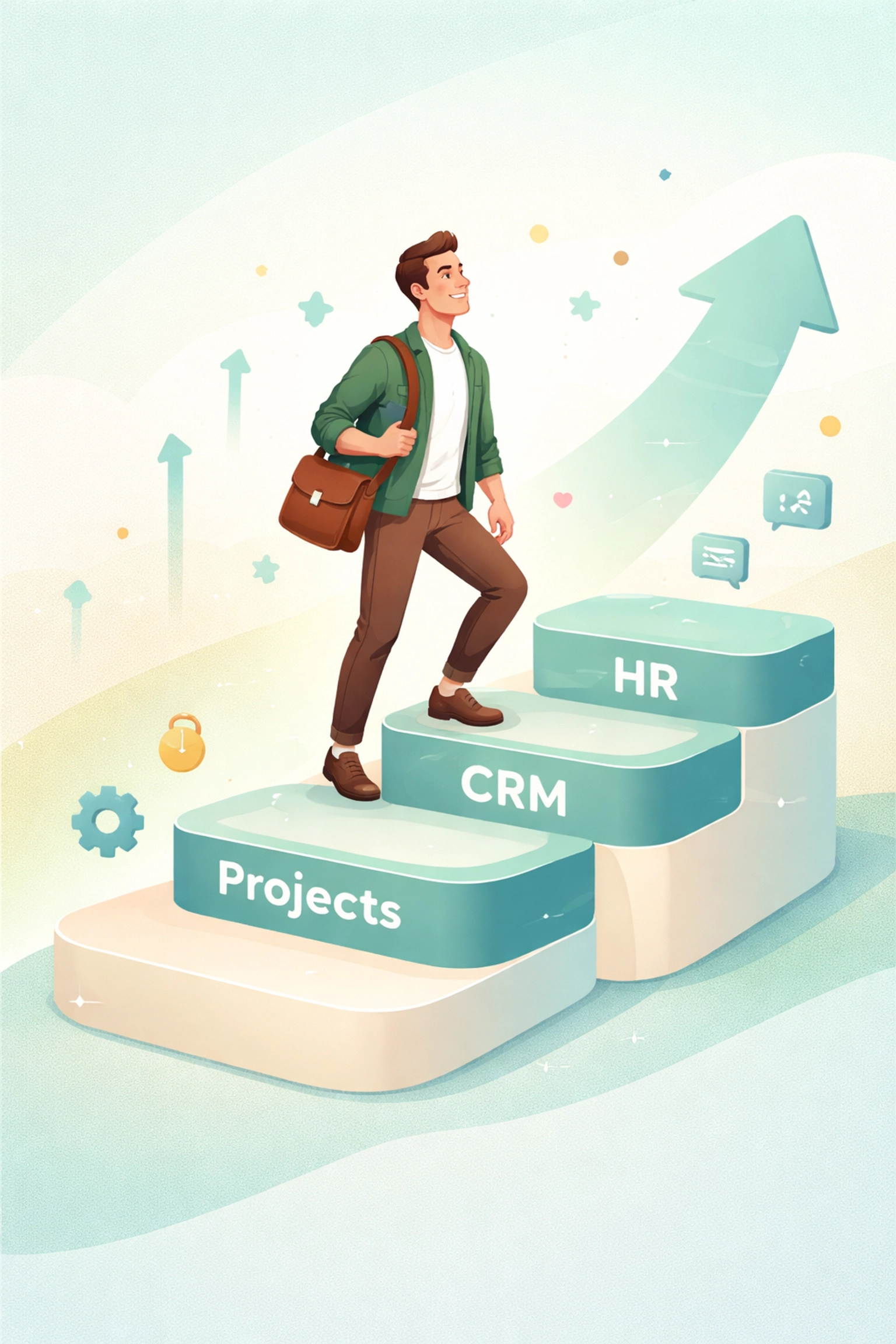
Unifying your HR, CRM, and projects into one platform isn't about following a trend. It's about reclaiming your time. It's about giving your team clarity. It's about building a foundation for real, sustainable growth.
The businesses that thrive don't just work harder. They work smarter. And smarter starts with simplicity.
Ready to see what unified operations actually look like? Take TeamsMaster for a spin and experience the difference yourself.
Your future self: and your team( will thank you.)