Let's be real for a second.
You started your business to do what you love. Not to juggle fifteen different apps just to send an invoice, track a project, and remember your team's birthdays.
But here you are. One tool for CRM. Another for HR. A third for project management. And somehow, a fourth one that nobody remembers signing up for.
Sound familiar?
The average small business uses 10-15 different software tools. Many with overlapping features. Most barely talking to each other.
And it's costing you more than you think.
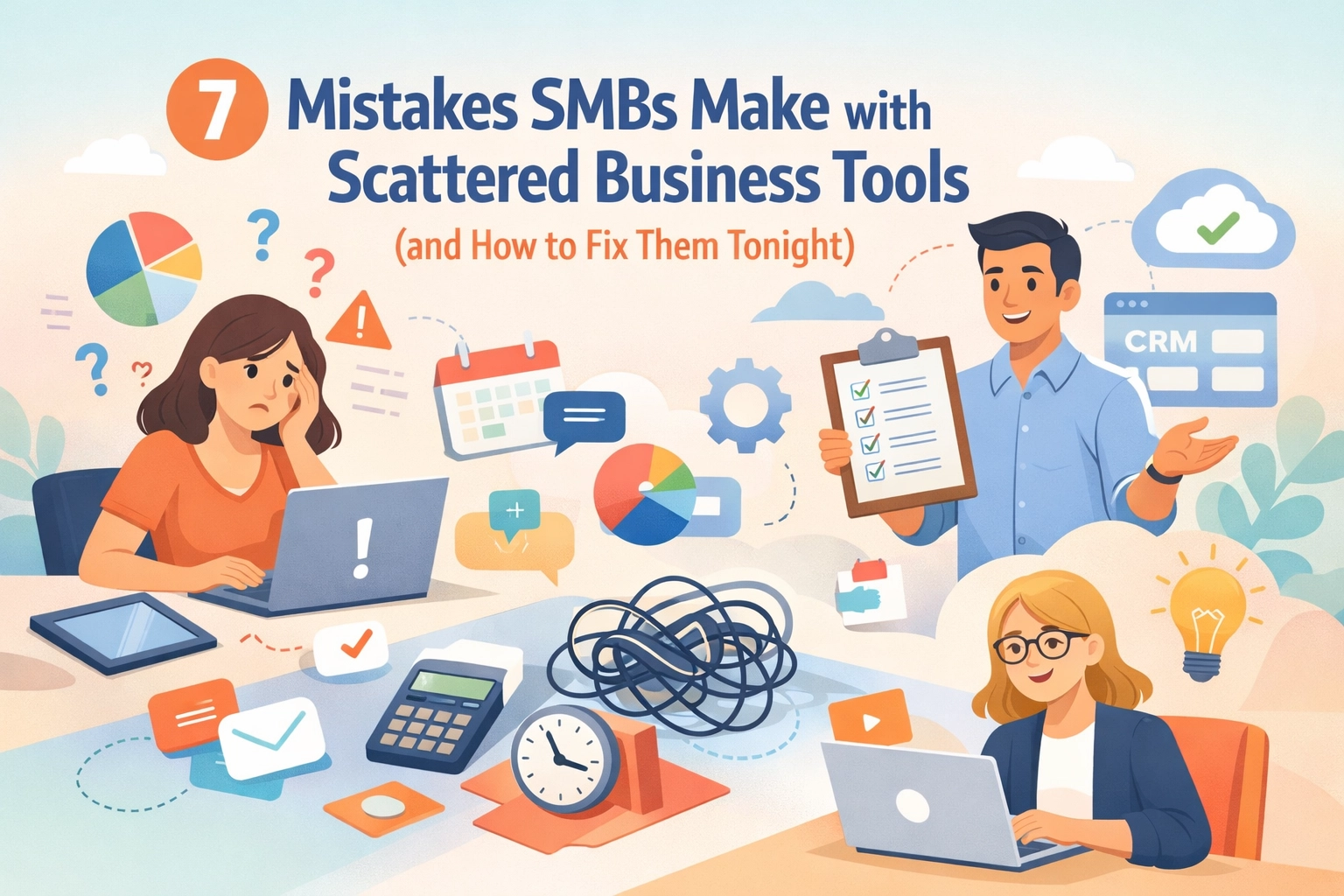
Let's break down the seven biggest mistakes SMBs make with scattered business tools. More importantly, let's fix them. Tonight.
Mistake #1: Losing Hours to Context-Switching
Here's a brutal stat: employees lose up to 30% of their productivity switching between applications.
Think about that. Nearly a third of your team's energy. Gone. Poof.
It's not just the clicks. It's the mental reload every time someone jumps from your CRM to Slack to a spreadsheet to your project board.
Your brain needs time to refocus. Multiply that by dozens of switches per day. Across your whole team.
That's not working. That's treading water.

The fix: Fewer tools. Unified dashboards. When your HR, CRM, and project data live in one place, your team stops switching and starts actually working.
Mistake #2: Paying for Subscriptions You Forgot About
Quick question: Do you know exactly how many software subscriptions your business pays for right now?
If you hesitated, you're not alone.
Most SMBs discover they're paying $200-500 per month for tools they forgot existed. That free trial from eighteen months ago? Still charging your card.
And the real cost goes deeper. Training time. IT support. Integration headaches. The actual expense often runs 2-3x the subscription price.
The fix: Run a tool audit tonight. Seriously. Log into your payment accounts. List every subscription. Cancel what you don't actively use. Your future self will thank you.
Mistake #3: Creating Data Silos Everywhere
Your customer info lives in your CRM. Also in your email platform. Also in your accounting software. And probably in three random spreadsheets someone created "just for this one project."
None of them match.
When data scatters across platforms, you lose the single source of truth. Sales thinks a deal closed last week. Finance says it's still pending. Support has no idea the customer even exists.
This isn't just messy. It's dangerous for your business.
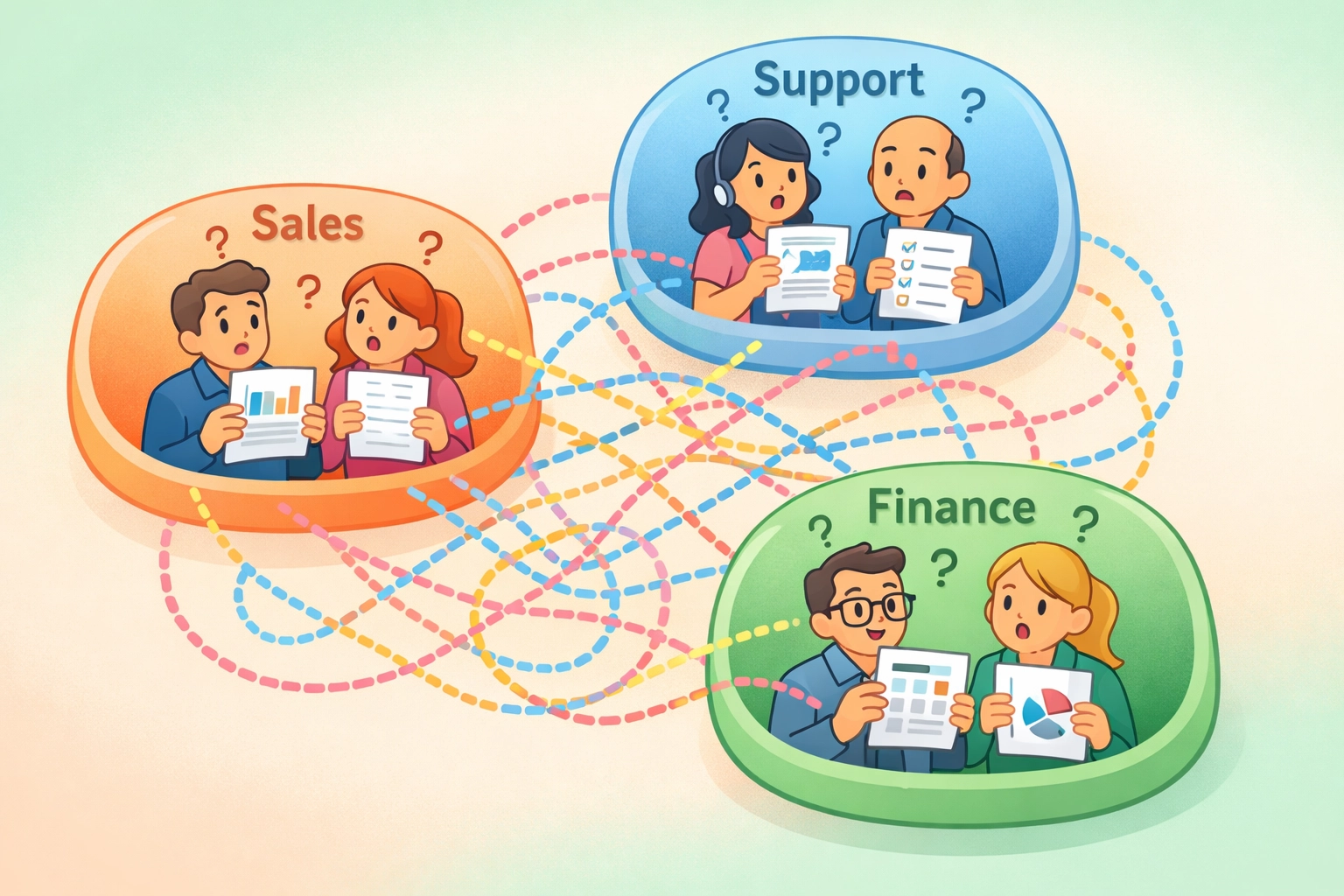
The fix: Unify your data. One platform. One customer record. One truth. When HR, sales, and project management share the same information, everyone stays aligned.
Mistake #4: Getting Stuck in Integration Nightmares
"Oh, these tools integrate perfectly!"
Famous last words.
Sure, maybe they connect. Until one platform updates its API. Then everything breaks. Your Zaps stop working. Your automations fail silently. And you're back to copy-pasting between tabs like it's 2005.
Integration maintenance is a hidden tax on your time. Every connection point is a potential failure point.
The fix: Stop trying to duct-tape separate tools together. A unified platform eliminates integration headaches entirely. No middleware. No custom APIs. Just one system that works.
Mistake #5: Suffering from Decision Paralysis
"Should we track this in Asana or Monday?"
"Wait, didn't we switch to ClickUp?"
"I thought we were using the spreadsheet?"
When your team has too many options, they waste time debating which tool to use instead of doing the actual work.
Different platforms report similar metrics differently. Which dashboard do you trust? Which numbers are real?
Confusion slows everything down.
The fix: Pick one platform for your core operations. Establish clear guidelines. Remove the guesswork so your team can move fast.
Mistake #6: Overspending on Tools Nobody Uses
Remember that fancy coordination software you bought six months ago?
The one that promised to save everyone hours?
Yeah. Three people logged in once. Now it collects digital dust while still charging you monthly.
This happens constantly. SMBs buy tools expecting magic. Reality hits. The tool doesn't fit. But the subscription keeps renewing.
Some businesses lose nearly all their potential profit margin to unused software.

The fix: Before adding any new tool, ask: "Does this replace something we already have? Will our team actually adopt it?" If you can't answer yes to both, walk away.
Mistake #7: Duplicating Work Across Systems
This one hurts the most.
Your team spends:
- 5 hours weekly on manual data entry between systems
- 3 hours searching for files scattered across platforms
- 2 hours sending duplicate messages because information lives in silos
That's 10 hours per person. Per week. Wasted.
Not on growth. Not on serving customers. On busywork that shouldn't exist.
The fix: Consolidate. When your CRM, HR, and project management live together, data flows automatically. No more re-entering the same info five times.
How to Fix All of This Tonight
Okay, you've seen the mistakes. Now let's get practical.
Here's your action plan for tonight:
Step 1: Run a Tool Audit
Open your bank statements and credit card records. List every software subscription. Include the cost and what it's supposed to do.
You'll probably find surprises.
Step 2: Identify Overlaps
Look for tools doing similar things. Two project management apps? Three communication platforms? Time to consolidate.
Step 3: Cancel the Dead Weight
Be ruthless. If you haven't used it in 60 days, cut it. You can always re-subscribe later if you actually need it.
Step 4: Consider the Unified Approach
Instead of juggling single-purpose tools, look at comprehensive platforms that combine CRM, HR, and project management.
This is what we call the Unified Advantage.
One login. One dashboard. One source of truth for your entire operation.
Your team stops context-switching. Your data stays consistent. Your subscriptions simplify.
And you finally have time to focus on what matters: growing your business.
Step 5: Set Rules for the Future
Before anyone adds a new tool, establish an approval process. Ask:
- Does it integrate with our main platform?
- Does it replace something we already have?
- Will the team actually use it?
This prevents future tool sprawl before it starts.
The Unified Advantage for Growing SMBs
Here's the thing. Scattered tools made sense when your business was tiny. You grabbed whatever was free or cheap. You made it work.
But growth changes the equation.
Every new hire multiplies the complexity. Every new client adds more data to manage. Every disconnected tool becomes another crack where things fall through.
Unifying your HR, CRM, and project management isn't just about saving money. Though you will.
It's about building a foundation that scales with you.
It's about giving your team one place to work instead of fifteen places to search.
It's about making decisions with complete data instead of fragmented guesses.
That's the Unified Advantage. And it starts with fixing these seven mistakes.
Tonight.
Ready to simplify your operations and unlock real growth? TeamsMaster brings your HR, CRM, and project management together in one powerful platform built for SMBs like yours.