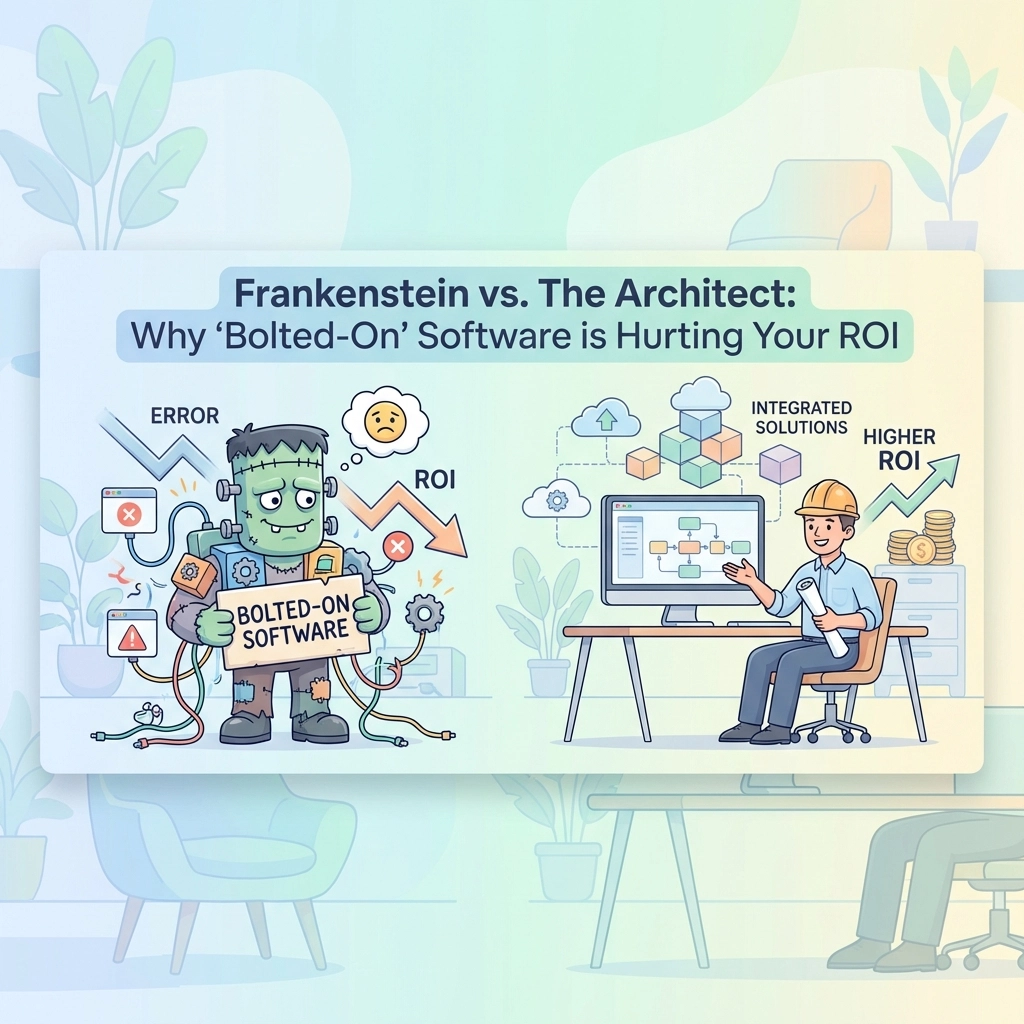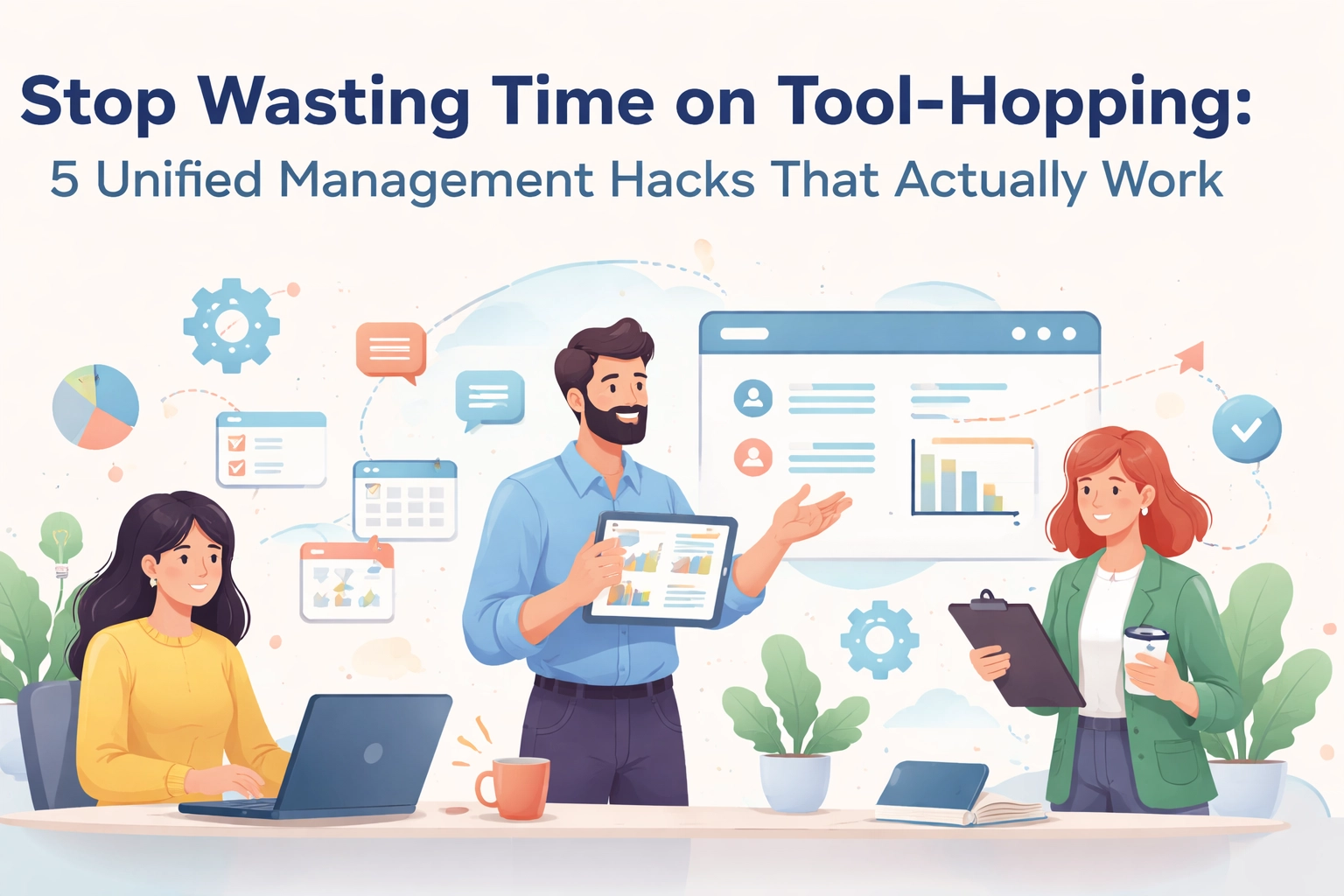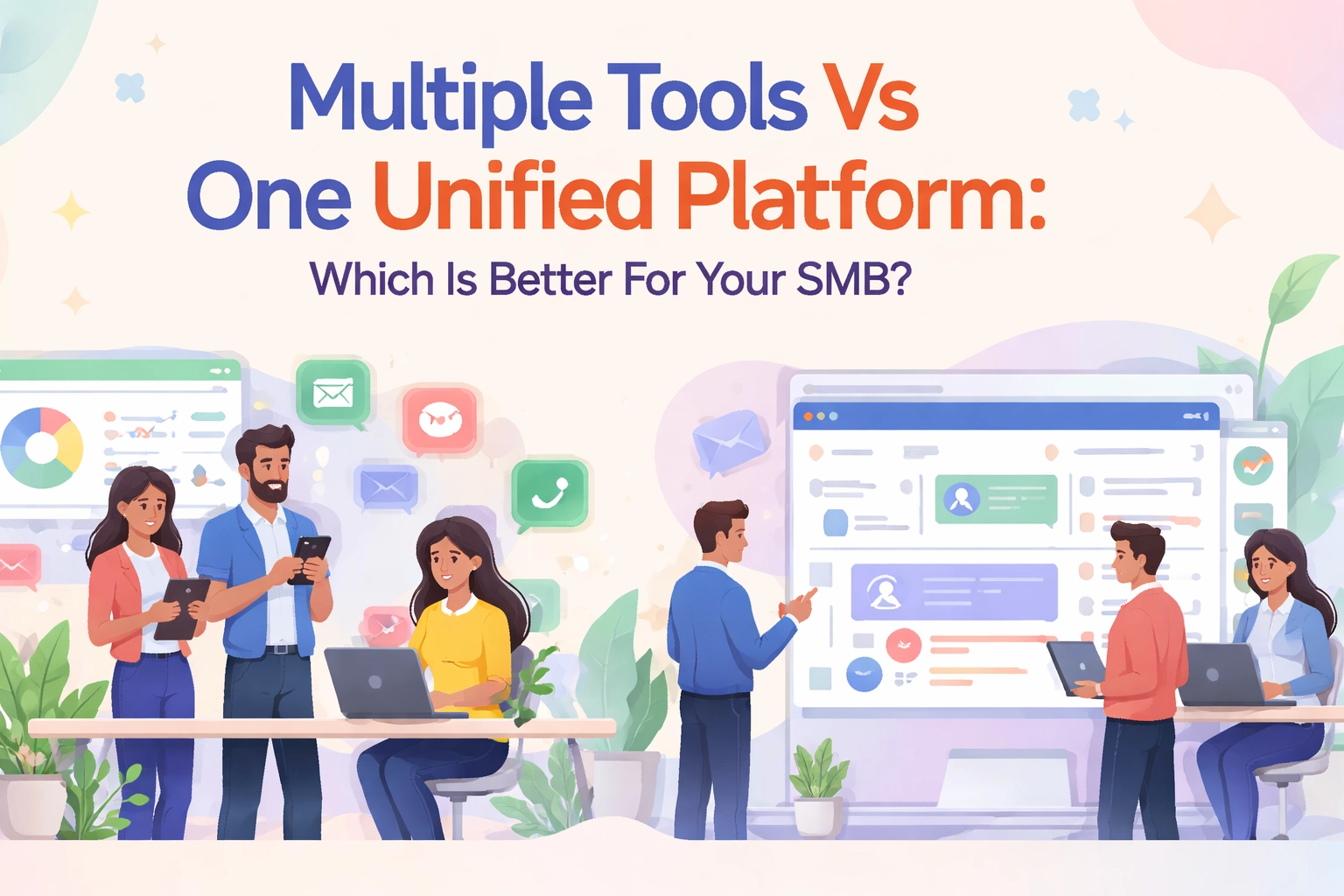
You're jumping between tabs. Five different logins. Three separate systems for HR, sales, and projects.
Your morning starts with checking emails in one app. Then switching to your CRM for customer updates. Then logging into another tool for project status. Then another for payroll.
Sound familiar?
You're not alone. Most small business owners waste 2-3 hours daily just switching between tools. That's 15 hours per week. That's an entire workday gone.
There's a better way.
What Is the Unified Advantage?
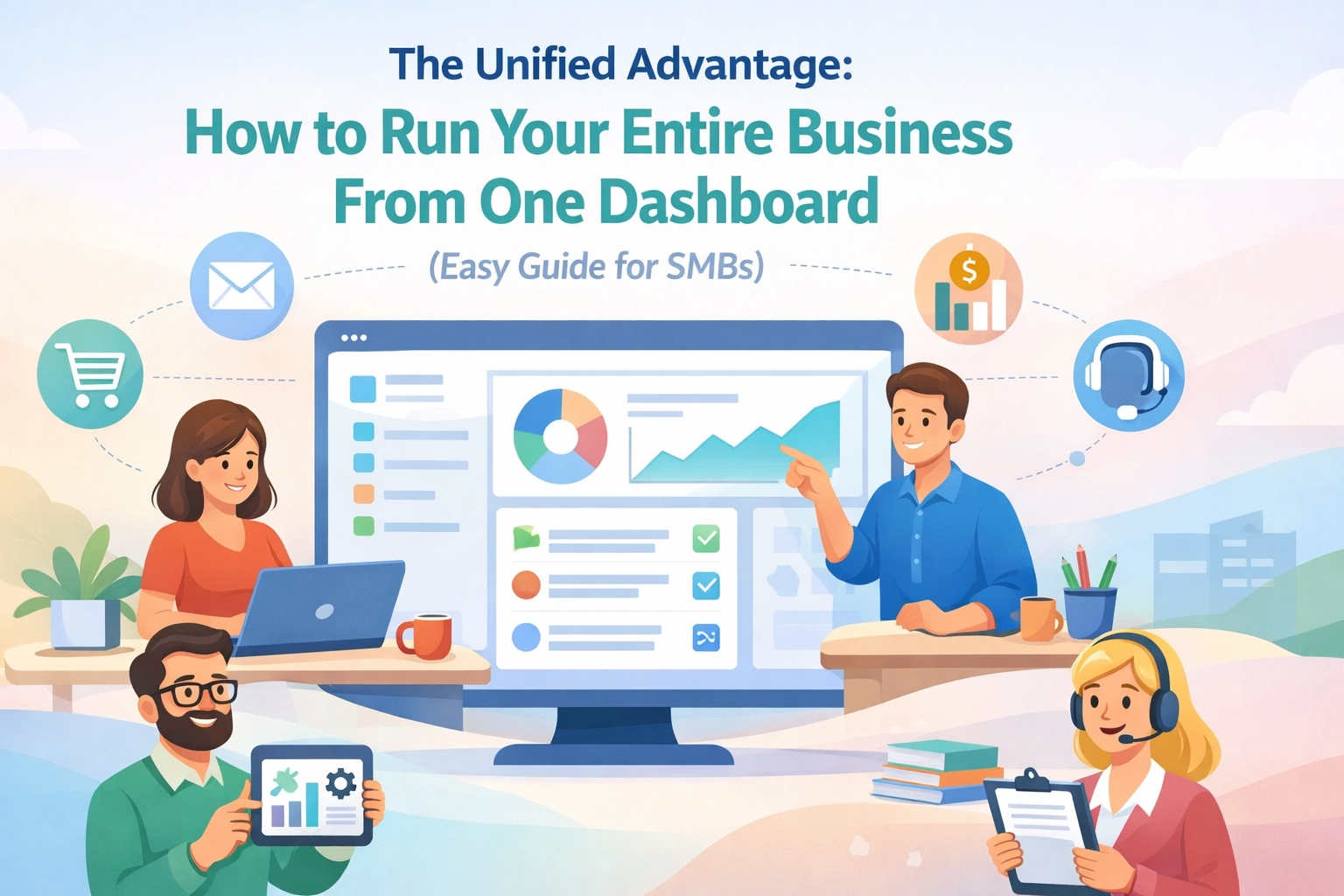
The Unified Advantage means running your entire business from one dashboard. One login. One source of truth.
Everything you need: HR data, customer relationships, project timelines: lives in the same place. No more tool-hopping. No more confusion about which system has what information.
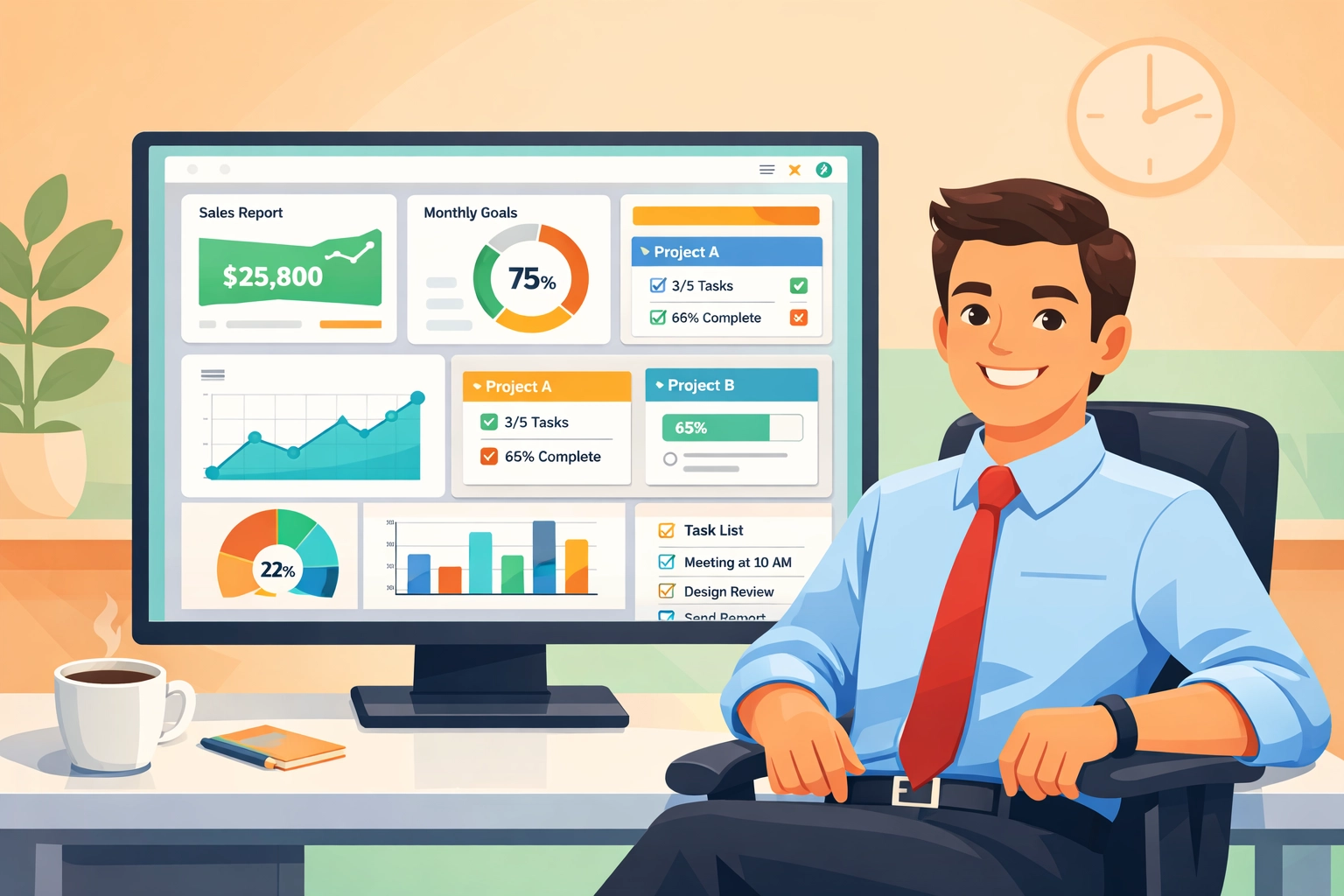
Think of it as your business control center. You open one dashboard and immediately see:
- Who's working on what projects
- Which deals are closing this week
- Who's on vacation next month
- Where bottlenecks are slowing you down
All in real-time. All in one view.

Why SMBs Are Making the Switch
Small and medium businesses face unique challenges. You don't have unlimited budgets or huge IT teams.
You need systems that work immediately. That don't require weeks of training. That grow with you.
The Old Way Doesn't Scale
When you started, maybe spreadsheets worked fine. A few employees, a handful of clients: manageable.
But now you're at 20, 30, or 50 people. Your customer list has tripled. Projects are more complex.
Suddenly, your scattered systems create chaos:
- Sales reps can't see if the team has capacity for new projects
- Project managers don't know about planned vacations
- HR has no visibility into who's overloaded with work
- Finance is chasing down data from five different sources
The Real Cost of Fragmentation
Every disconnected tool costs you more than the subscription price. You're paying with:
- Time spent switching contexts and re-entering data
- Mistakes from outdated or conflicting information
- Opportunities missed because you couldn't see the full picture
- Team frustration from clunky processes
One business owner we talked to calculated they were losing $3,000 monthly just in duplicated effort. That's $36,000 per year thrown away.
The Three-Pillar Unified System
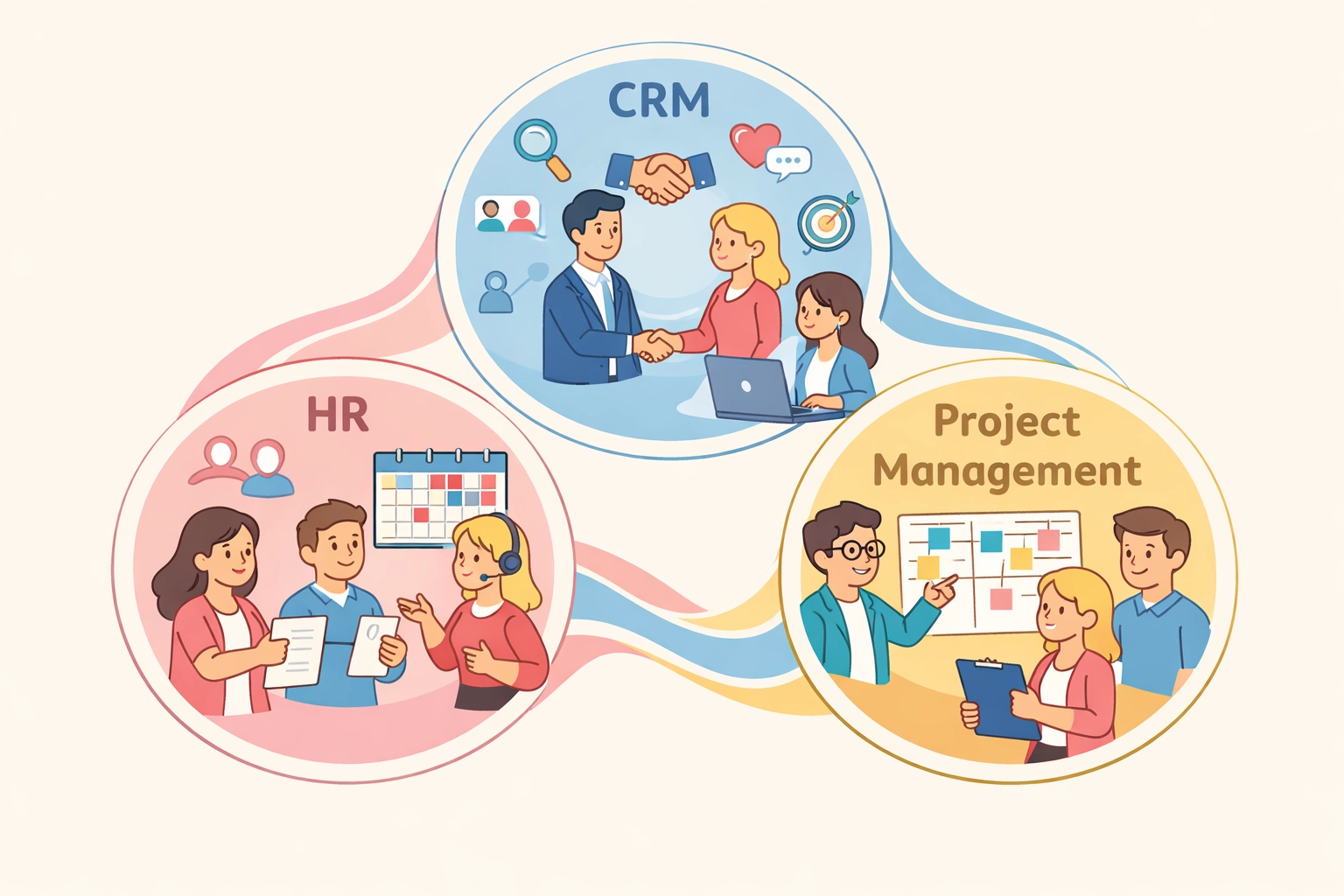
A truly unified dashboard brings together three core business functions: HR, CRM, and Project Management.
Pillar 1: HR That Actually Helps
Your people are your biggest asset. Your unified dashboard should show you:
- Who's available for new projects (based on current workload and time off)
- Performance trends across your team
- Skills gaps that need addressing
- Time tracking and payroll data in one glance
No more digging through email threads to find out if someone requested vacation. It's right there on the same screen where you're planning projects.
Pillar 2: CRM That Connects the Dots
Customer relationships don't exist in a vacuum. Your CRM needs to talk to the rest of your business.
When a sales deal closes, your project team should know immediately. When a project hits a snag, your account manager should see it instantly.
Your unified dashboard makes this automatic:
- Sales pipeline connected to project capacity
- Customer communications linked to deliverables
- Support tickets visible to everyone who needs to know
- Revenue forecasts based on actual project timelines
Pillar 3: Project Management That Tells the Truth
Projects succeed or fail based on visibility. Who's doing what? Are we on track? Where are the bottlenecks?
A unified view means project updates aren't trapped in one tool. They flow across your entire operation:
- Team capacity considers vacation schedules automatically
- Project assignments match employee skills from HR data
- Customer expectations align with actual progress
- Budget tracking connects to invoicing and payments
How to Actually Make It Work
Reading about unified dashboards is one thing. Implementing them is another.
Here's your practical roadmap:
Step 1: Identify Your Must-Have Metrics
Don't try to track everything. Start with the 5-10 metrics that actually drive your business decisions.
Ask yourself: What numbers do I check every morning? What information would prevent fires before they start?
Common starting points:
- Active projects and their status
- Sales pipeline value and close dates
- Team capacity and availability
- Cash flow and receivables
- Customer satisfaction scores
Step 2: Connect Your Data Sources
Your unified dashboard is only as good as the data flowing into it.
Look for platforms that integrate easily with tools you already use. The setup should take hours, not months.
Modern solutions connect to your banking, email, calendar, and other systems automatically. No manual data entry required.
Step 3: Create Role-Based Views
Not everyone needs to see everything. Your dashboard should adapt to different roles:
- Executives see high-level KPIs and trends
- Department heads see their team's details
- Individual contributors see their personal tasks and projects
Everyone's looking at the same underlying data. Just filtered for what matters to them.
Step 4: Build It Into Daily Workflows
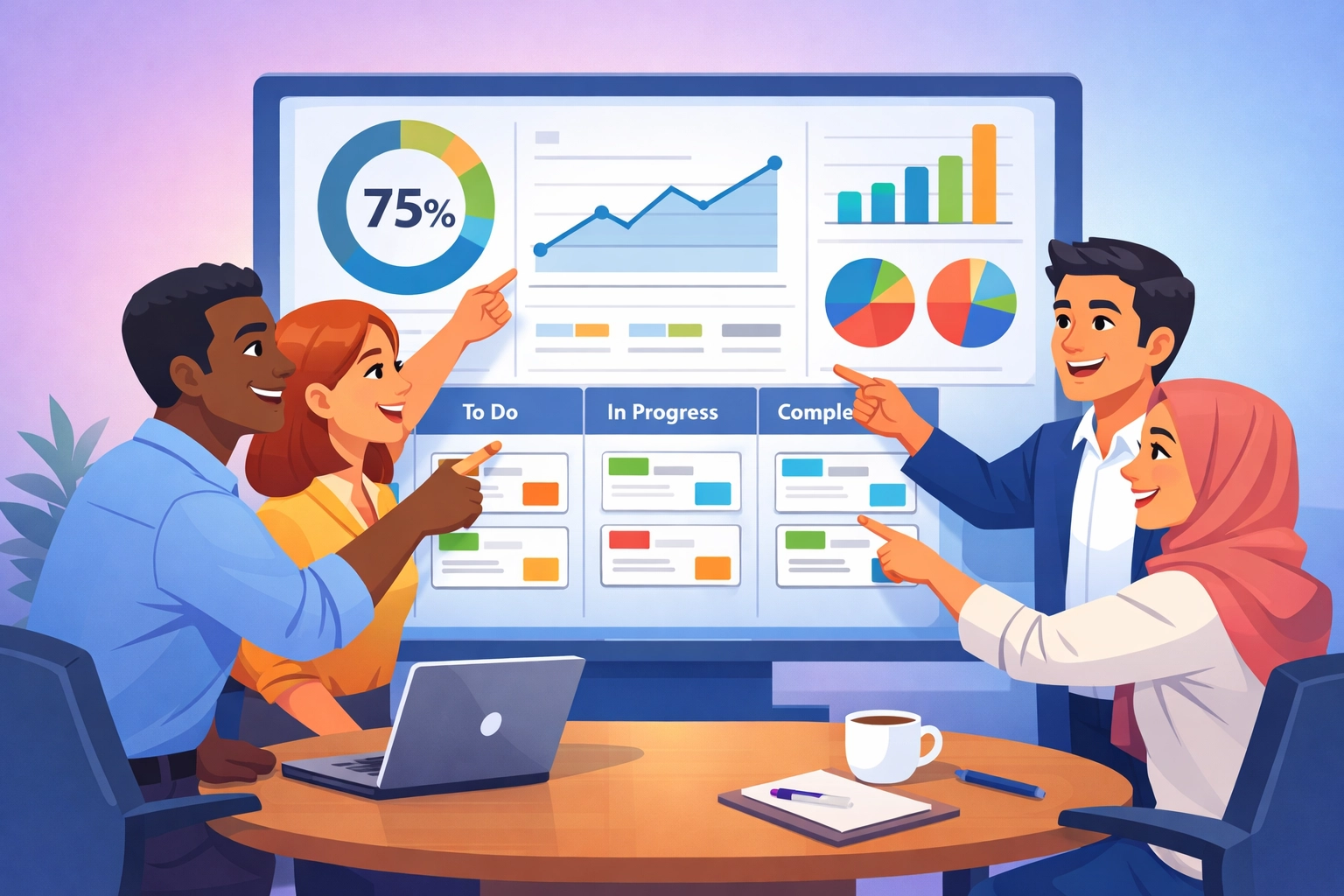
The best dashboard is the one people actually use. Make it your team's starting point each day.
Set up automated alerts for important events:
- Project deadline approaching
- New lead needs follow-up
- Budget threshold reached
- Team member flagged as overloaded
The system should prompt action, not just display information.
What to Look For in Your Platform
Not all unified dashboards are created equal. Here's what separates the good from the great:
Easy to Use Immediately
You shouldn't need a computer science degree. Look for drag-and-drop interfaces. Customizable widgets. Clear, obvious navigation.
If your team can't figure it out in 10 minutes, it's too complicated.
Grows With You
Today you're 15 people. Next year you might be 50. Your platform should scale without starting over.
Cloud-based solutions offer flexibility. You pay for what you use. Add features as you need them.
Makes Recommendations
The smartest dashboards don't just show data. They suggest actions.
Look for AI-powered insights that spot patterns you might miss. Predictive analytics that forecast problems before they happen.
Works on Any Device
You're not always at your desk. Your dashboard should work perfectly on your phone or tablet.
Check those project updates while you're getting coffee. Approve time off while waiting for a meeting. Run your business from anywhere.

Getting Started Today
You don't need to overhaul everything overnight. Start small and expand.
Pick one area causing the most pain. Maybe it's project visibility. Or customer follow-up. Or team scheduling.
Implement your unified dashboard there first. Let your team experience the difference. Then expand to other areas.
The businesses seeing the biggest wins share one thing: they started. They stopped accepting the chaos of disconnected tools.
Your competitors are already making this shift. Every day you wait is another day of wasted hours and missed opportunities.
The unified advantage isn't about fancy technology. It's about working smarter. Making better decisions faster. Having confidence in your data.
It's about getting those 15 hours per week back. And using them to actually grow your business.
Ready to see what running your entire business from one dashboard looks like? Check out TeamsMaster and discover how simple unified business management can be.
Your future self: the one not drowning in tabs( will thank you.)